


Inspiring
Nov 14, 2024 6:30 PM UTC
Question

How to spread free form gradient to other shapes in a compound path?

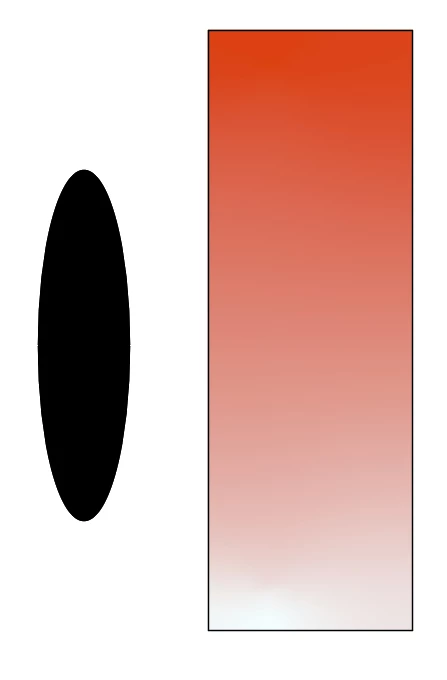
I created a rectangle and an oval side by side and make them into a compound path.

If I fill the rectangle with a linear or radial gradient, the oval takes on the gradient as well.

However if I fill the rectangle with a free form gradient with just 2 points, the oval turns black. I was hoping it would take on the gradient as well like the linear or radial gradient.

Is there a way to make it work?
 

This topic is closed to new replies. Start a new post to keep the conversation going.

2 replies

Kurt Gold
Community Expert
Community Expert
Nov 14, 2024 9:47 PM UTC

It's possible, but the ellipse and the rectangle initially may have to be closer to each other or even abut.


Keep in mind that it will be a rather wobbly matter that may unexpectedly topple as soon as you transform the compound path.

Translate
Inspiring
Nov 14, 2024 11:20 PM UTC

Thanks. I think I'll just make a separate gradient in each shape.

Translate