Participating Frequently
July 17, 2019
Answered

How to squeeze/shear/transform the font for a logo?

  • July 17, 2019
  • 2 replies
  • 711 views

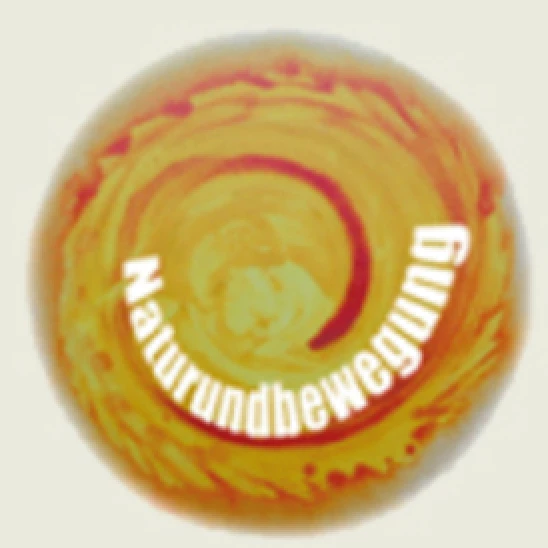
Several years ago I created that »logo« for my wife, based on a painting she had done before. Now, she has translated her page into english - and we would like to translate that word in the logo to english. However, I have no idea how I achieved that squeezing/shearing/transformation of the font. Can anyone give me a hint what the right process could be? Using the Pen to draw that circular line would be surely one of the steps. What are the others?!

Thanks for any hints.
This topic has been closed for replies.
Correct answer rcraighead

Try using "3D Rotate" effect on your path text object:

2 replies

rcraighead
rcraigheadCorrect answer
Legend
July 17, 2019

Try using "3D Rotate" effect on your path text object:

Participating Frequently
July 17, 2019

Great. Thanks so much for your time! Wonderful!

Participating Frequently
July 17, 2019

Hmmm... just testing again, and it's strange, but the characters look not as smoothed into the line, as the original. That is, they are more angles between the letters... Tried it with outlines, but that doesn't work:

Any idea why that would be or how that could be changed?

Jacob Bugge
Community Expert
Community Expert
July 17, 2019

luftikus,

How about a screenshot with the artwork selected and the expanded Layers palette?

Participating Frequently
July 17, 2019

Like this?

Jacob Bugge
Community Expert
Community Expert
July 17, 2019

luftikus,

Quite, but for the original document with the original German version; and I forgot to ask for the inclusion of the Appearance palette.