Hi @TZW-Produktion,
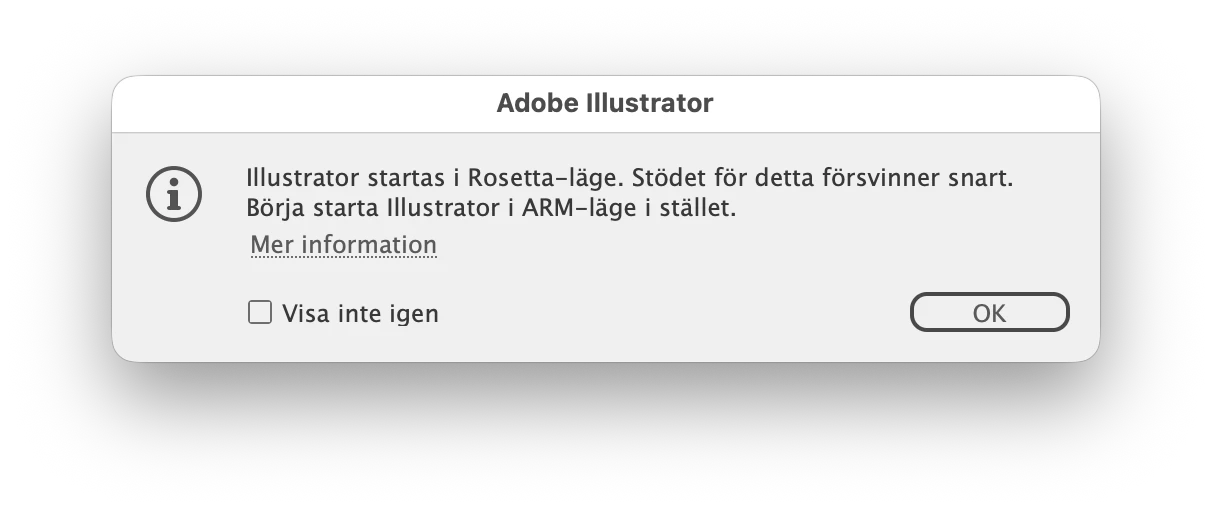
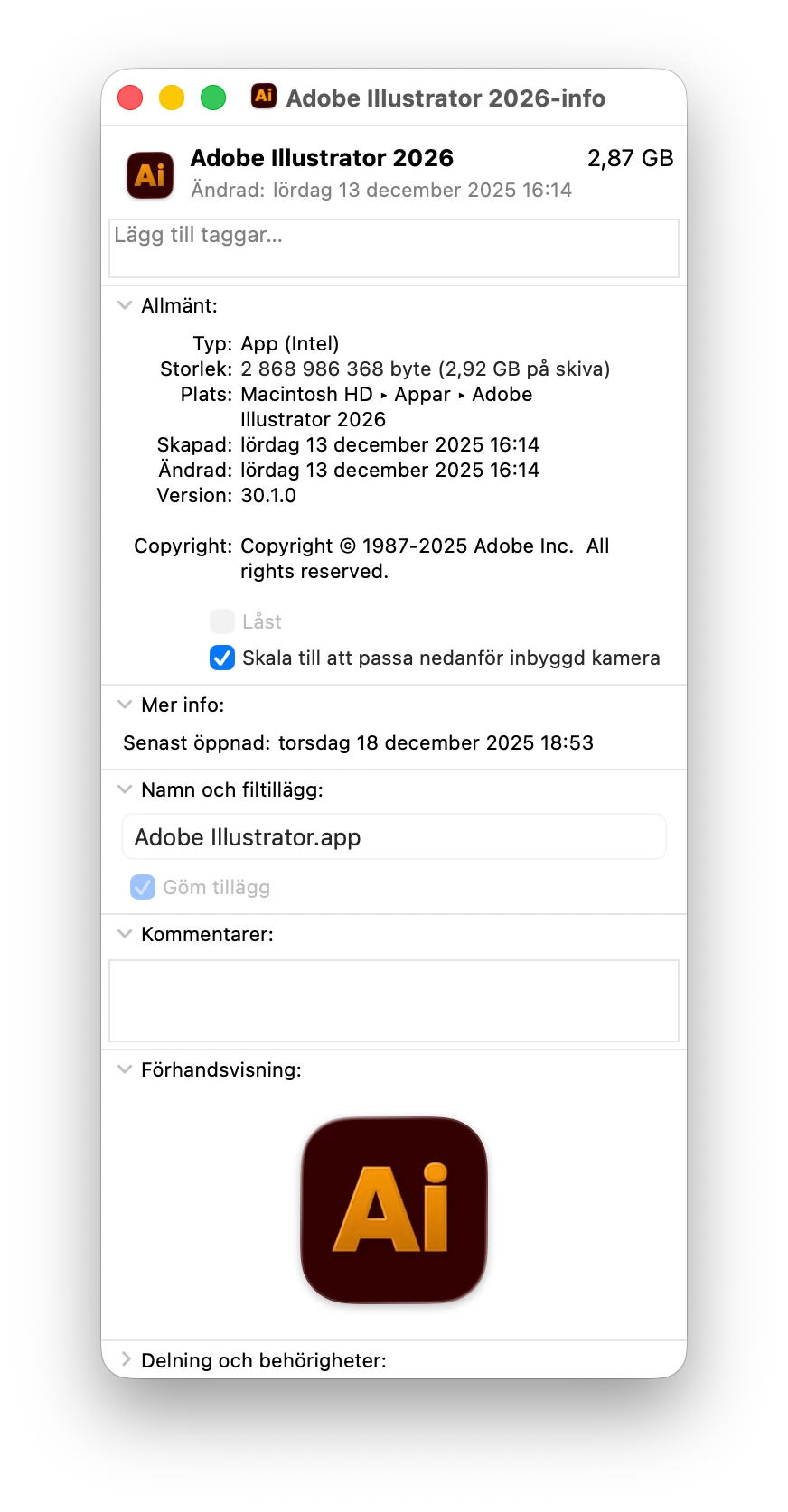
Thanks for sharing the screenshots and details. On Apple Silicon Macs, Illustrator runs in ARM mode automatically as long as the Apple Silicon build is installed. The warning you’re seeing usually means the Intel build is installed, which causes Illustrator to launch using Rosetta. For reference: Illustrator for Apple Silicon
Please open the Creative Cloud desktop app, uninstall Illustrator completely, and then reinstall it from there. Once reinstalled, launch Illustrator again and the message should no longer appear. If you still see the dialog after reinstalling, try removing Illustrator using the Creative Cloud Cleaner Tool and then reinstall it fresh from Creative Cloud. You can follow the steps here: https://adobe.ly/492YplE
Let me know how it goes.
Abhishek





 AdChoices