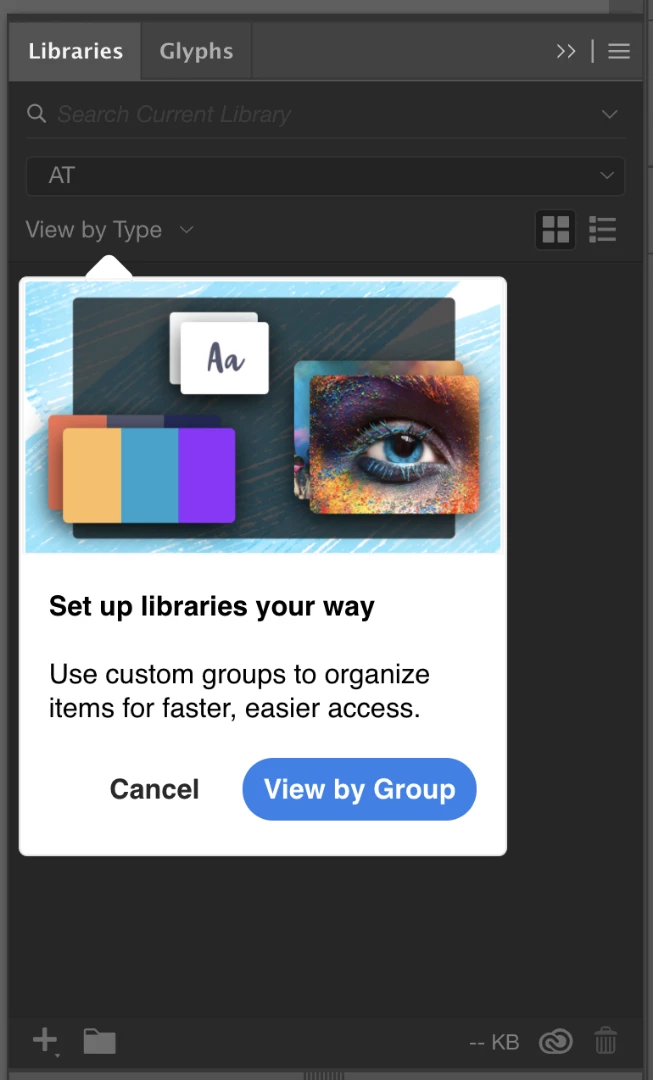
I have had the same issue for months, my system has a clean insatll of windows 11 and a fresh install of creative cloud. these popups are not application breaking but i am sick of clicking through them everytime i open photoshop.
I finally fixed it. What worked for me was running Illustrator as administrator. Going through all the tool tips then restarting Illustrator as usual.
I also tried turning off tool tips in the general preferences and making the Illustrator folder and sub-folders non-read only using Explorer. Unchecking the read-only box did not appear to work. Nor did the turning off tool tips. It only stopped after running Illustrator as administrator, but I thought in case they did have an effect I'd list them too.



 AdChoices