
Question
How to to cut out the image below with the path above it
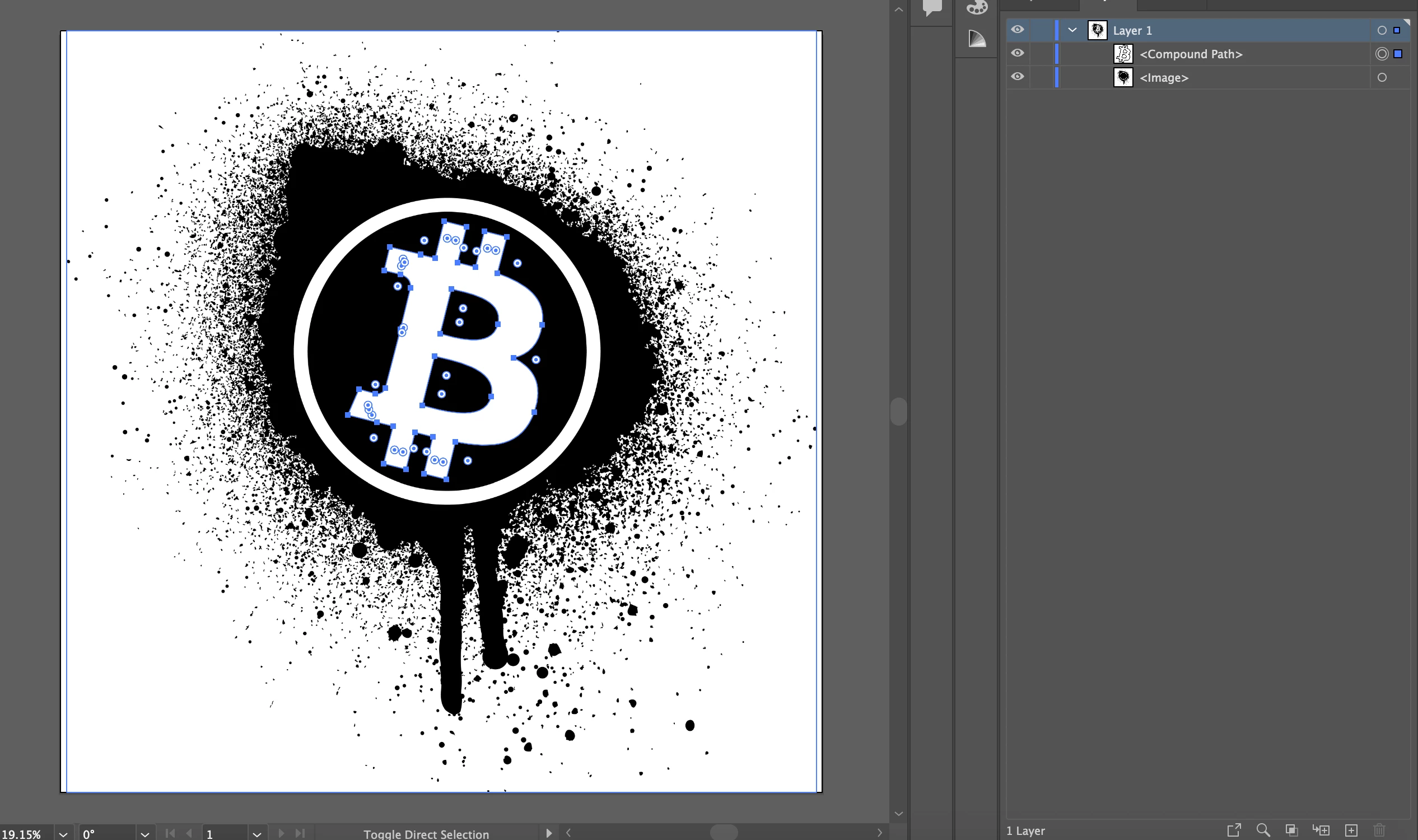
I am trying to cut out the shape of the B on top into the layer beneath it. So that I can make the B transparent without the bottom layer showing through. Currently I am having to make the B white so that it can be seen. If I try to make the B transparent then it just becomes black like in the picture below.
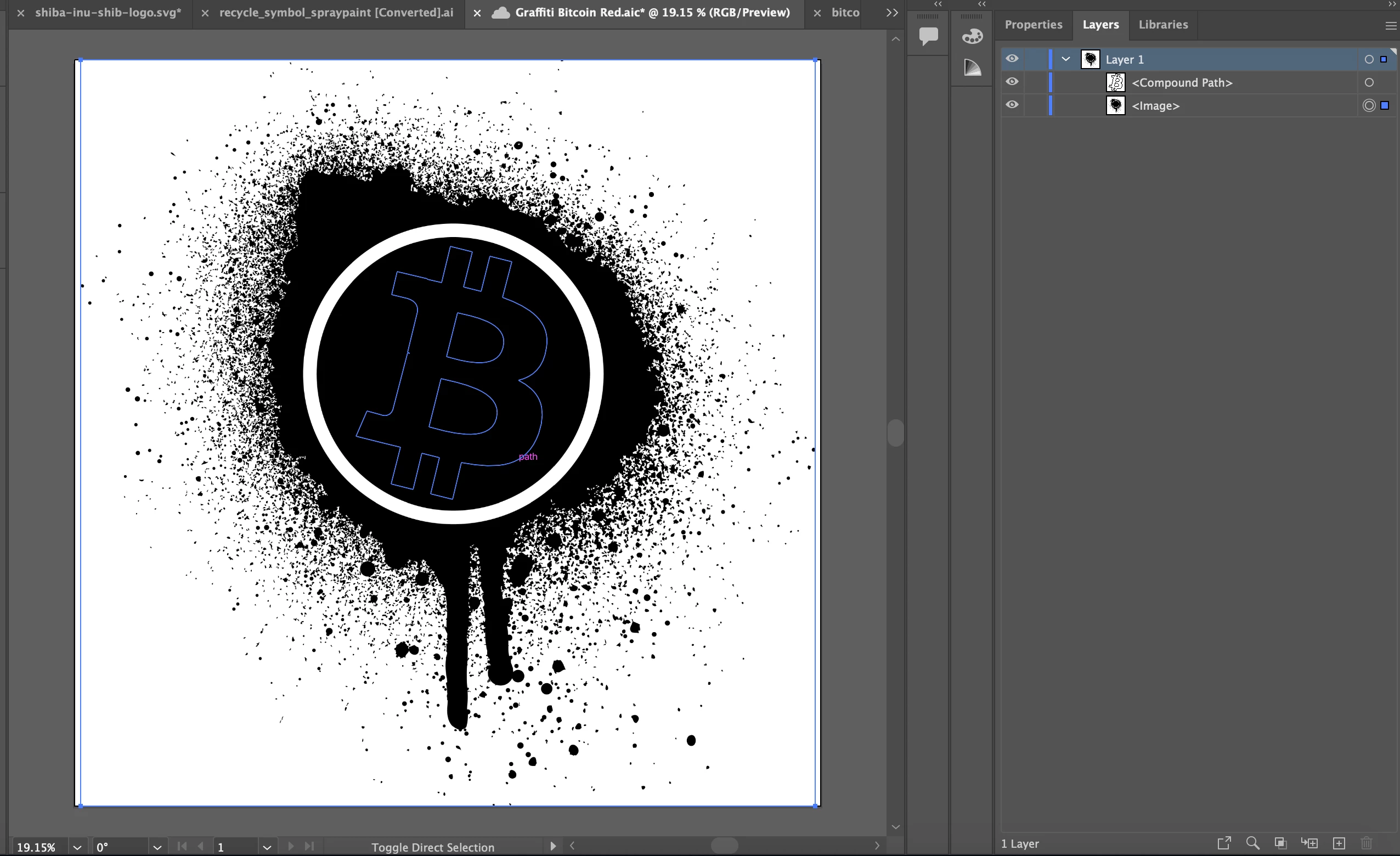
How do i cut out the shape of the B into the image beneath it? Kind of like a reverse clipping mask or something.
 AdChoices