
Participant
March 24, 2024
Answered

How to turn off arrows

  • March 24, 2024
  • 1 reply
  • 544 views

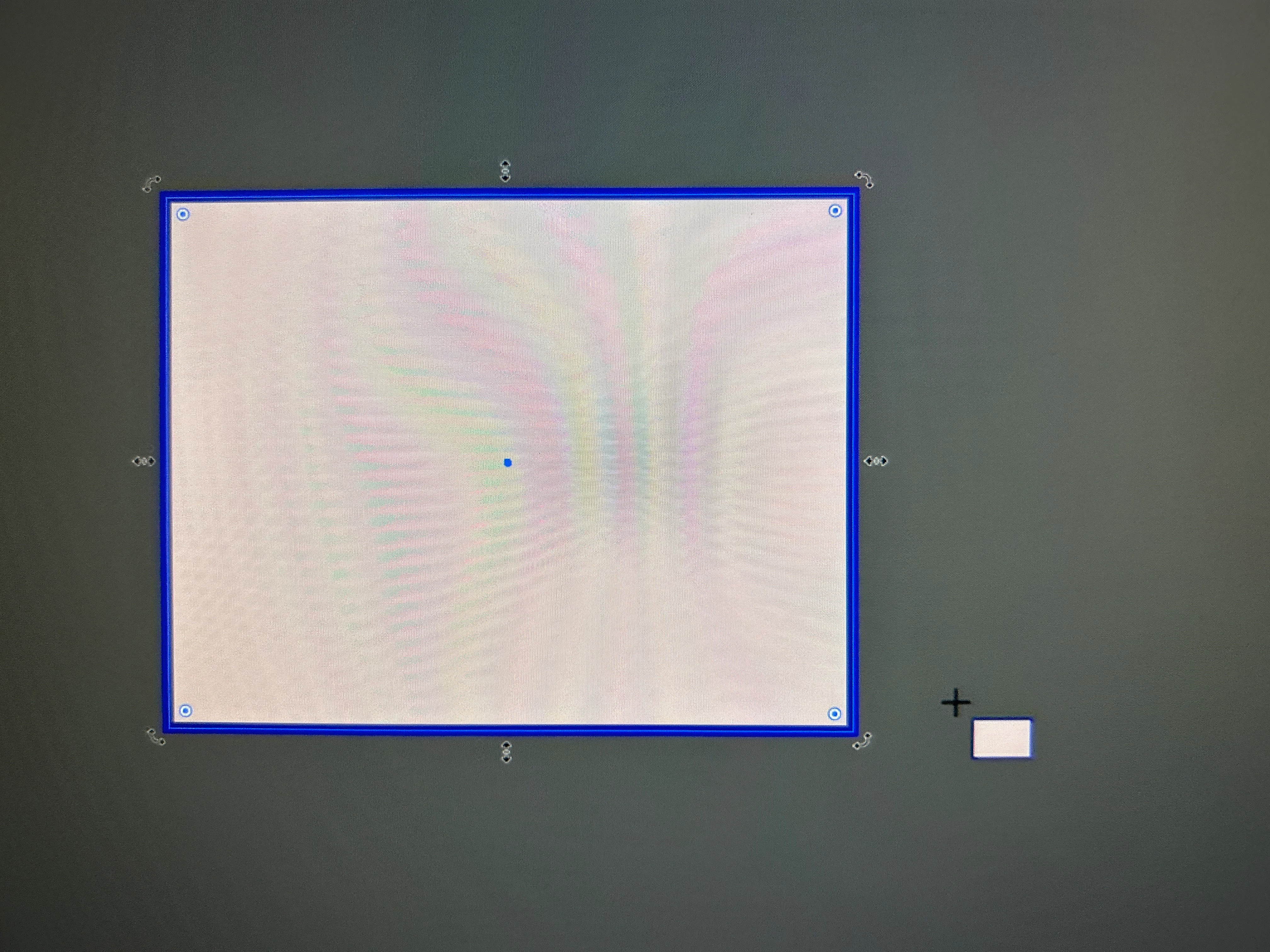
Hello, so I must have pressed something on my keyboard but whenever I press the rectangle tool or any tools in that tool my mouse turns into a cross and has the shape I'm drawing in small to the bottom right of it and when I draw the shape there are weird arrows around the shape which don't actually do anything does any body know what I've done and how to fix it? Thank you 
This topic has been closed for replies.
Correct answer Monika Gause

In Preferences > General there is an option for "Rich UI". Just turn that off.

1 reply

Ton Frederiks
Community Expert
Community Expert
March 24, 2024

I think you are one of the chosen ones. Some have reported seeing this and can turn it off in the Preferences.


Ton Frederiks
Community Expert
Community Expert
March 24, 2024

It is an option named "Enable Rich Ui" (found in a previous post).

Participant
March 25, 2024

Oh thank you I'll give that a go I didn't see this message haha