Halftone patterns are fairly simple, especially when using plugins (such as Phantasm from Astute Graphics).
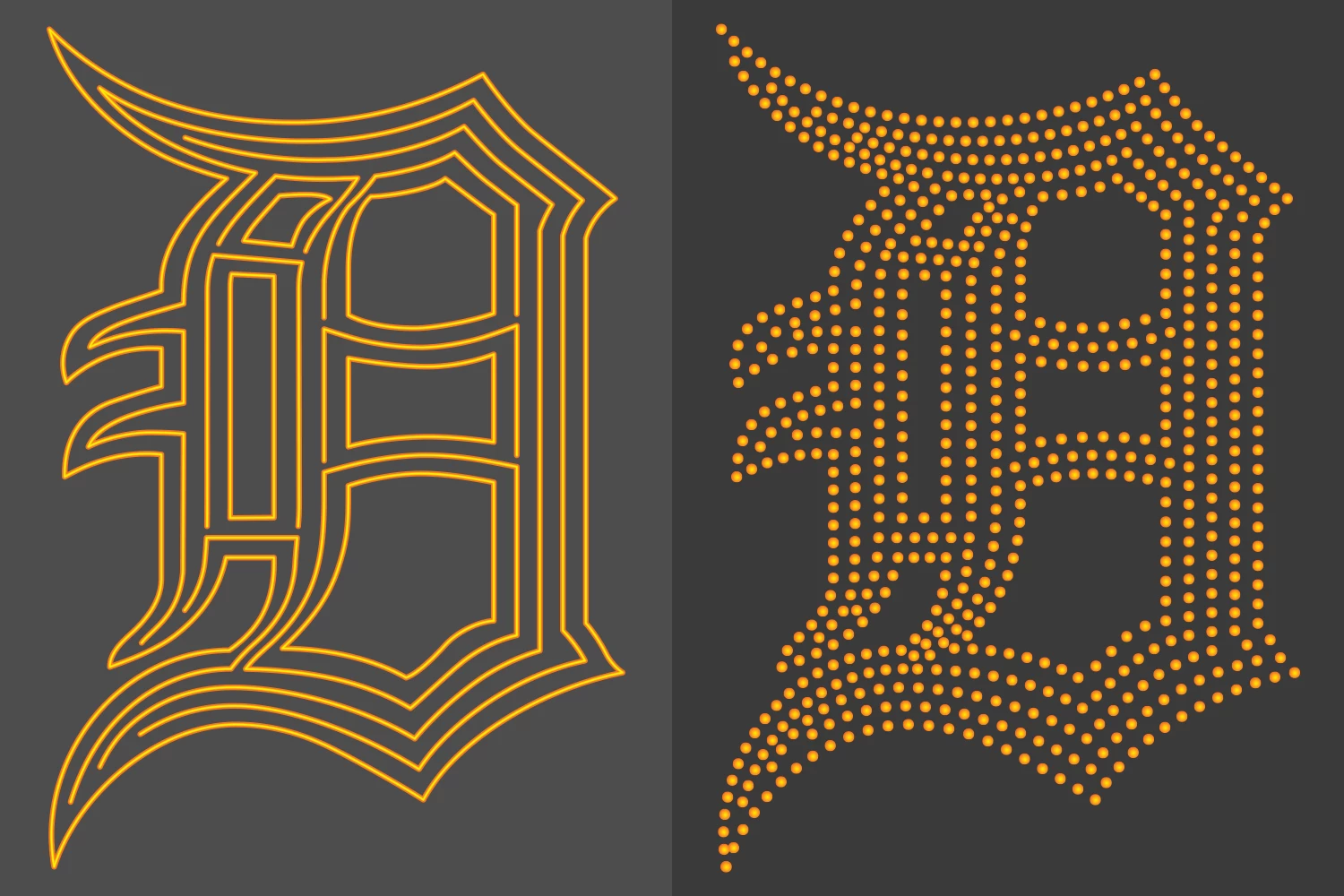
If you want to make dots follow the shapes of the letter it takes a bit more work, but it's not all that hard to do. The key thing is breaking apart portions of the letter shape into line segments and then using the Blend tool to apply dots to those line segments. This works better than trying to apply a blend of dots to the entire shape at once because the dots won't land at the corners and bends properly.
The blend tool can be used to create new inline line segments between the parallel lines of a letter stroke. Sometimes the path direction of one of the two lines will have to be reversed in order to make the center lines generate correctly. Some manual path editing tweaks may be needed afterward. Once the inline segments are created the dot blends can be applied to them.
Halftone patterns are fairly simple, especially when using plugins (such as Phantasm from Astute Graphics).
If you want to make dots follow the shapes of the letter it takes a bit more work, but it's not all that hard to do. The key thing is breaking apart portions of the letter shape into line segments and then using the Blend tool to apply dots to those line segments. This works better than trying to apply a blend of dots to the entire shape at once because the dots won't land at the corners and bends properly.
The blend tool can be used to create new inline line segments between the parallel lines of a letter stroke. Sometimes the path direction of one of the two lines will have to be reversed in order to make the center lines generate correctly. Some manual path editing tweaks may be needed afterward. Once the inline segments are created the dot blends can be applied to them.
I’m not sure what you want the dots to look like, but you could select the shape, open Swatches > Patterns > Basic Patterns and fill the shape with a dot pattern.




 AdChoices