
Answered
How to Type Text to Inner Circle
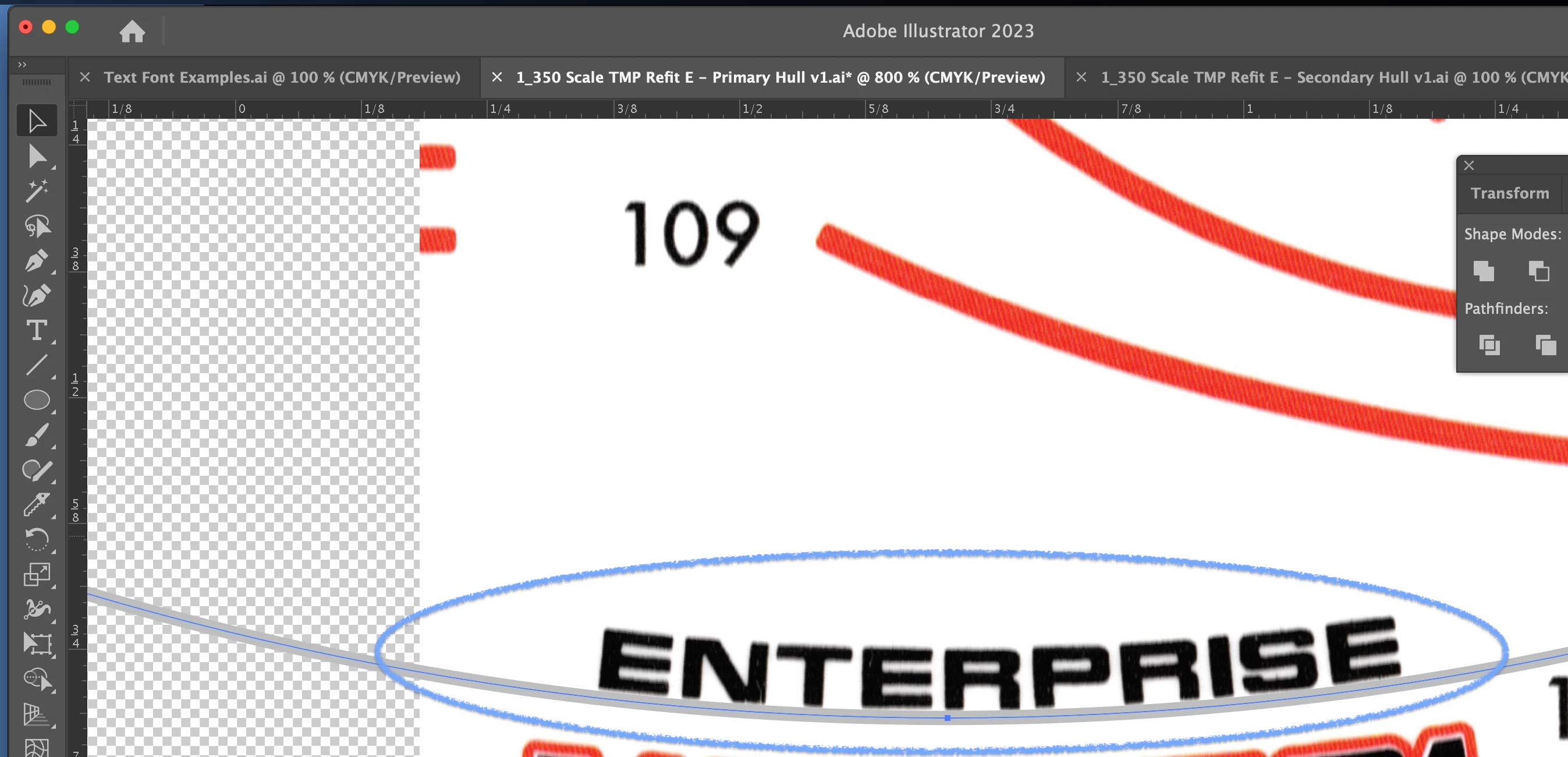
I've used the Type on a Path Tool to draw text on the outer part of a circle shape, but how do I draw text on the inner part? I need to recreate the 'ENTERPRISE' text from a scanned model kit decal sheet and I've got a grey circle at just the right radius, but when I use the Type on a Path Tool it only lets me type text on the outside of the circle.
How do I type on the inside? I also tried the Effect > Warp > Arc but same result.
 AdChoices