



Question
How-To UI Scaling in Illustrator on macOS
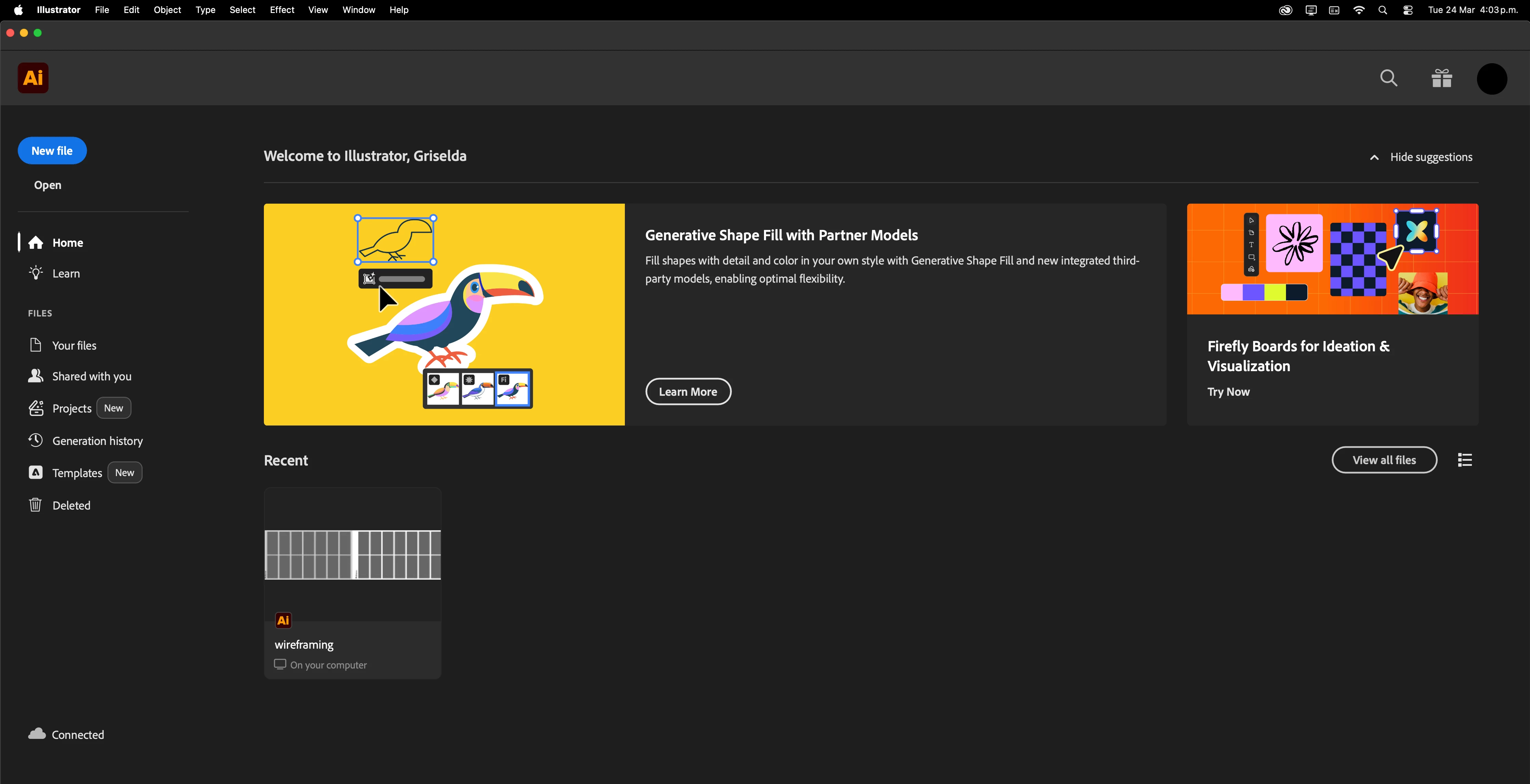
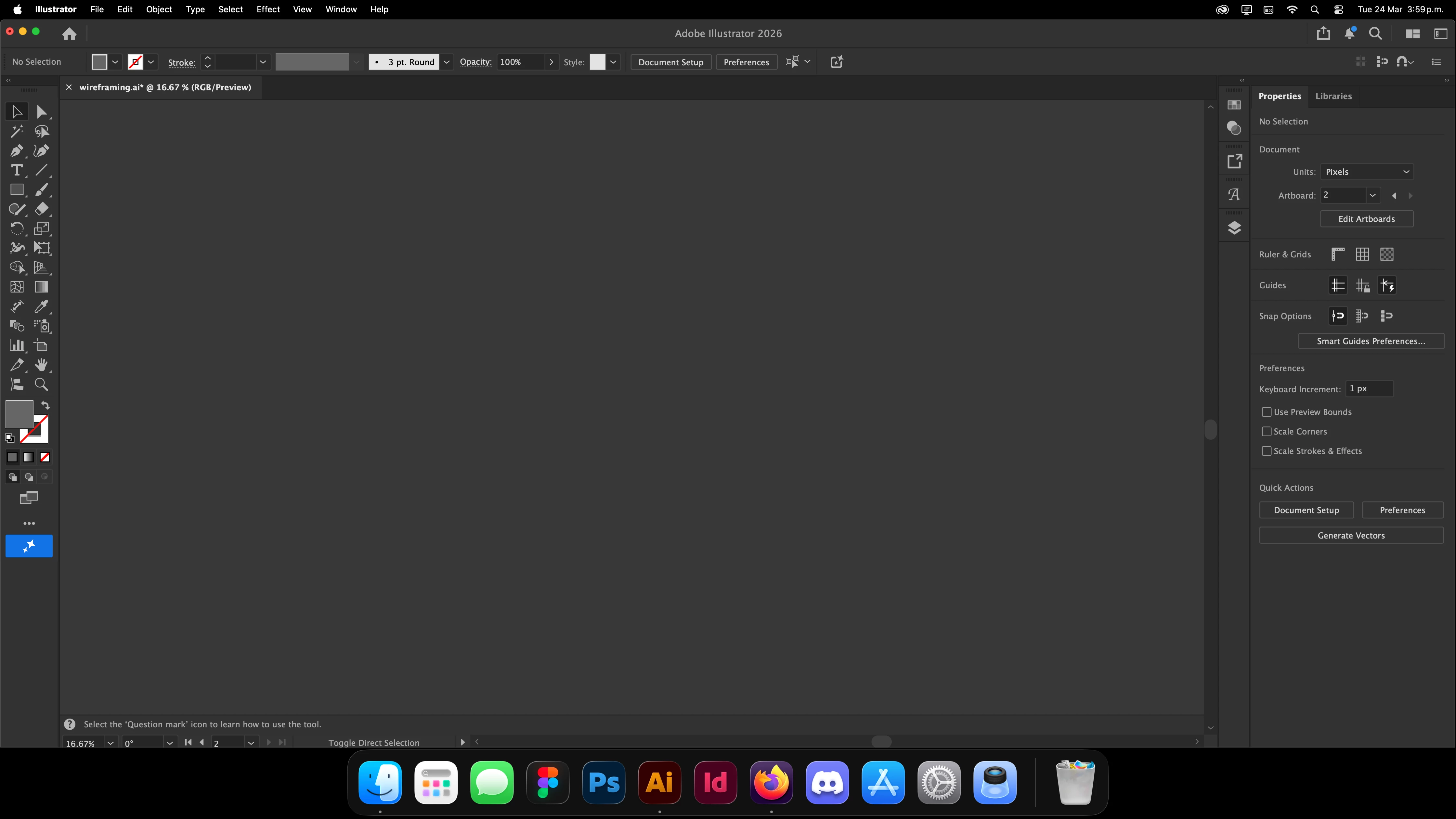
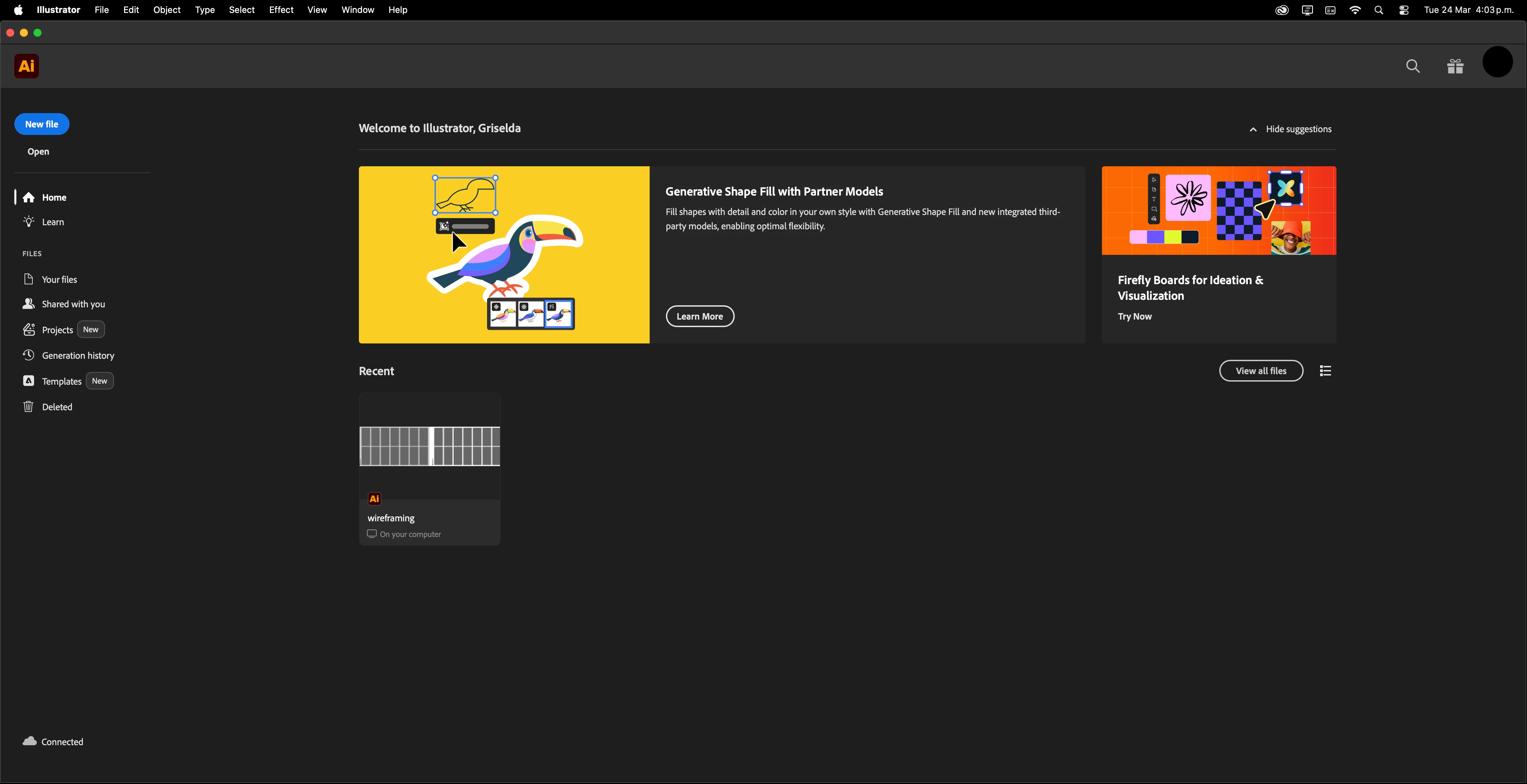
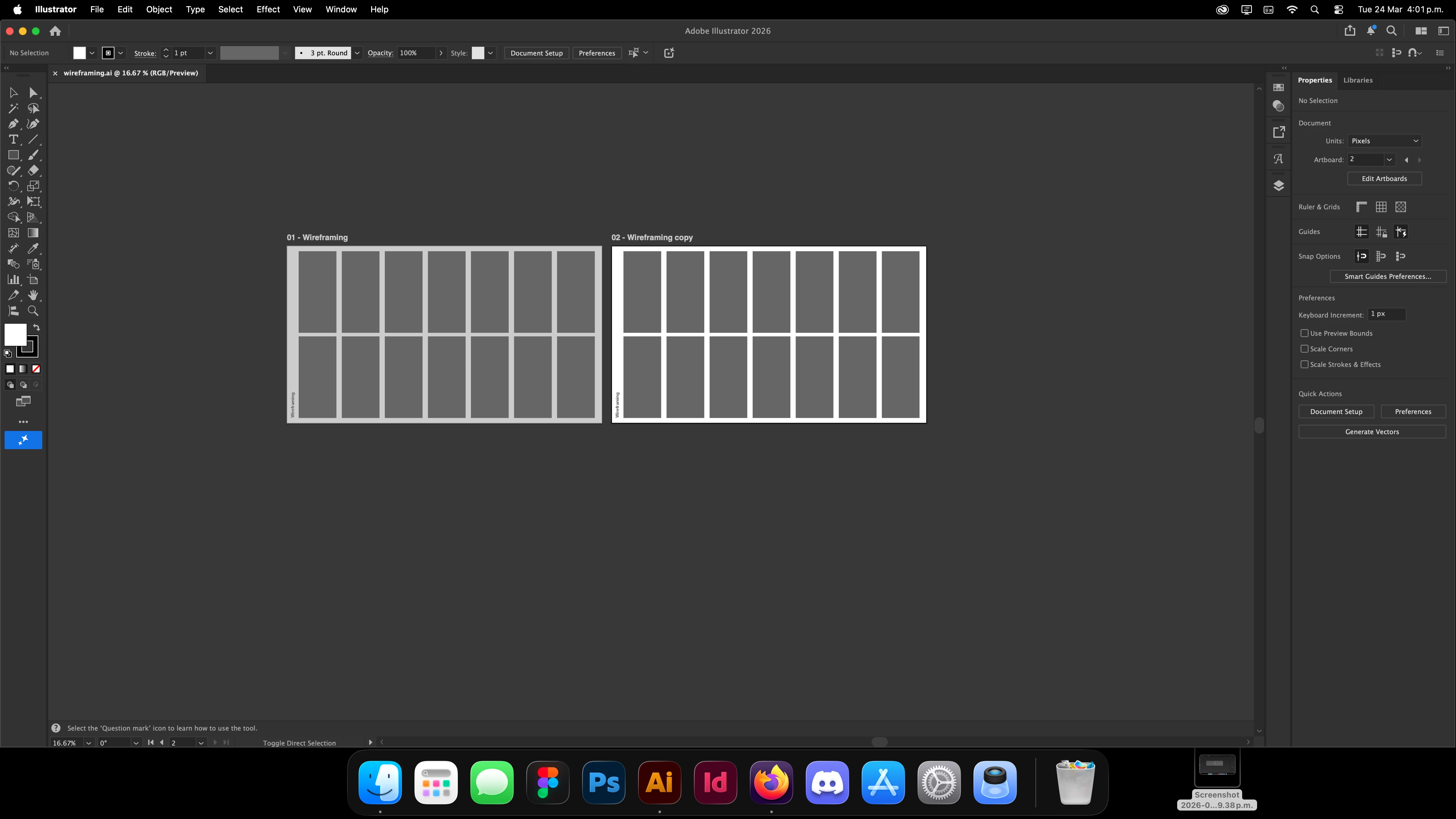
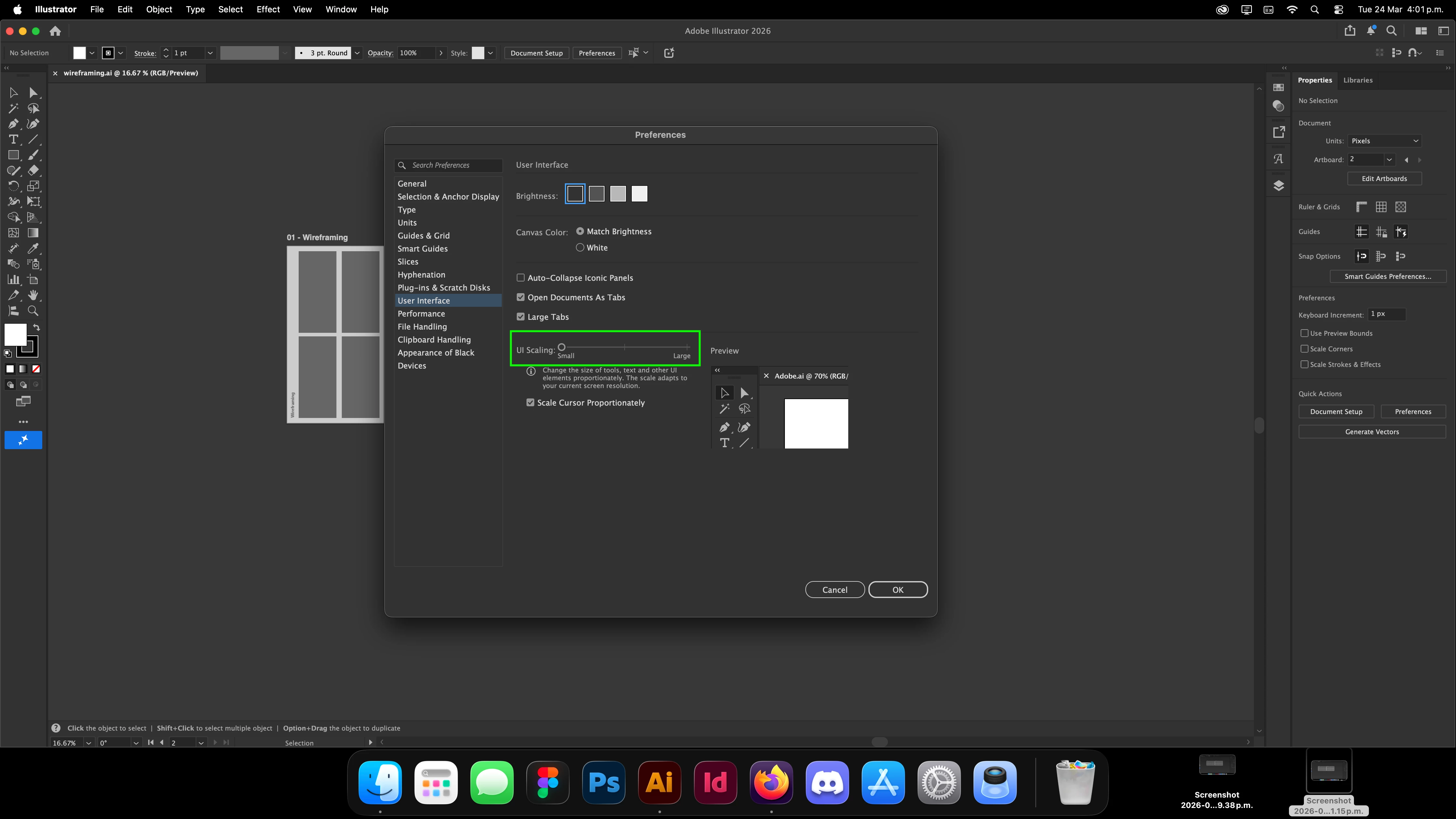
I’ve been having issues with UI scaling on my 24" iMac (2021, M1). I can’t seem to find an in-between size that works for me. I recently reinstalled all my Adobe apps after resetting my computer, and now I can’t get the UI back to how I had it before.
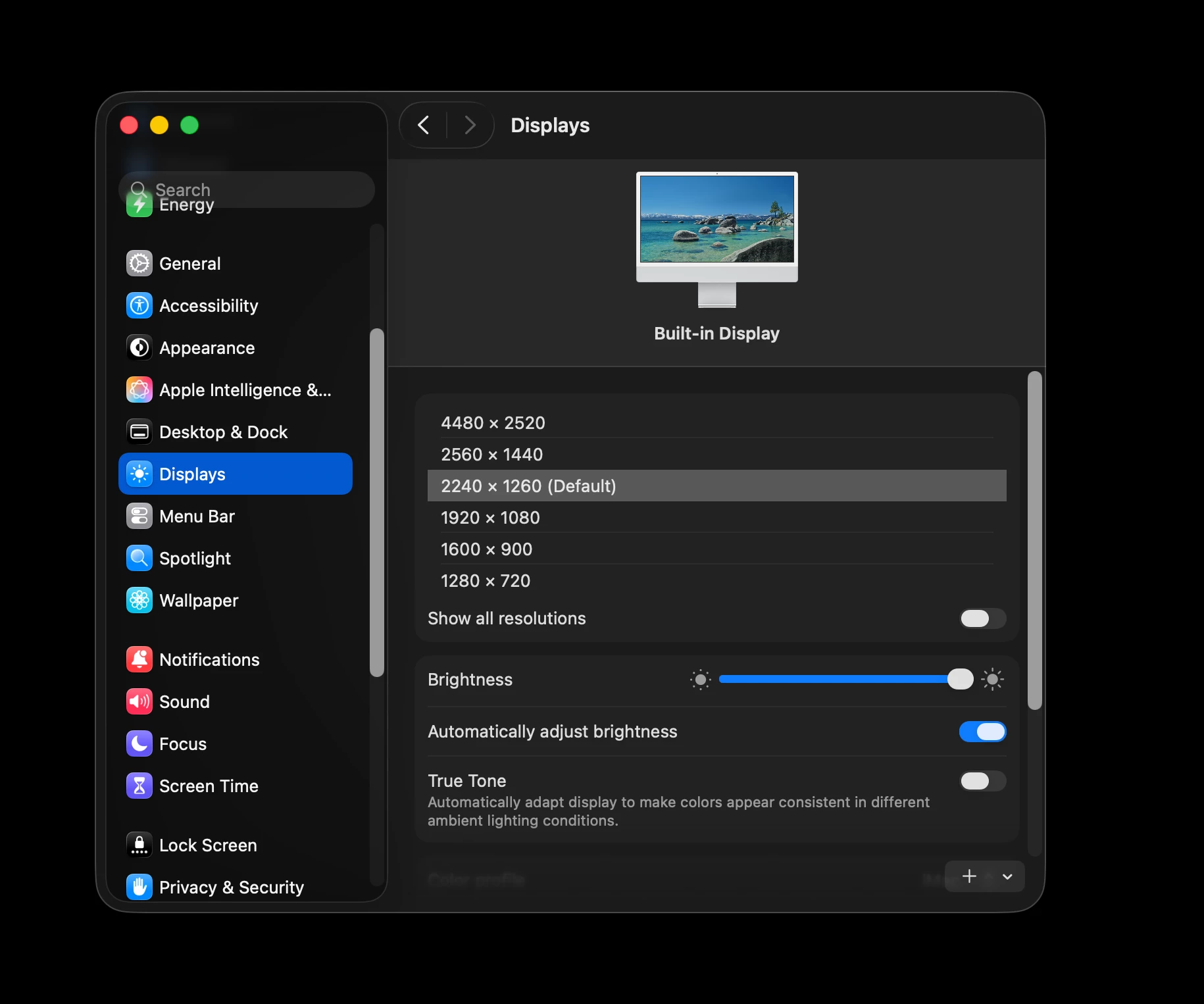
I know Adobe adjusts scaling based on screen resolution, so I tried switching from the default to other available options, but even after going back to the default, it still doesn’t look right. At 2560×1440, I get more scaling options, but none of them match the in-between size I’m looking for.
I also tried using apps like BetterDisplay, but no luck so far. Has anyone experienced this or found a fix?
 AdChoices