
Question
How to use AI icons from Adobe Stock? [was: I'm new to Illustrator]
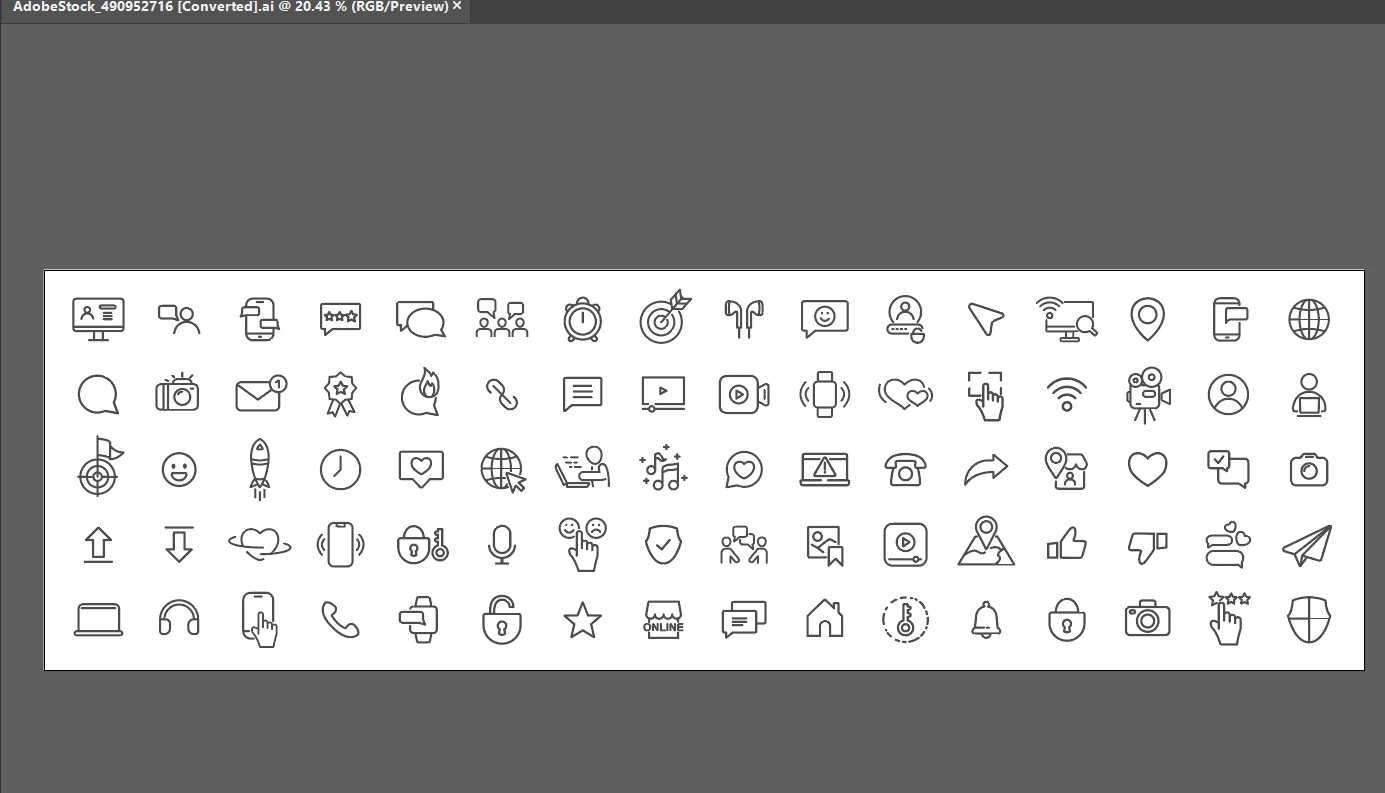
I haven't used Illustrator before and downloaded some free icons from Adobe Stock. They are in .ai format as in the screenshot below. What exactly do you do with these? I'm wanting to create a library of assets for web design so what I'd like is to have each icon as a separate file. How is this done in Illustrator? I had assumed when I downloaded the zip file that it would contain individual files but obviously that is not the case.


 AdChoices