


How to use JavaScript to access position modified by Touch Text Tool?
Hi there,
I have a vertical textbox, and I need to use a specific font to type text. As you can see below, this particular font creates extra padding on certain characters, which makes the text looks uneven.
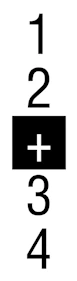
I was playing around with different options to see if I can make this gap smaller like so:
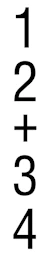
After some digging online, I saw suggestions about tweaking kerning or tracking, so I tried both but none of them is doing what I want it to do.
Changing tracking value simply changed padding under the text:
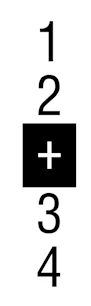
Yes, it looks symmetric now, but the spacing between the numbers and number to + sign is still quite different. Then I tried to use baseline shifting, but that moved the text horizontally..
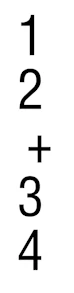
After playing around for a little bit, I found that you can use Touch Type tool to modify the position of individual characters like so:
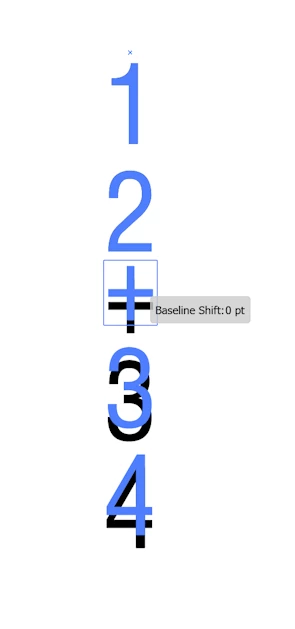
This achieves what I want to do, so that’s great. The next thing is that I need to be able to replicate this using JavaScript (I have to run this on many instances, so I don’t want to have to do it manually every time).
The issue is that I cannot seem to find where this information is stored (in UI nor JavaScript). Does anyone know what’s this “shift” is called and where I can access this information?
Thanks in advance.

 AdChoices