Known Participant
March 17, 2025
Question

How to view white .ai files in Finder

  • March 17, 2025
  • 1 reply
  • 1038 views

Hello Adobe experts,


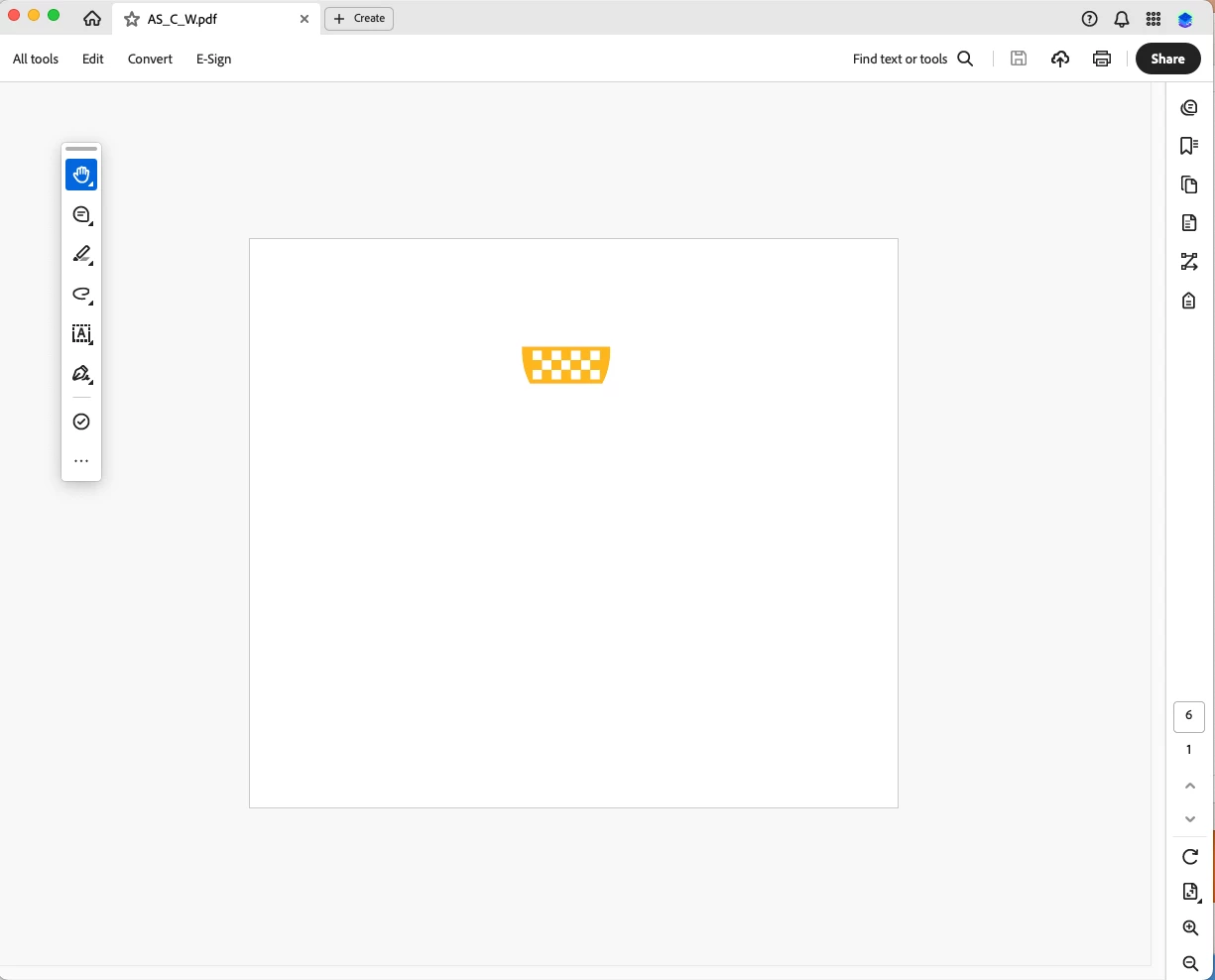
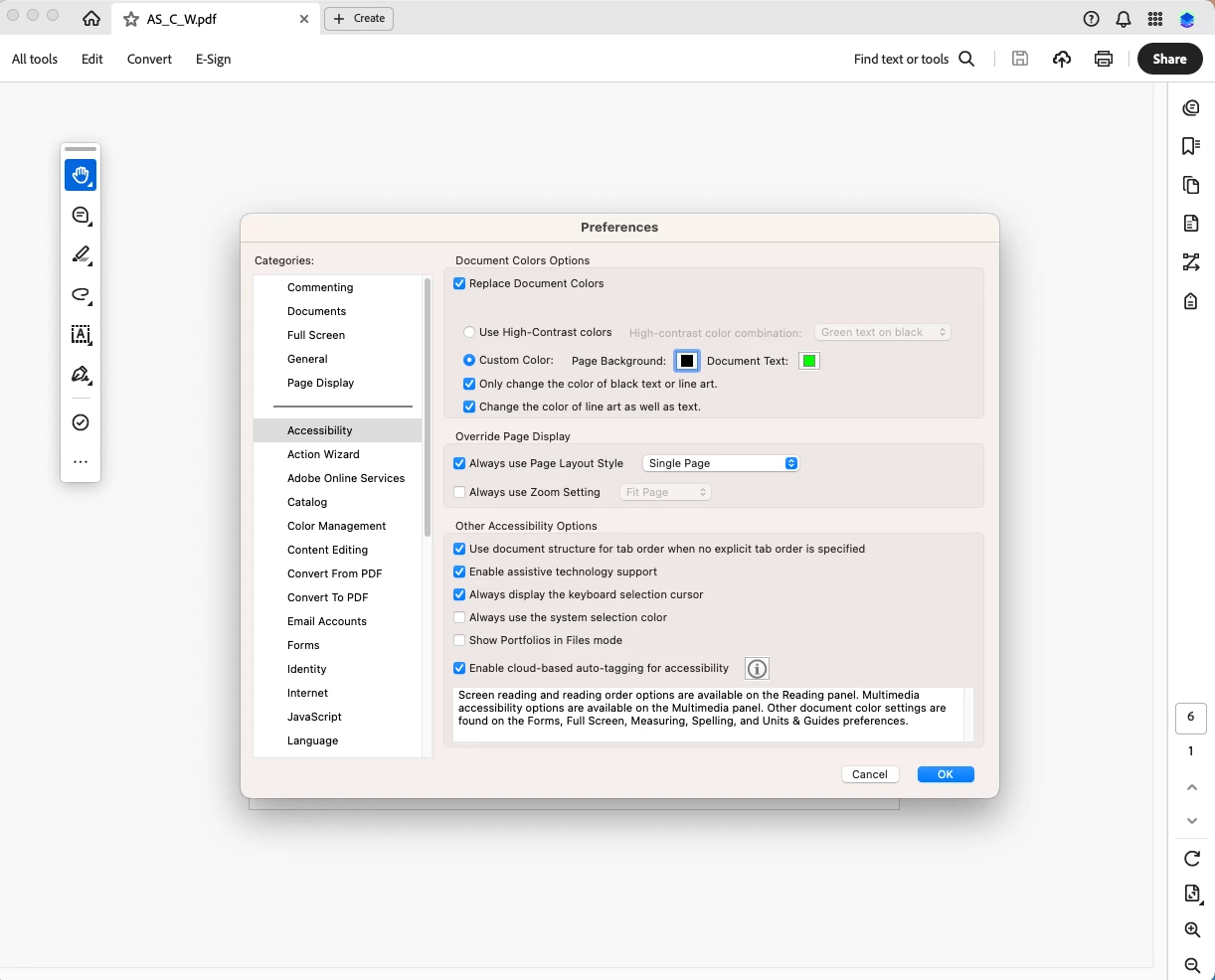
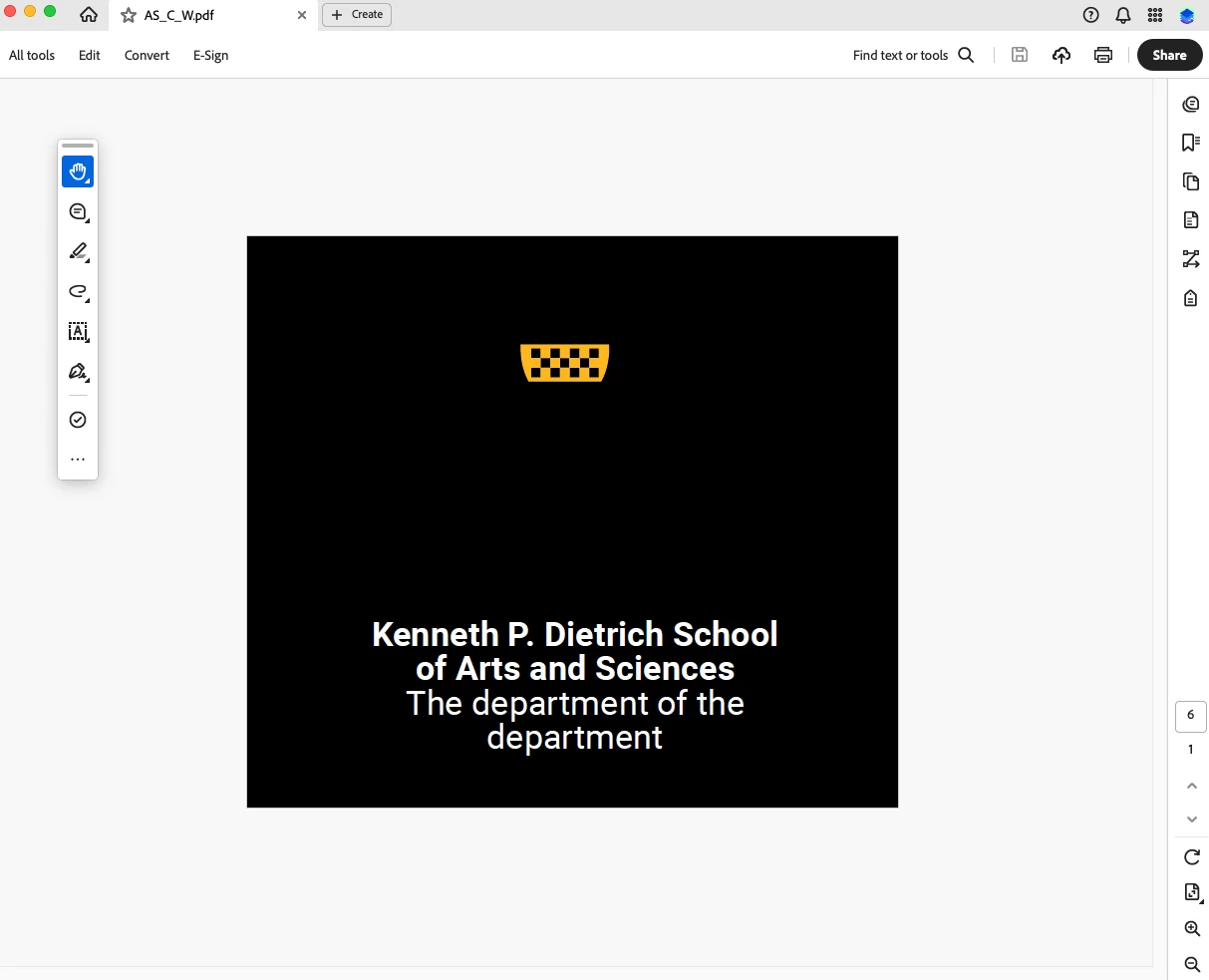
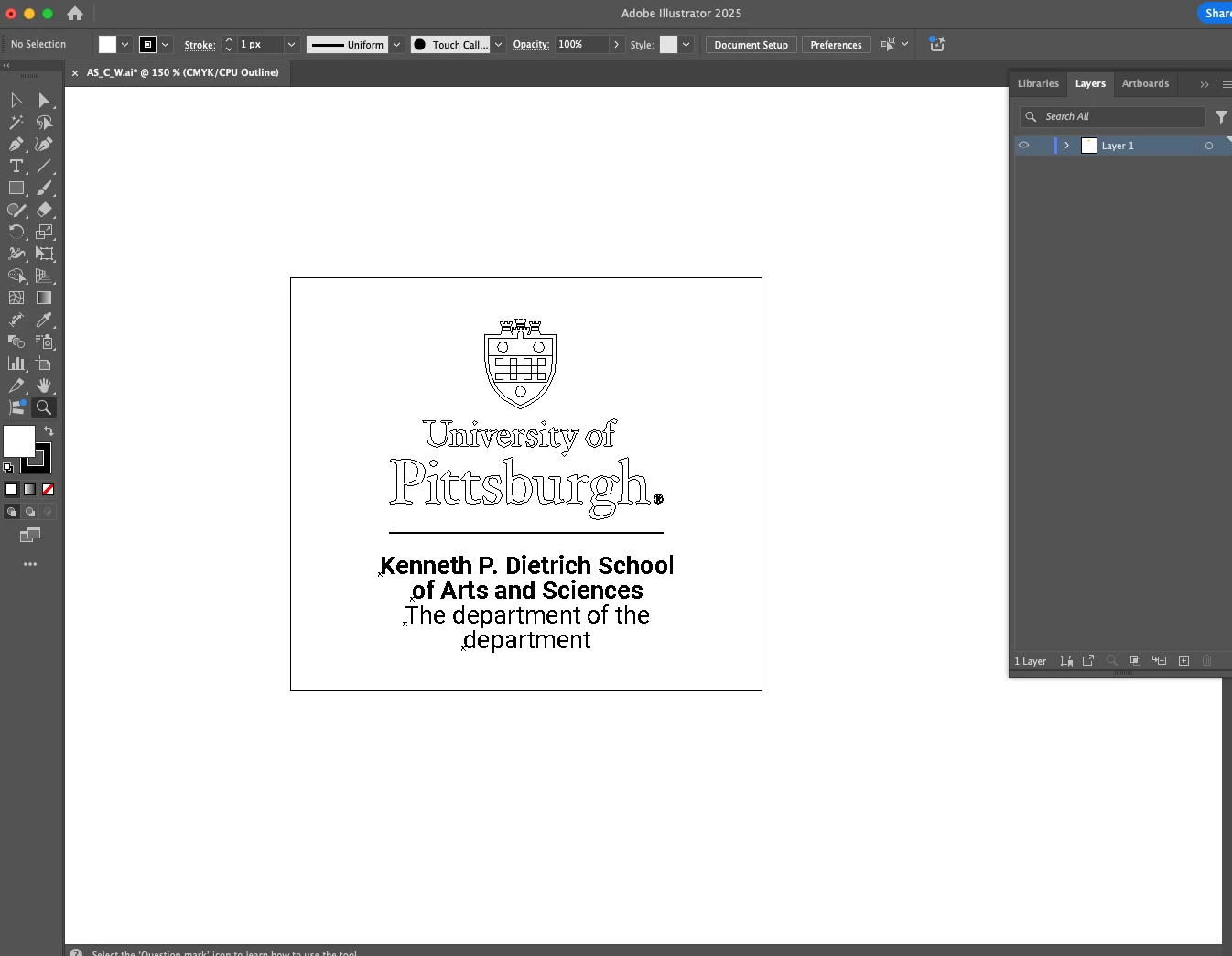
I have hundreds of white logos made in illustrator (Image A). Exported as both PDF and .ai. (Image B) How can I easily preview these logos to be checked in Finder without having to open each file individually?  I have tried changing the background color in Adobe Acrobat/Preferences/ Replace Document Colors. (Image C) For some strange reason, I can only view the text and not the vector image. (Image D).  Is there a way to preview these images in Finder or Preview?  Why does Acrobat not display the embedded white vector part of the logo? Is there a better third party app for viewing these files?


Thanks, Kevin
 

1 reply

Anubhav M
Community Manager
Community Manager
March 17, 2025

Hello @Kevin33194884x0zc,

Could you try using Adobe Bridge (https://adobe.ly/4ixJrrd) to view and manage your creative assets and see if it helps with your workflow?

Looking forward to hearing from you.


Anubhav

Known Participant
March 17, 2025

Hi Anubhav,


I have in the past use Bridge. As I recall, the viewing options are not good or effecient.


Thanks

Ton Frederiks
Community Expert
Community Expert
March 17, 2025

Bridge can show the transparency, but there has to be a transparent object in the file, even if it is a single point with 0% white fill.