


Answered
How to wrap a path around a circle? **I cant find answer in existing posts!**
I have looked at the other posts about this kind of topic but nothing was exactly what I am looking for!
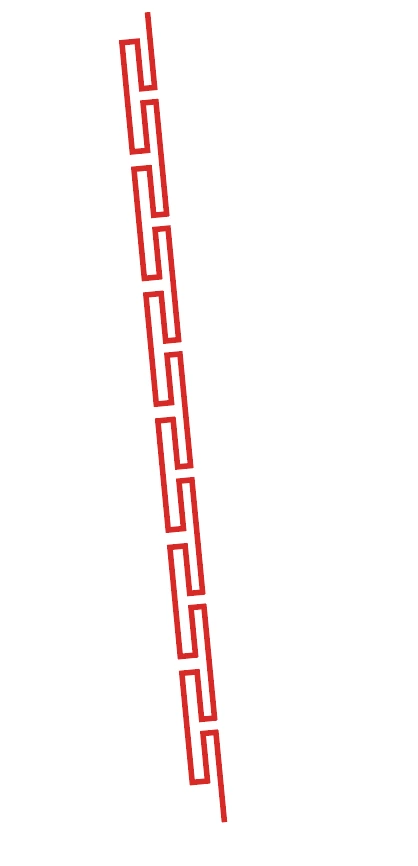
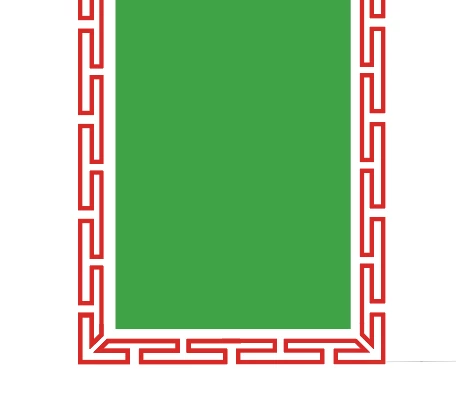
I have this path I drew. I want to wrap it around a cricle so it looks similar to this, but around a circle (and no special corners of course)
I tried making the path into an art brush, and applying it to a 36"D circle but that gave me this

I want the this pattern to join itself perfectly in a circle, not look like a spiral. And i would like to keep the propotions more or less the same as the brush (would be okay with it being stretched a bit to fit around the circle, but I would rather the pattern to repeat, to cut down on how stetched it gets, if that makes sense)
Does anyone know how to do this?
Thank you!
Holiday

 AdChoices