Participant
March 26, 2020
Question

I am facing a weird problem in Illustrator 2020, Release layer to sequence is not working

  • March 26, 2020
  • 2 replies
  • 3107 views

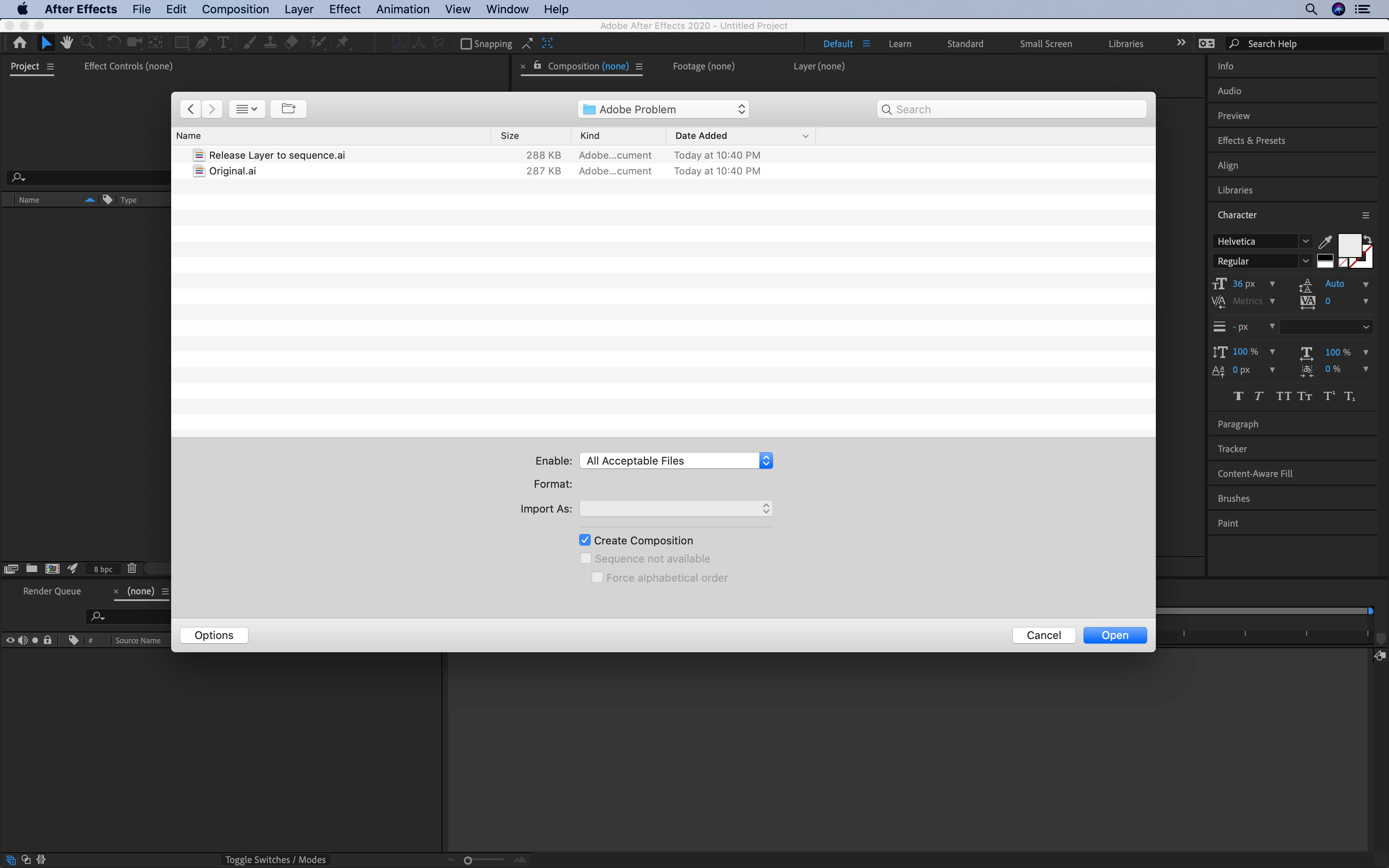
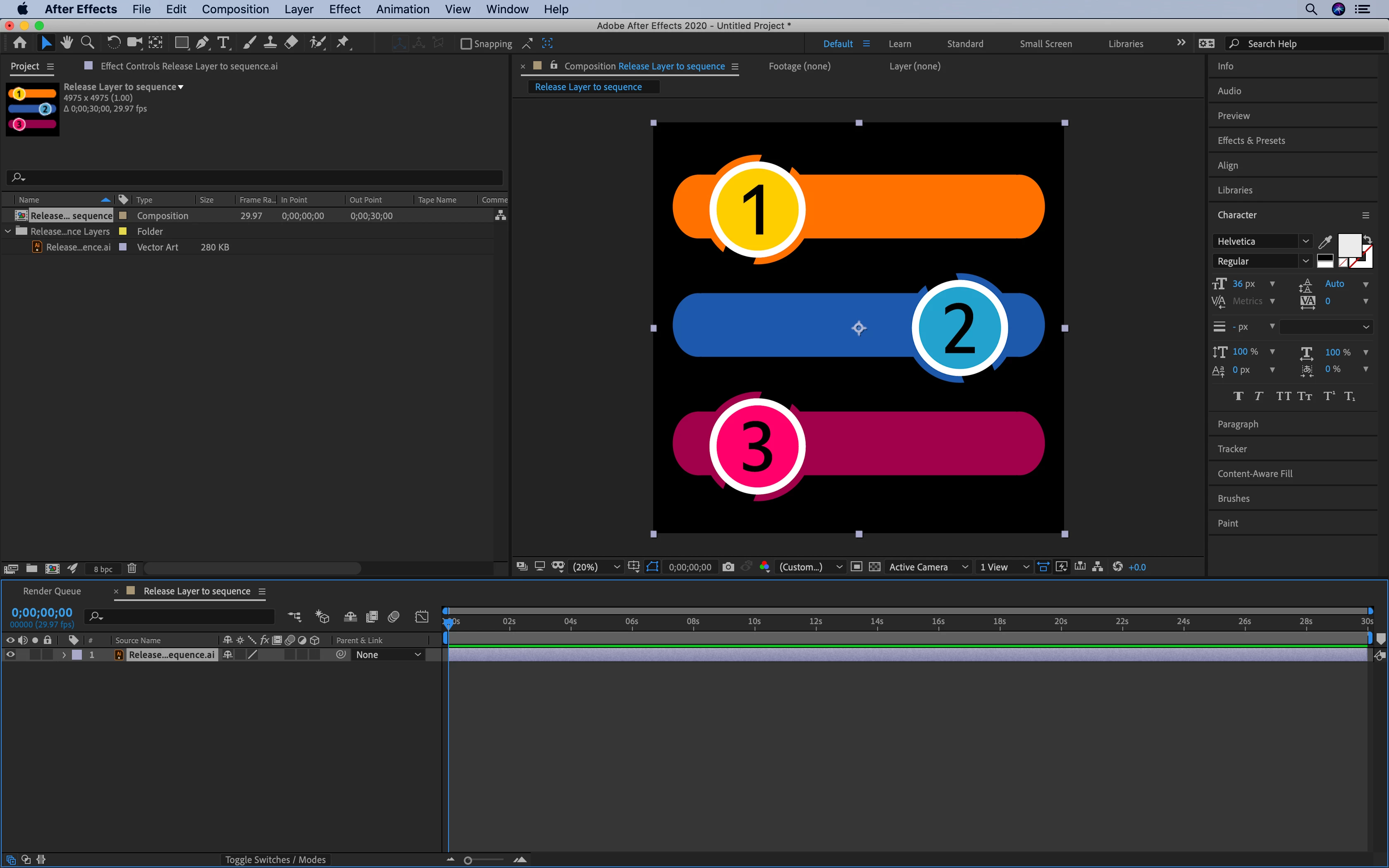
I am facing a weird problem in Illustrator 2020, Release layer to sequence is not working, while importing in after effects it comes as single layer. I am attaching the original .ai file, released layer to sequence file and screenshots.


.ai files are below
https://adobe.ly/2UBwFOU

https://adobe.ly/2xtxJMA


This topic has been closed for replies.

2 replies

Participant
May 19, 2022

I am facing same problems my vector is just showing one layer 

Monika Gause
Community Expert
Community Expert
May 19, 2022

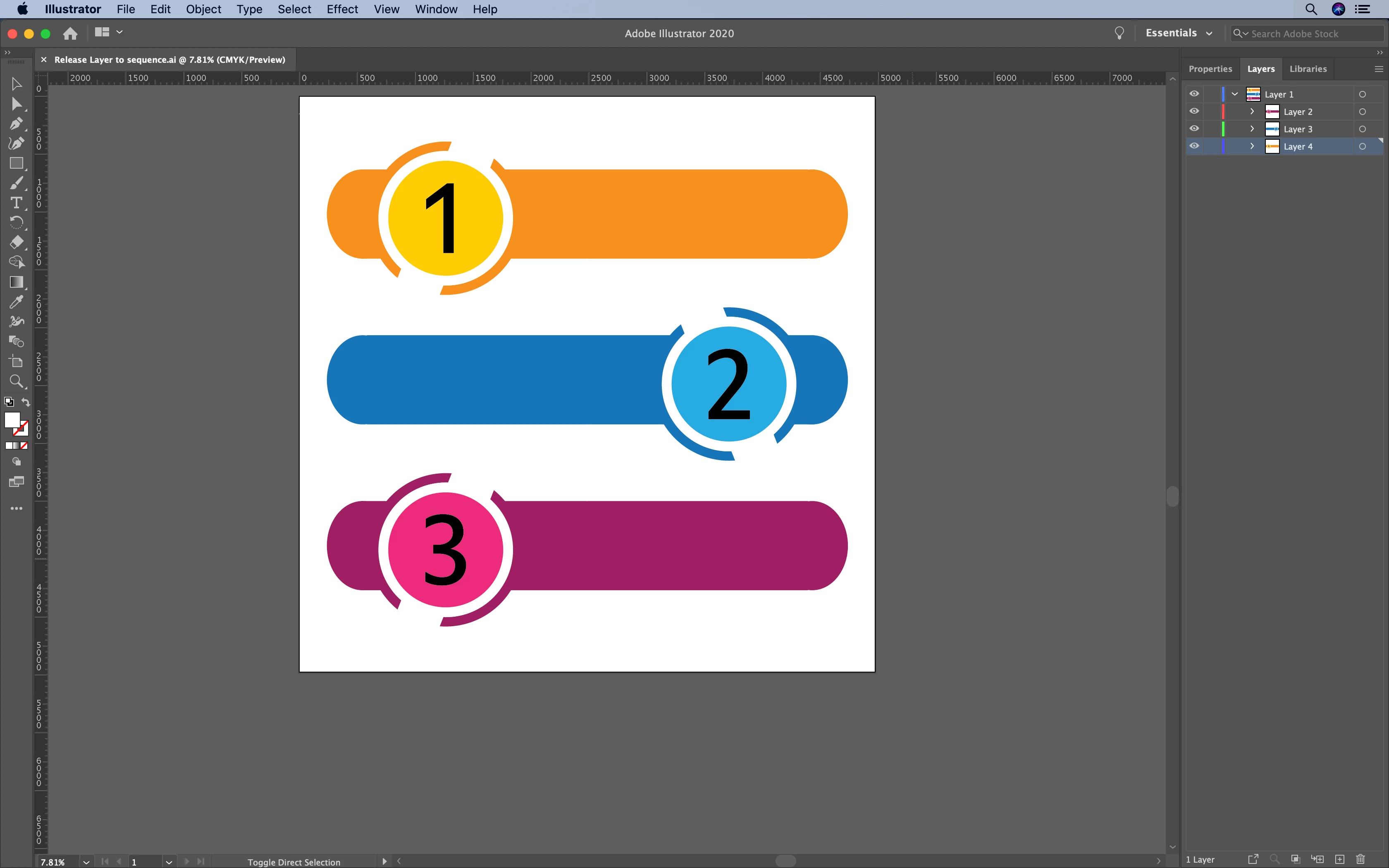
Please open the file in Illustrator and show us the Layers panel

Ton Frederiks
Community Expert
Community Expert
March 26, 2020

I am not sure what you want to animate in After Effects, but make sure they are all top layers

Currently your layers are all sublayers of Layer 1.

Drag them above Layer 1 in the Layers panel and delete the empty layer 1.

I gues you may want to move the sliders also on their own top layer if you want to animate them. 

Ungroup and move them manually

H KangAuthor
Participant
March 28, 2020

Thanks for the support,

on importing illustrator file in the after effect this should import as three different layers, but this is not happening it comes as single layer, thanks

Ton Frederiks
Community Expert
Community Expert
March 28, 2020

Looking at your screendump it looks like you've got it working.

Did you manually move the sublayers?

That's what you always need to do after Release to laywers, unfortunately.