

Question
I can only select one line of text at a time in Illustrator
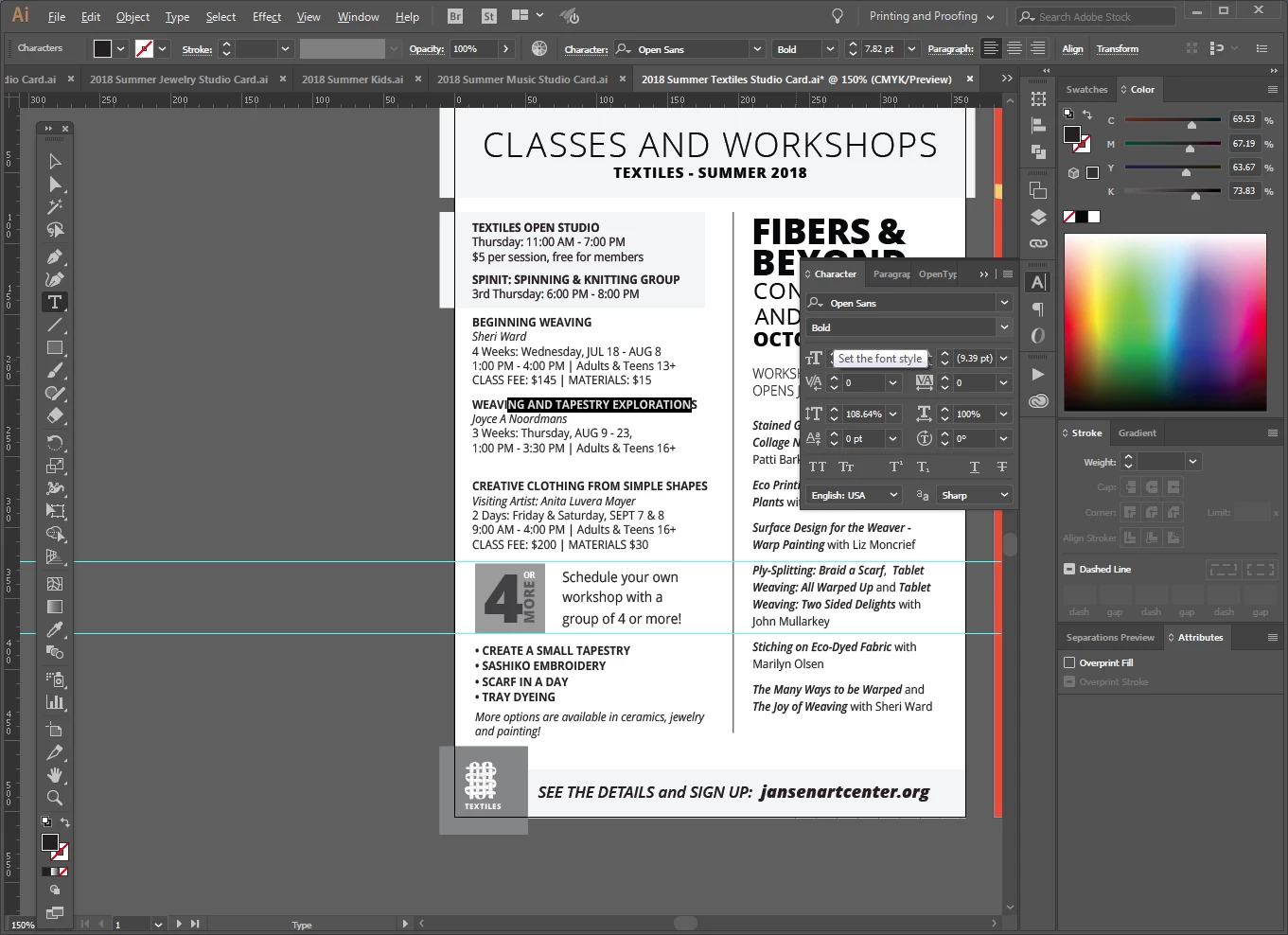
I have 7 files that I update every quarter. Each file is the same, but for different parts of our business. I currently have three of them open, and on only ONE of them, I am unable to select more than one line of text at a time.
It will only let me select the text on one line, no matter where I put the curser in the text block, I can only highlight that one line. But on the other files, I can select as much as I want...which is how these files normally work. I have worked using the same files for the last 9 months, so I'm not sure what's happened.
What I have I done to cause this and how do I fix it?
THIS ONE IS WORKING PROPERLY

THIS ONE ONLY LETS ME SELECT ONE LINE OF TEXT AT A TIME
 AdChoices