Participant
August 18, 2023
Question

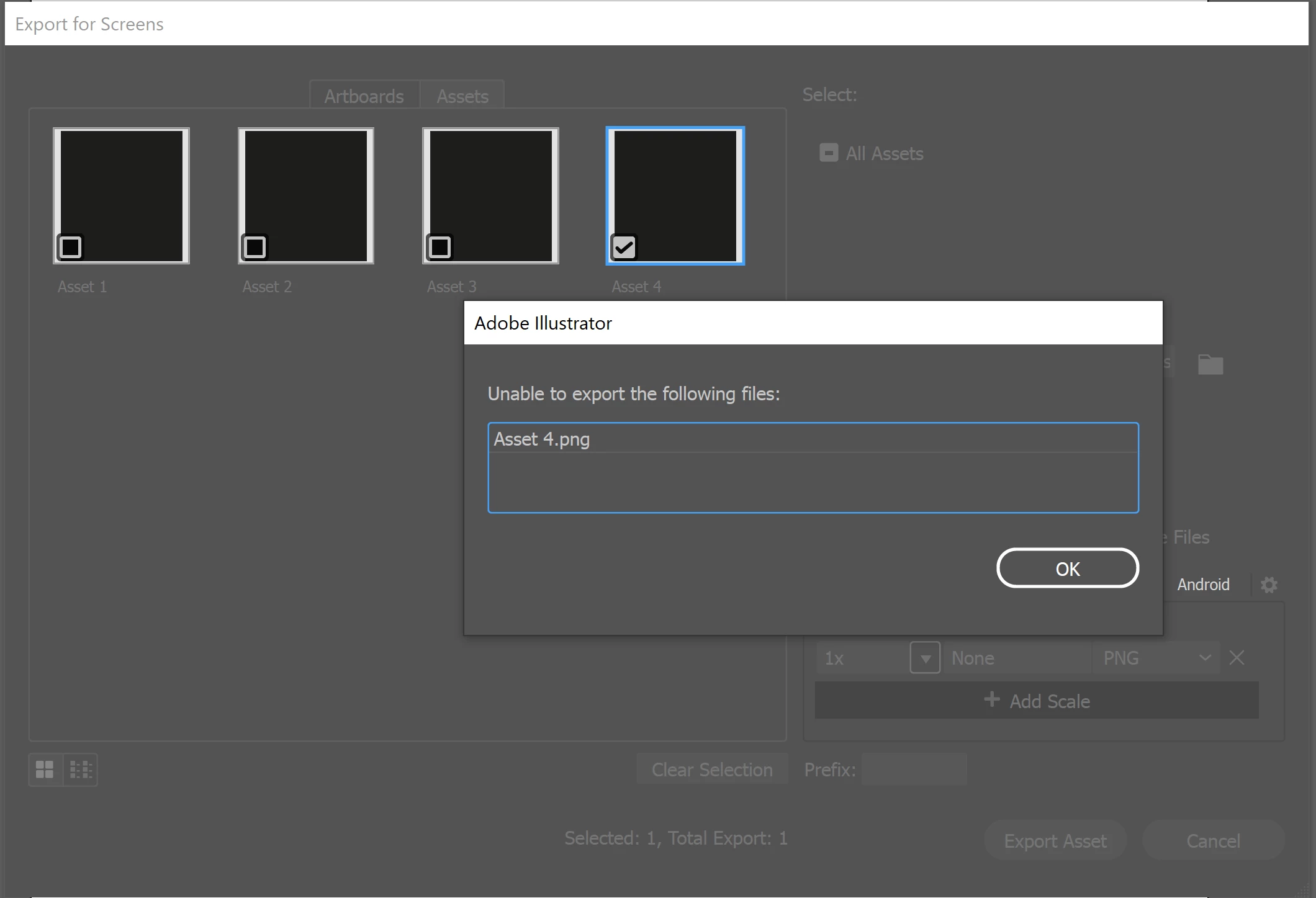
I can't export any PNG

  • August 18, 2023
  • 1 reply
  • 216 views

Hello, 

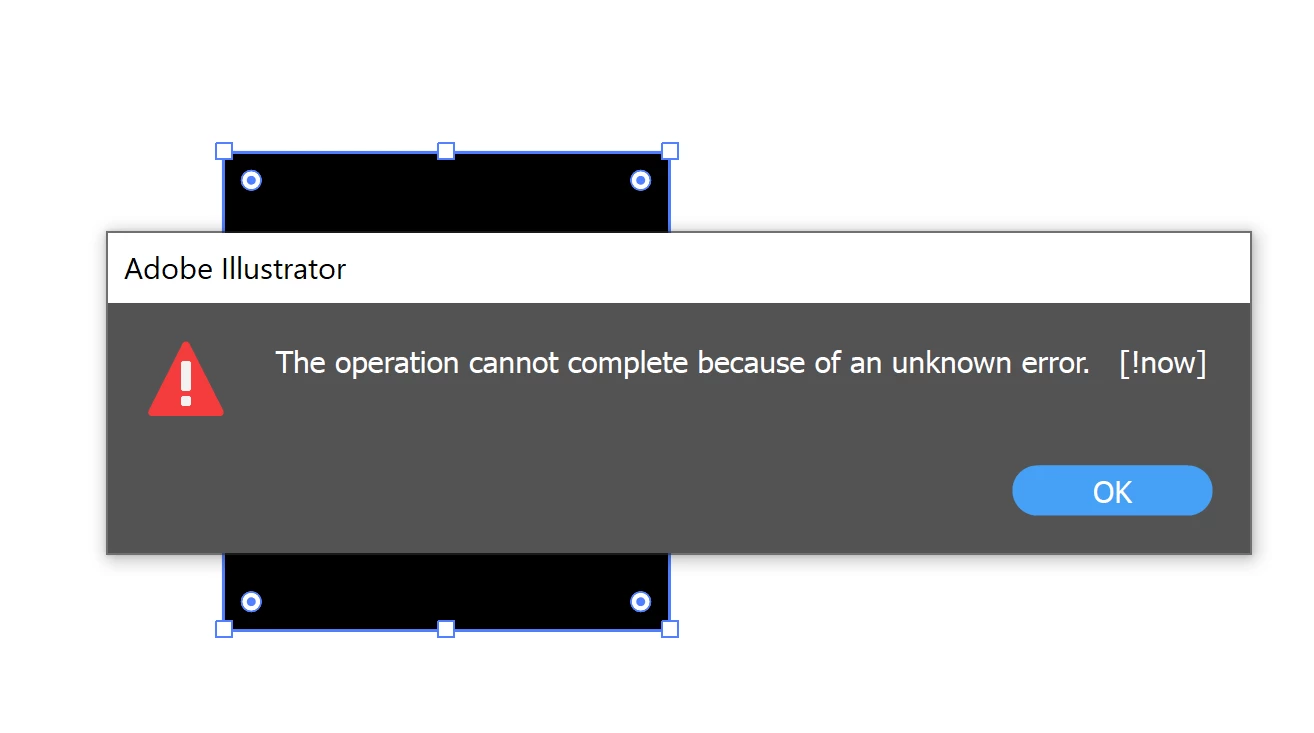
I'm facing issues on exporting .png files. At first I thought my vectors are too large, but I tried just exporting a simple square but that didnt work either. I did notice that exporting works right after I restart my computer, but after working for a few minutes I tried again, the exporting function just stops. Is it something to do with my laptop or illustrator? 


This topic has been closed for replies.

1 reply

Anshul_Saini
Community Manager
Community Manager
August 28, 2023

Hello @matty,


Thank you for reaching out with your concern about exporting PNG files in Illustrator. I understand how frustrating it can be when you encounter such difficulties.


The behavior you've described, where exporting works initially after a computer restart but stops after a few minutes of work, is certainly unusual. While I can't provide an exact diagnosis without more information, I can offer a suggestion based on your description.


The error message "The operation cannot complete because of an unknown error" can sometimes occur due to export settings that are set beyond what Illustrator can handle. It's possible that the settings you're using for export might be causing conflicts.


To troubleshoot this issue, I recommend trying the following:

  • When you're attempting to export PNG files, ensure that the export settings are compatible with Illustrator's capabilities. One common setting that might cause issues is the resolution. Try exporting at a resolution of 72ppi (pixels per inch) and see if that resolves the problem.

  • If the vectors are complex, simplifying the artwork before exporting might also be helpful. This could involve reducing the number of anchor points or simplifying complex gradients.

  • If you continue to experience issues, you might try restarting Illustrator itself (without restarting your computer) to see if the exporting function resumes.


If the issue persists or if you have more information to share, please don't hesitate to reach out.


Best regards,

Anshul Saini