Participant
April 25, 2022
Question

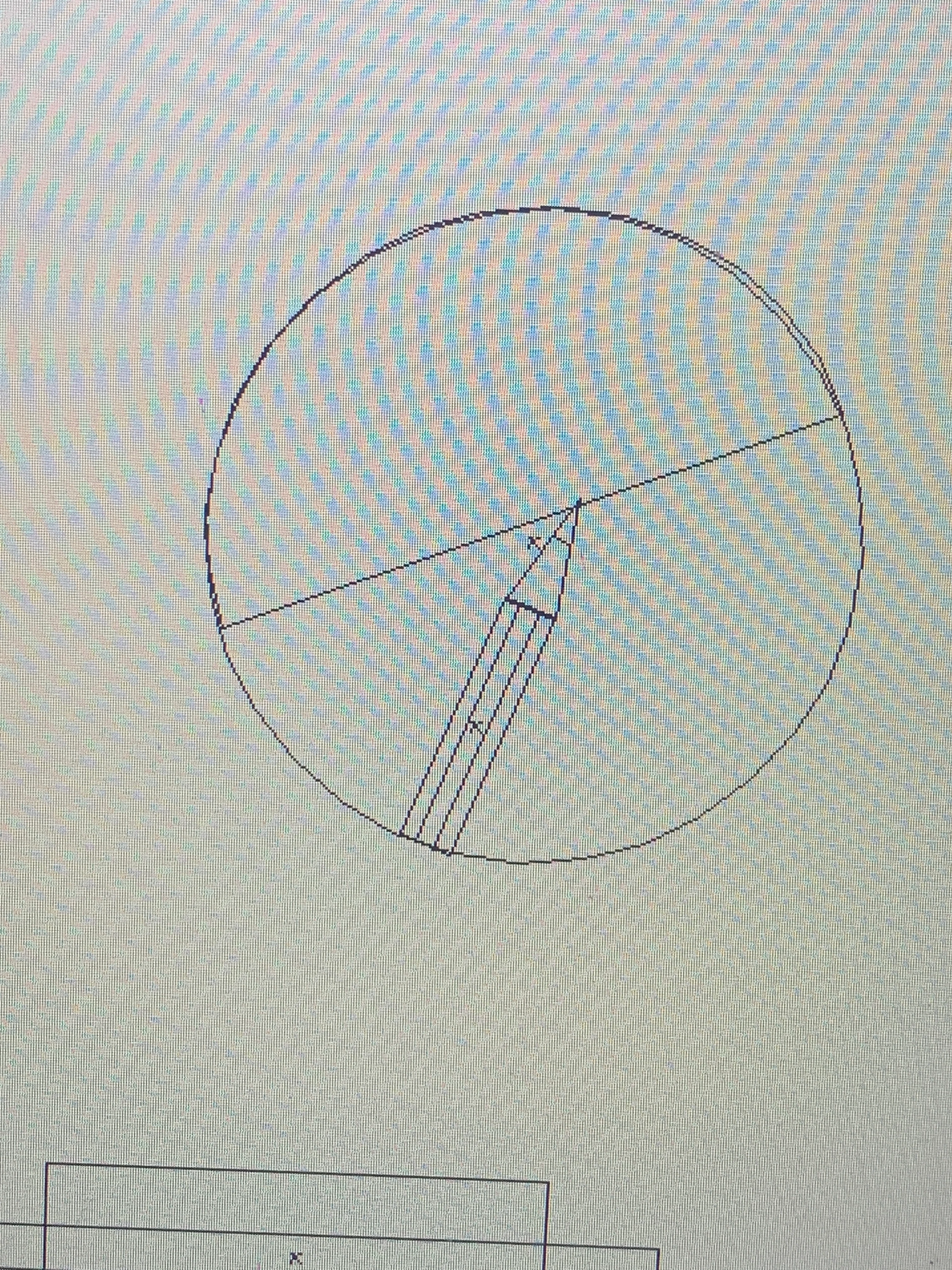
I cant color fill a circle.
  • April 25, 2022
  • 4 replies
  • 240 views

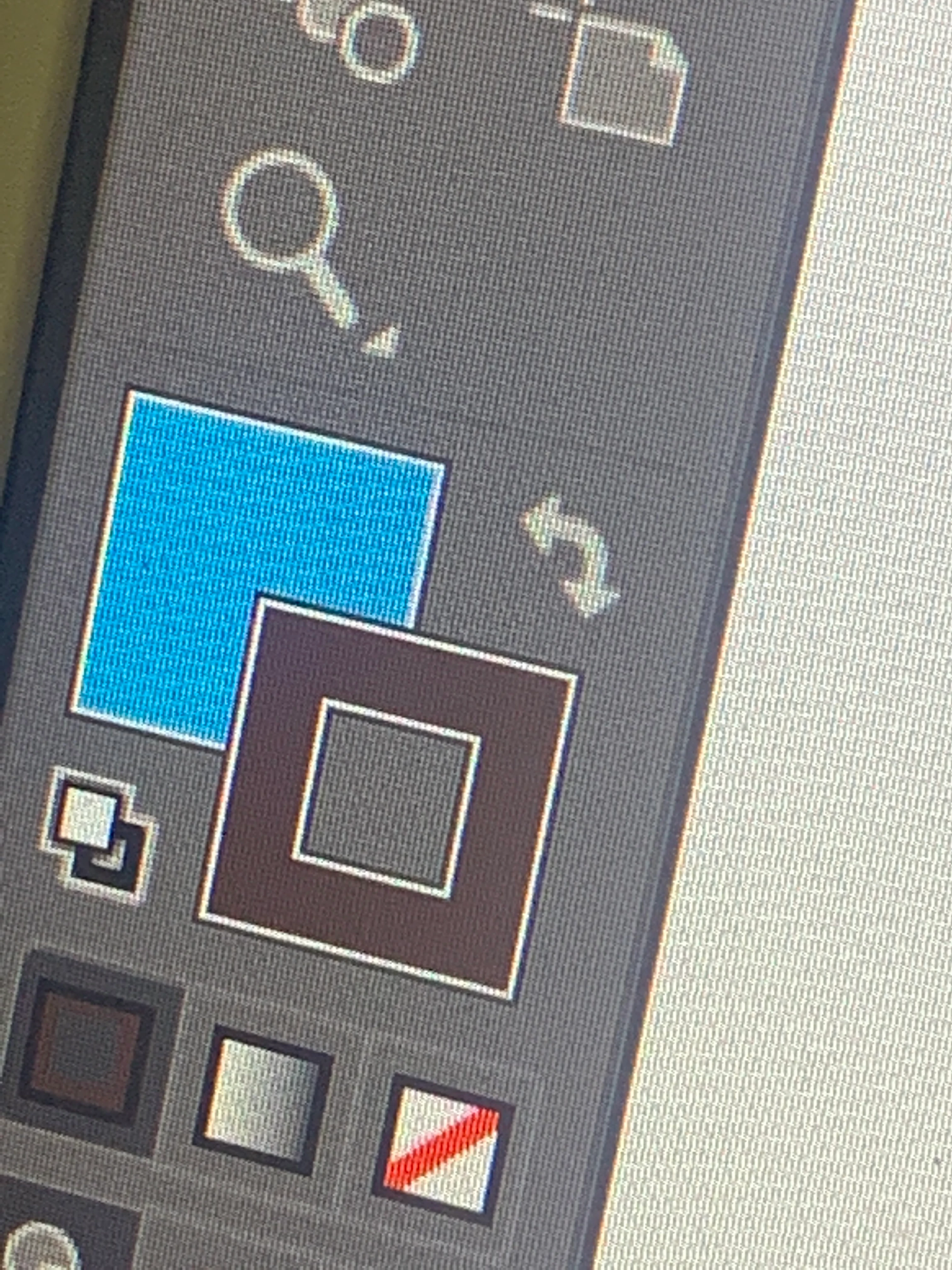
I tried selecting it and fill it with color but nothing works!!! I did it from swatches and selection tool, direct selection tool the x button (fill button) too. Its still white inside 

This topic has been closed for replies.

4 replies

Jacob Bugge
Community Expert
Community Expert
April 25, 2022

User,


You can have a look at the Appearance panel with the relevant Layer or Group selected and see whether your object fill is overruled by something at a higher level.

pixxxelschubser
Community Expert
Community Expert
April 25, 2022

I also suspect that your graphic is displayed in outline mode.


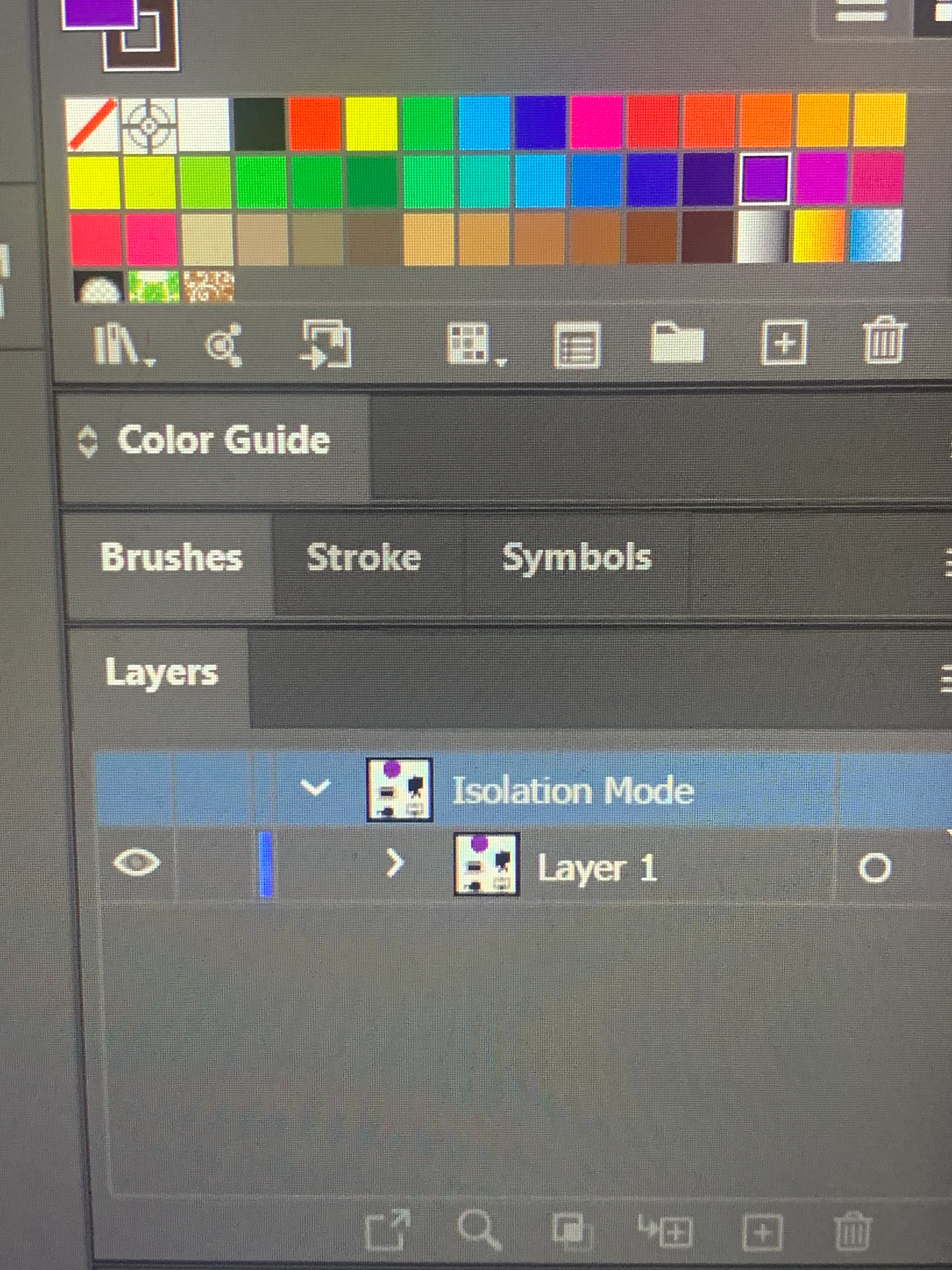
Please show a complete screenshot of the programme with the title bar of your graphic visible. Select your circle and also show the expanded Layers panel.


[Ctrl]+[Y] switches between outline mode and normal view.

Doug A Roberts
Community Expert
Community Expert
April 25, 2022

Looks like you're in outline mode. Go to View > Preview

Monika Gause
Community Expert
Community Expert
April 25, 2022

Please select the circle and show a screenshot of the apperarance panel.

Layers panel is worthless ,when you don't show what's inside the layer.


Please use your system's functionality to take screenshots. Don't use your phone for that.