Participant
January 21, 2023
Question

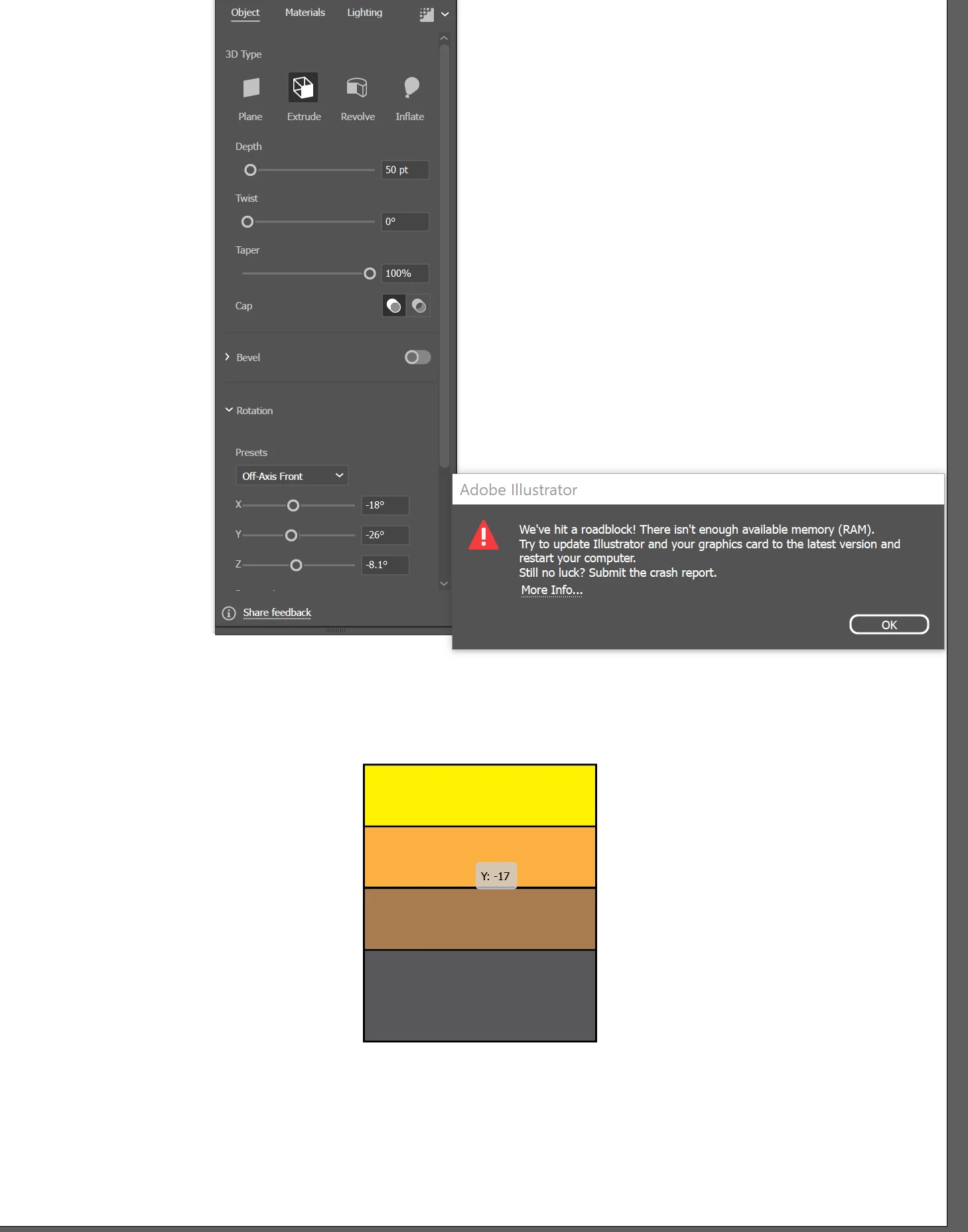
I got this error in an attempt to use 3D (Classic). I updated, restarted but it still didn't work

  • January 21, 2023
  • 4 replies
  • 557 views

This topic has been closed for replies.

4 replies

Community Manager
January 24, 2023

Hello @Richard25199388opik,


Sorry to hear about this experience. I hope the suggestions shared by Mylenium, Monika, and Anna helped resolve the problem. If not, kindly try closing other apps while using Illustrator, restarting your computer, or using Illustrator on a different computer and sharing your observations.


Looking forward to your response.


Thanks,

Anubhav

Anna Lander
Inspiring
January 21, 2023

Did you update the Graphic card driver? You may have enough RAM but an obsolete driver that doesn't support some complex operations.

Monika Gause
Community Expert
Community Expert
January 21, 2023

Minimum RAM would be 8 GB. But for 3D you'd rather want 16 GB.

If you have enough RAM, then check your color settings. The color management must be turned on (set it to something else than "Emulate Illustrator 6")

Mylenium
Legend
January 21, 2023

Without any info on your system we can't really tell you much. It pretty much means what it says. The 3D extrude thinks there isn't enough RAM. Why and what we can't know without any information.


Mylenium