Participant
September 9, 2017
Answered

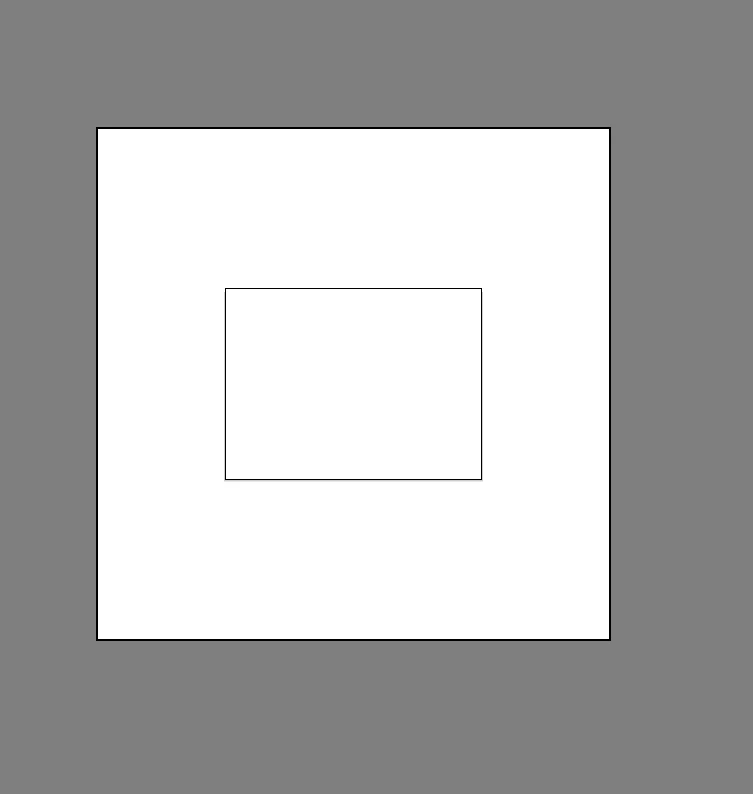
I have a larger white box around my artboard. How do I get rid of it to just be the normal grey?

  • September 9, 2017
  • 2 replies
  • 4655 views

The Smaller box is the actual artboard. When I go to artboard preferences I can check the fade region outside of artboard, but no matter what I do It won't go away.

Correct answer Monika Gause

OK. The larger region is the canvas.

You can make it darker, but it won't go away.

Open preferences > User interface to change it from white to a darker grey.

2 replies

Participant
September 2, 2025

View > Hide Print Tiling

Monika Gause
Community Expert
Community Expert
September 9, 2017

Is this an artboard inside an artboard?

Or are you zoomed out so much that the canvas can be seen?

Participant
September 9, 2017

There is only one artboard. I'm not sure what you mean by the canvas.

The artboard (Inner rectangle) is quite large though ( 8196 x 6144)

Monika Gause
Community Expert
Monika GauseCommunity ExpertCorrect answer
Community Expert
September 9, 2017

OK. The larger region is the canvas.

You can make it darker, but it won't go away.

Open preferences > User interface to change it from white to a darker grey.