Participant
May 18, 2022
Question

I have a PDF, how do I convert to create vectors so that I can design within the lines?( I'm new)

  • May 18, 2022
  • 2 replies
  • 204 views

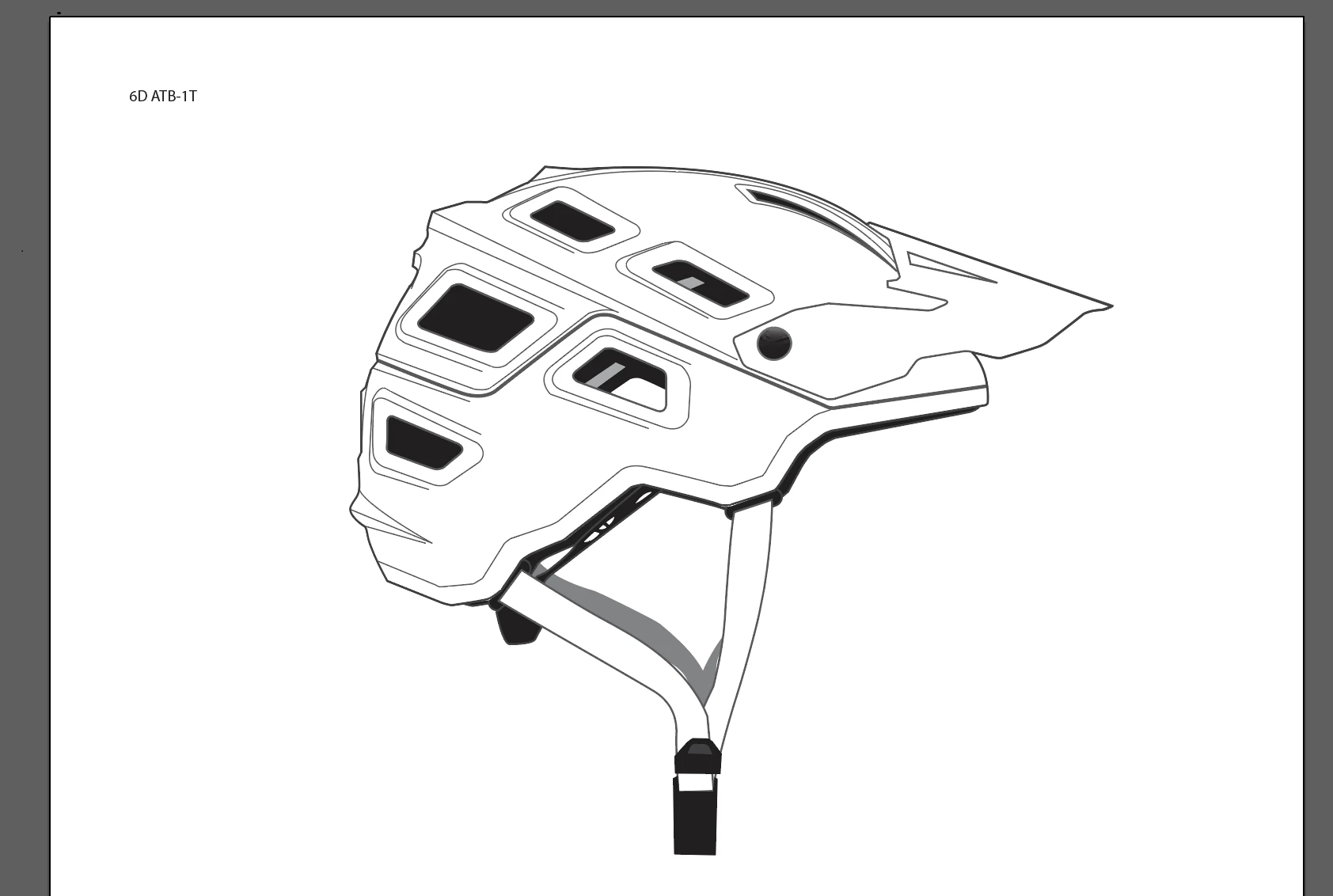
I am trying to design a paint design for this helmet but would like to break down the lines so that I can design within the lines.

This topic has been closed for replies.

2 replies

John Mensinger
Community Expert
Community Expert
May 18, 2022

A PDF can contain vectors, raster images, and/or a combination, so your starting point isn't really clear to we who see your post. The helmet graphic looks like it originated as vector-based art, but your thread title suggests you need to convert; what have to tried so far that lead you to that conclusion?

Participant
May 18, 2022

Yes I'm sorry I am very new. It does have vectors. I can bend and move them. How would I be able to delete some of them to make it look a little cleaner ie. The shading vectors . And then would I create and other layer to draw a design?

John Mensinger
Community Expert
Community Expert
May 18, 2022

Yes, you should be able to select and delete elements as desired. Adding your design on one or more separate layers is a good idea, although not a requirement. Layers are largely an organizational tool you use as you see fit. Then you'll be able to lock/unlock and show/hide them to help facilitate and simlipfy subsequent operations.


If you want to use the existing paths as boundaries for fills, effects, or patterns, Monika's Live paint suggestion  and help link will be useful.


Without knowing more about the existing construct, it would be hard to advise you beyond these generalizations.

Monika Gause
Community Expert
Community Expert
May 18, 2022

Not quite sure, but maybe Live paint can solve this for you.


https://helpx.adobe.com/illustrator/using/live-paint-groups.html