


Participant
April 1, 2025
Question

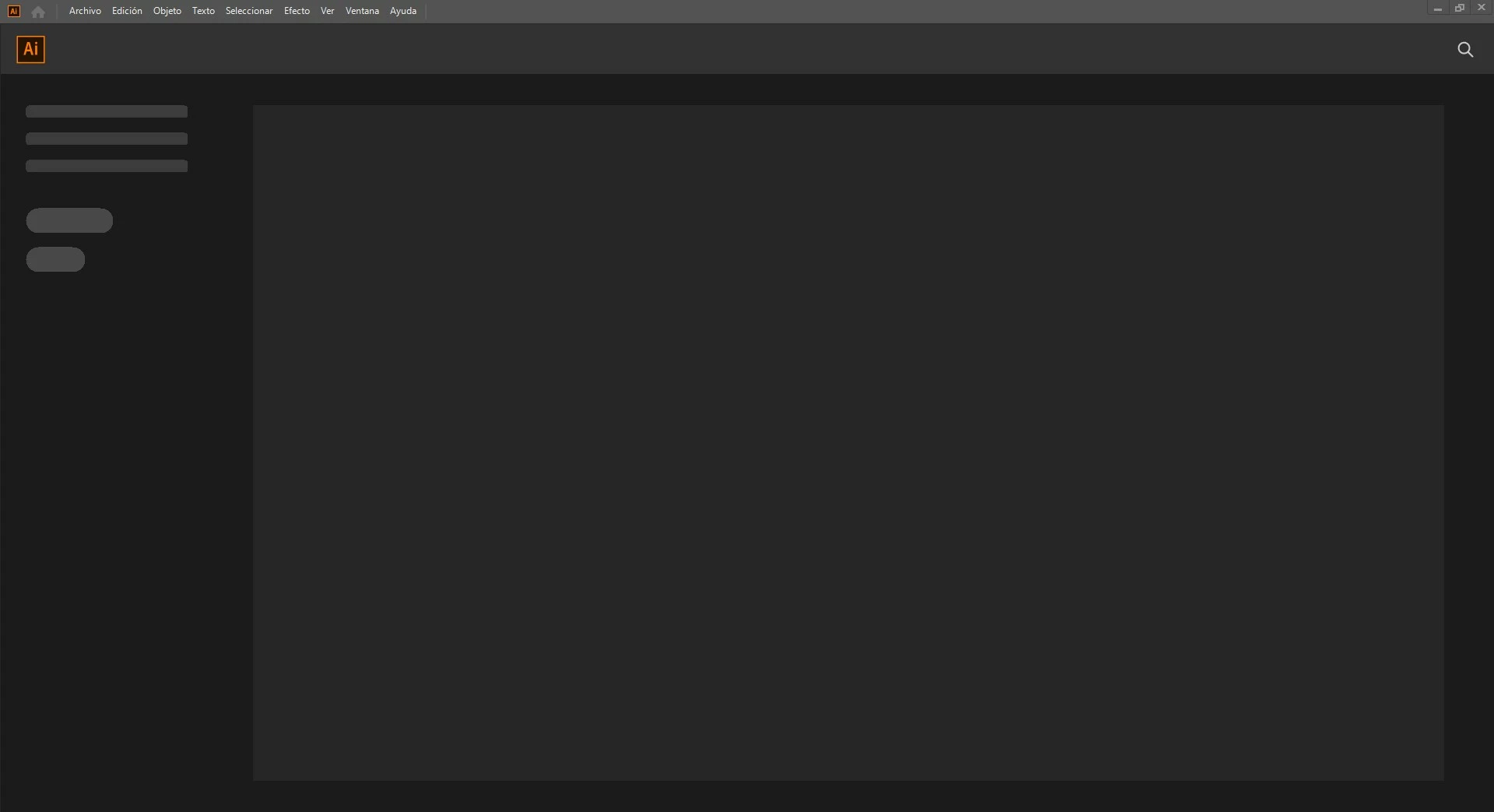
I have a problem with the Illustrator start menu.

  • April 1, 2025
  • 1 reply
  • 265 views

Every time I start the program, it doesn't load any of the start menu buttons or show me my recent documents. What can I do in this case? I've already renamed the "CEP" and "Extensions" folders to .old, but nothing works.
1 reply

Anubhav M
Community Manager
Community Manager
April 1, 2025

Hello @Jormanbv,

Would you mind trying the following steps and checking if they help:


- Close all Adobe applications.

- Rename the UXP folder to UXP.old from the following location:

(Windows) Navigate to C:\Program Files\Common Files\Adobe\UXP

(macOS) Navigate to Macintosh HD/Library/Application Support/Adobe/UXP


- Relaunch Illustrator


If the problem persists, kindly share more details, like the exact version of the OS/Illustrator, so I can better assist you.

Looking forward to hearing from you.
Anubhav

JormanbvAuthor
Participant
April 1, 2025
Hi Anubhav M

Yes, I've already made these changes:
- Close all Adobe applications.

- Rename the UXP folder to UXP.old from the following location:

(Windows) Navigate to C:\Program Files\Common Files\Adobe\UXP

And it hasn't had any effect or fixed the problem.

I have Windows 10 Pro 64-bit and Illustrator 2020.

My PC has 16GB of RAM and 2TB of storage, and an AMD Ryzen 5 5500g.
Anubhav M
Community Manager
Community Manager
April 3, 2025

Hello @Jormanbv,

Could you try updating to a more recent version of Illustrator (https://adobe.ly/4chaxjW), so I can better assist you with this problem?

Looking forward to hearing from you.


Anubhav