
Answered
I have gotten stuck on custom_type_corners from todays' How-to
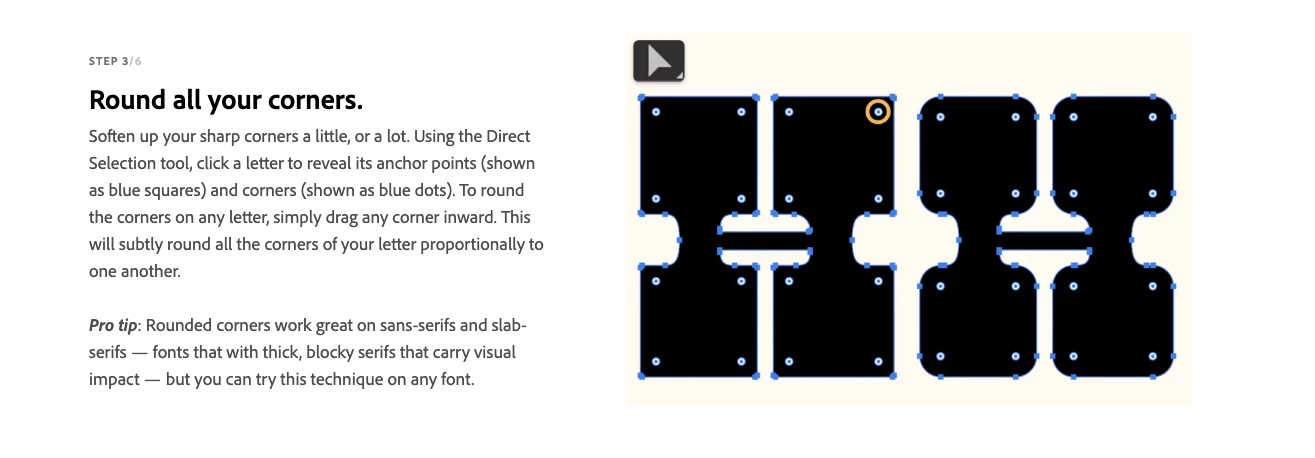
The above is the training I am trying to follow.
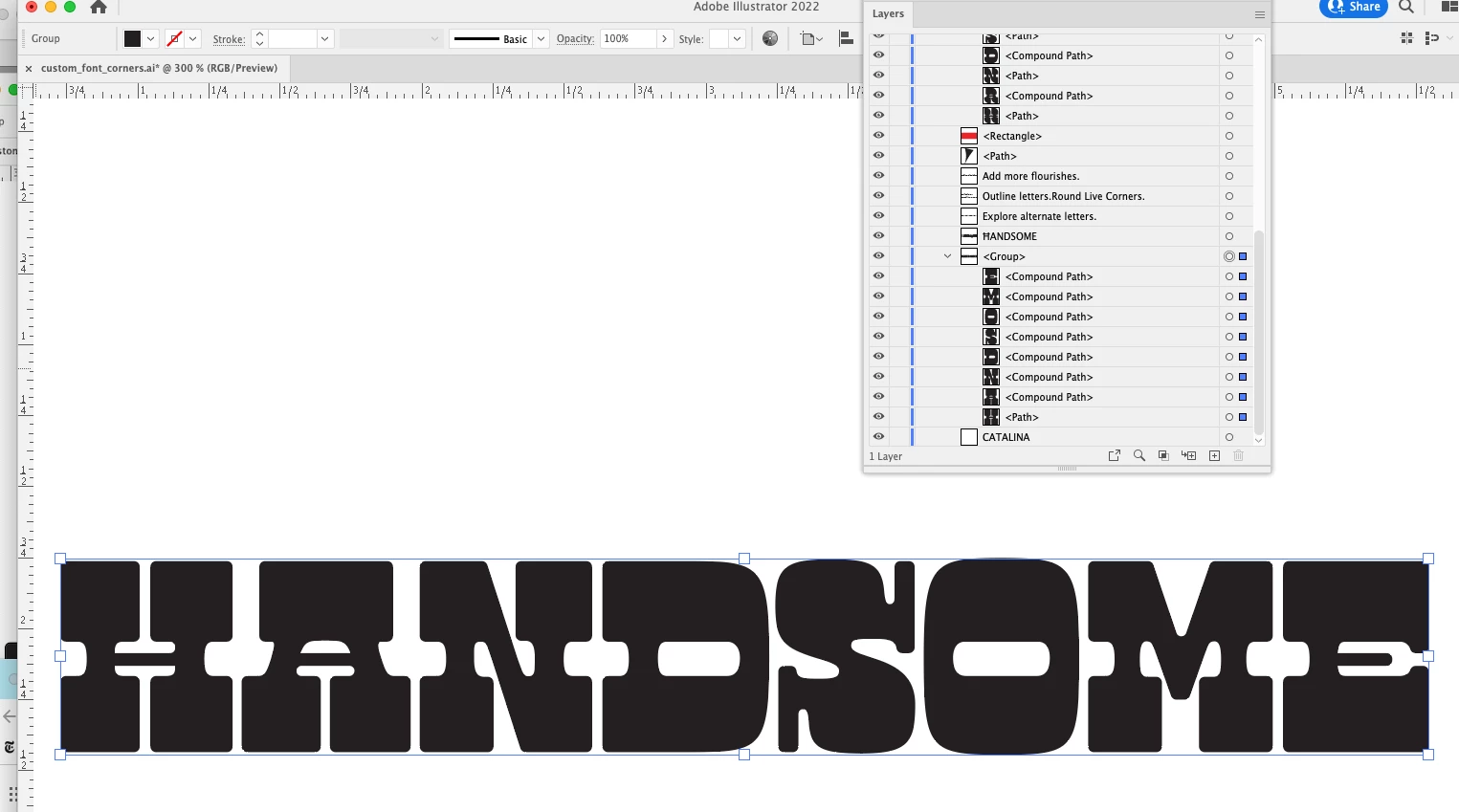
The Selection tool works fine.
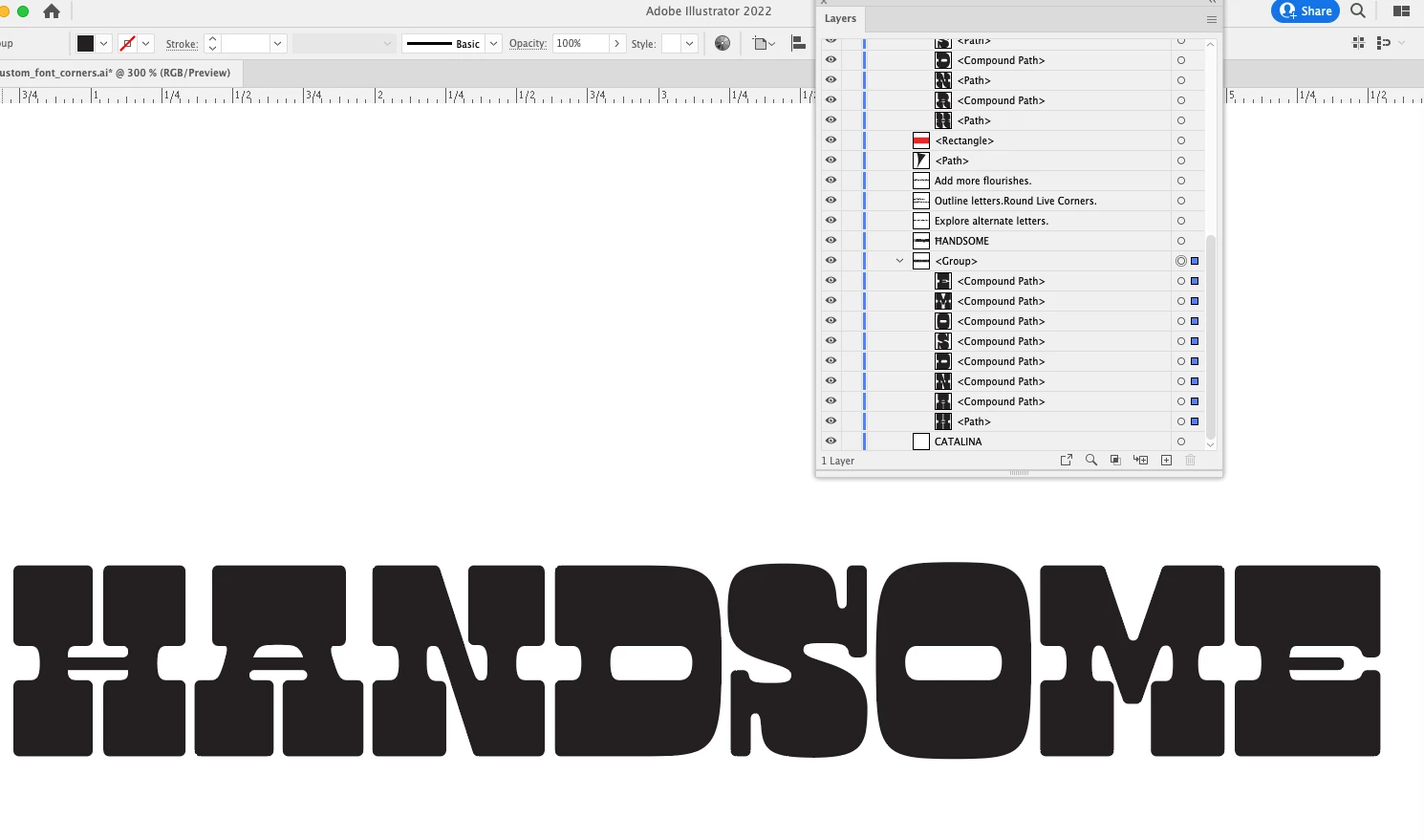
But when I go to the direct selsction tool NOTHING shows up.
Help!!!!

The above is the training I am trying to follow.
The Selection tool works fine.
But when I go to the direct selsction tool NOTHING shows up.
Help!!!!
I looked at the tutorial and with the Direct Selection Tool, click on the letter and you will see the white circles with blue dot in middle. Click on the top right circle (I did the H letter). You may need to click dot a couple of times until it becomes a blue circle with a white center (your direct select tool will have a curved line with a dot underneath it), then click and hold your mouse button down and drag towards the lower left and the top right corner will start to round.
Already have an account? Login
No account yet? Create an account
Enter your E-mail address. We'll send you an e-mail with instructions to reset your password.


 AdChoices