Participant
June 18, 2024
Answered

I need help with ungrouping this mockup png file
  • June 18, 2024
  • 2 replies
  • 630 views


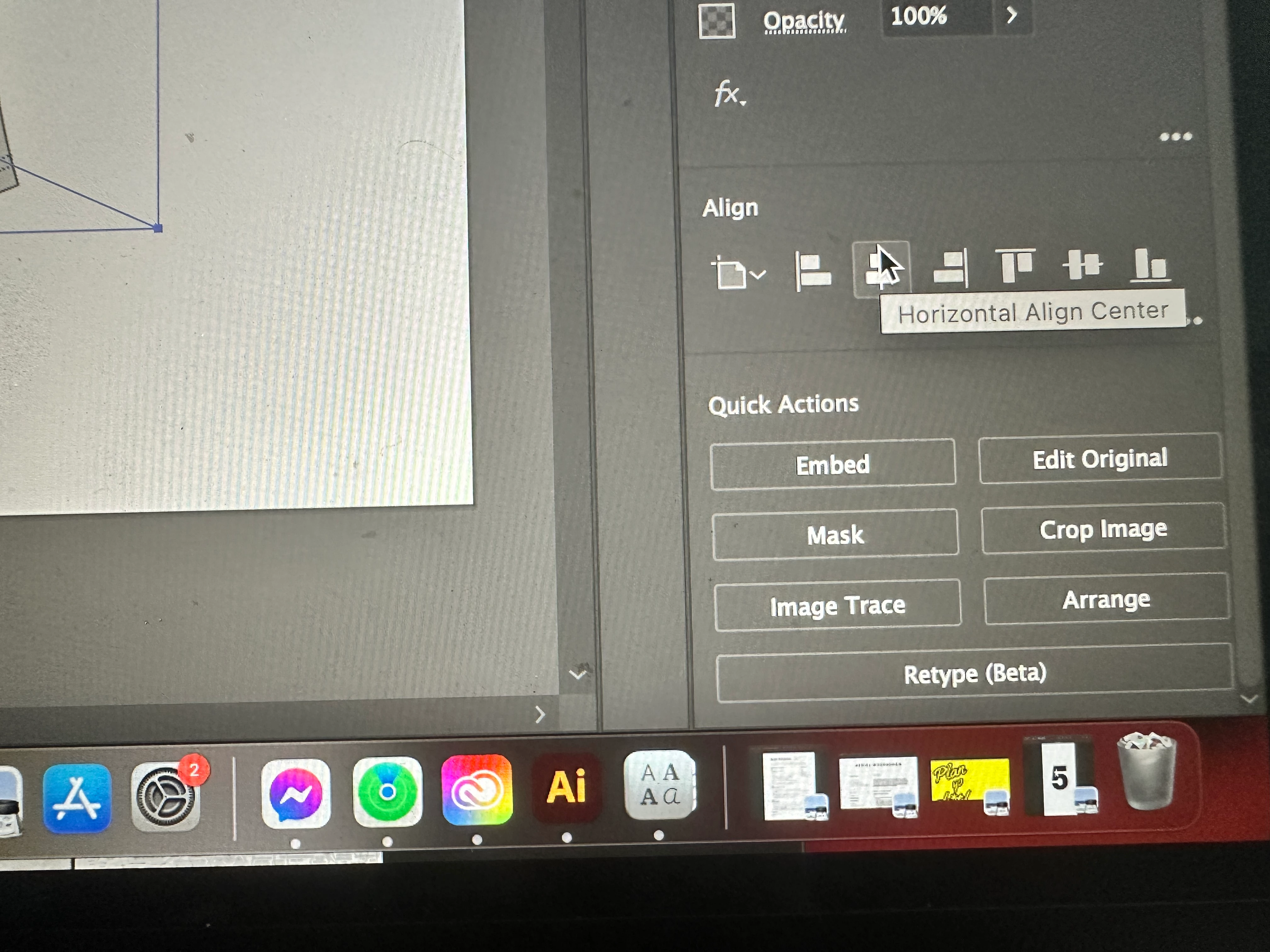
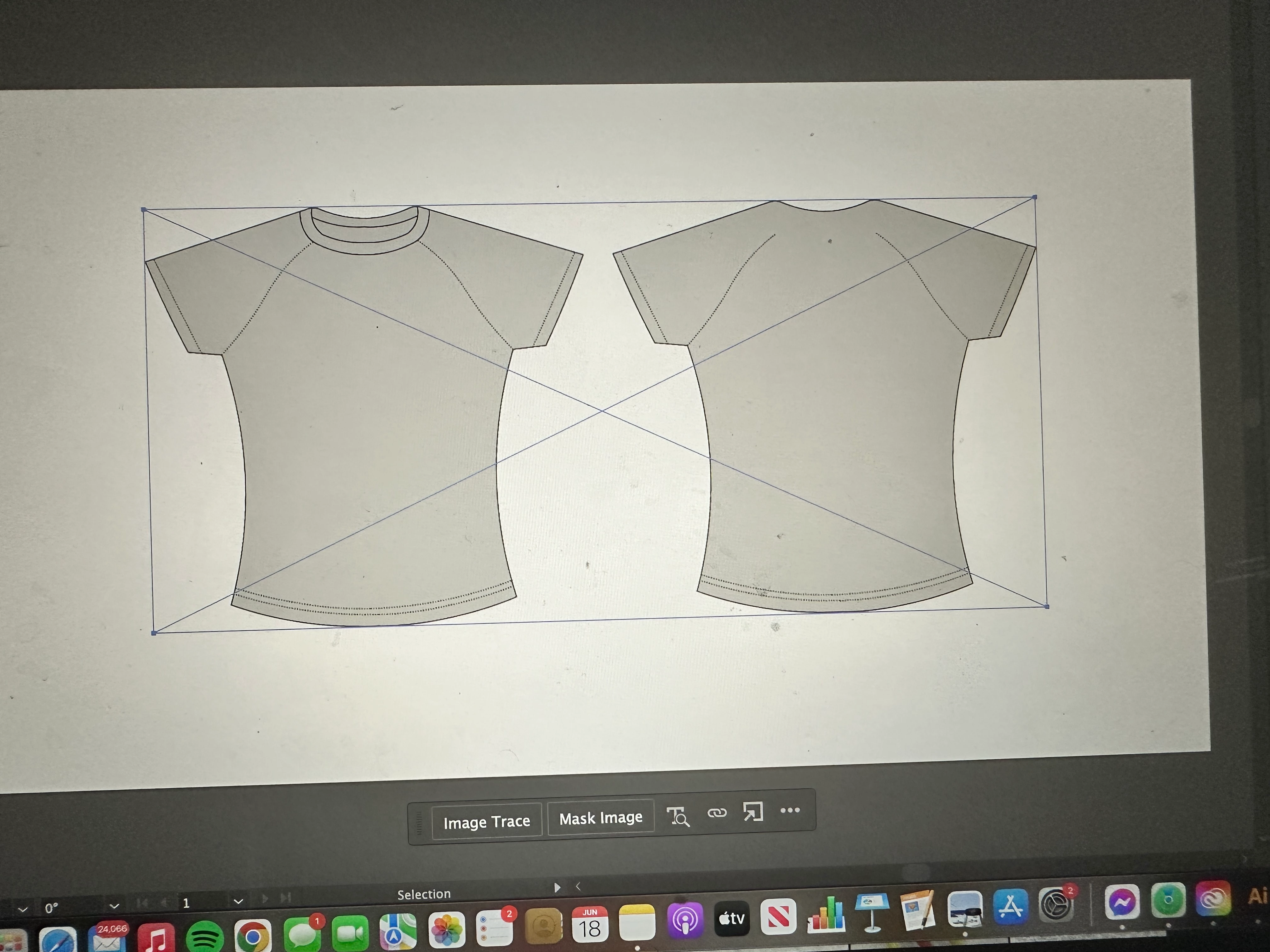
As you can see there is no ungrouping under properties, i am not sure how to ungroup it so i can start editing and being able to color it as well. If anyone could help that would be greatly appreciated 🙂 thank you so much in advance! 

This topic has been closed for replies.
Correct answer Aeriel444

ok i kept the first option clicked, when i did i now have a box around it but i can edit the file precisely to my liking. 😞 i have the selection tool and i try to put a square around it to select the shirt on the left hand side but it doesnt highlight anything 

2 replies

Kurt Gold
Community Expert
Community Expert
June 18, 2024

It's a linked image that cannot be ungrouped.


You may embed it and check if it is a raster image or possibly some vector art. Then you may do what you want to do.

Aeriel444Author
Participant
June 18, 2024


should i keep the first option clicked ? 

Aeriel444AuthorCorrect answer
Participant
June 18, 2024

ok i kept the first option clicked, when i did i now have a box around it but i can edit the file precisely to my liking. 😞 i have the selection tool and i try to put a square around it to select the shirt on the left hand side but it doesnt highlight anything 

Aeriel444Author
Participant
June 18, 2024

I've even tried to edit the original file but even changing it to a jpeg i heard it will remain flat, so I won't be able to edit it that way