Question
I need to create a cut out in my image to display the tabs on planner pages
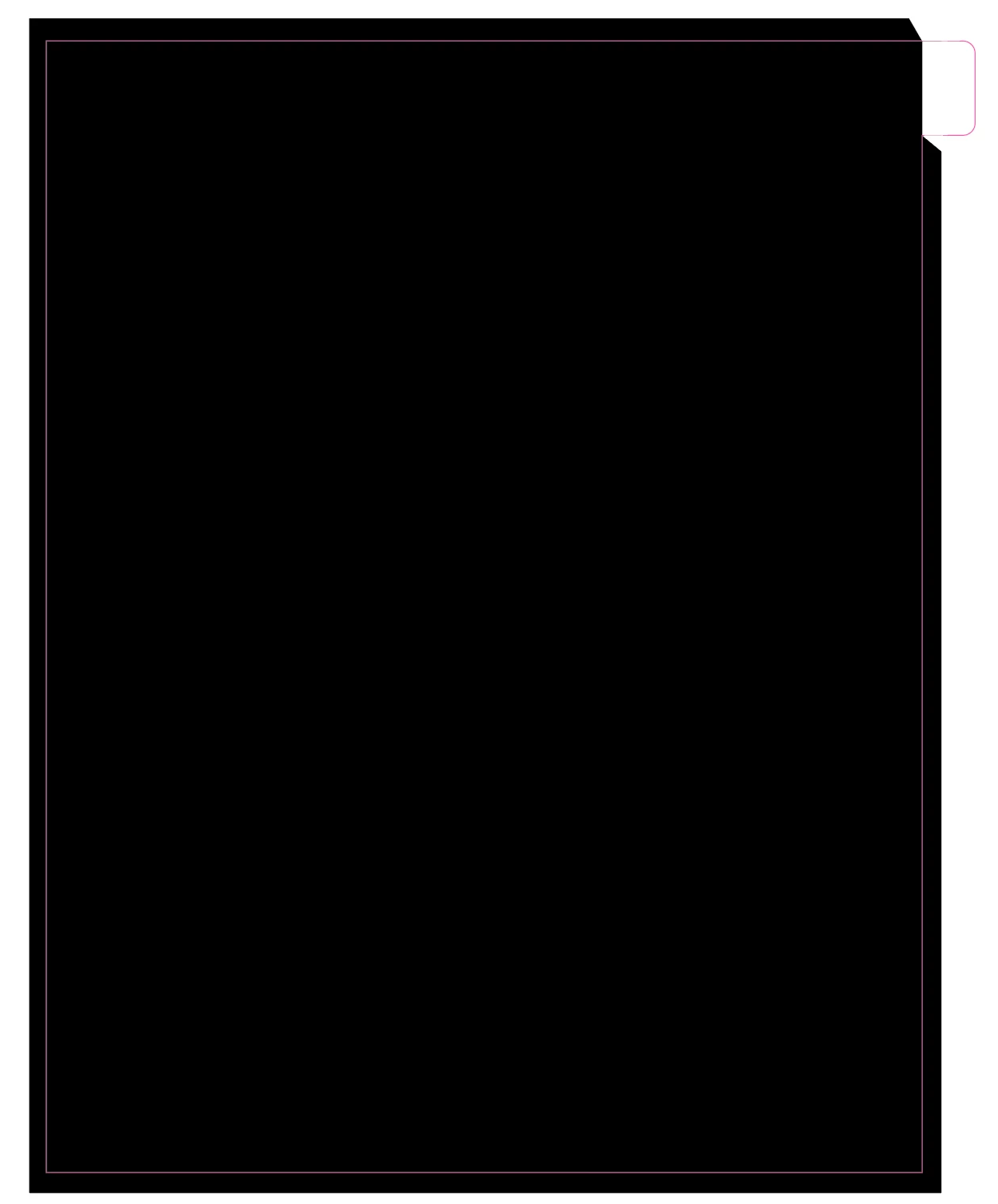
I have a full color image that is for the tab dividers for a 12 month planner. The printer wants the art to NOT cover the tabs. Image attached here. I am new to illustrator. I have tried the knife, scissors and eraser. Can you pleas help me understand how to do this? I need to cut the image away for all tabs to be revealed as blank. I have a total of 24 images I need to do this with tomorrow. Thank you in advance.
 AdChoices