

Ideas for Puppet Warp Improvements?
So there's this tool in Illustrator called the Puppet Warp tool which I REALLY like, but sadly it's extremely destructive.
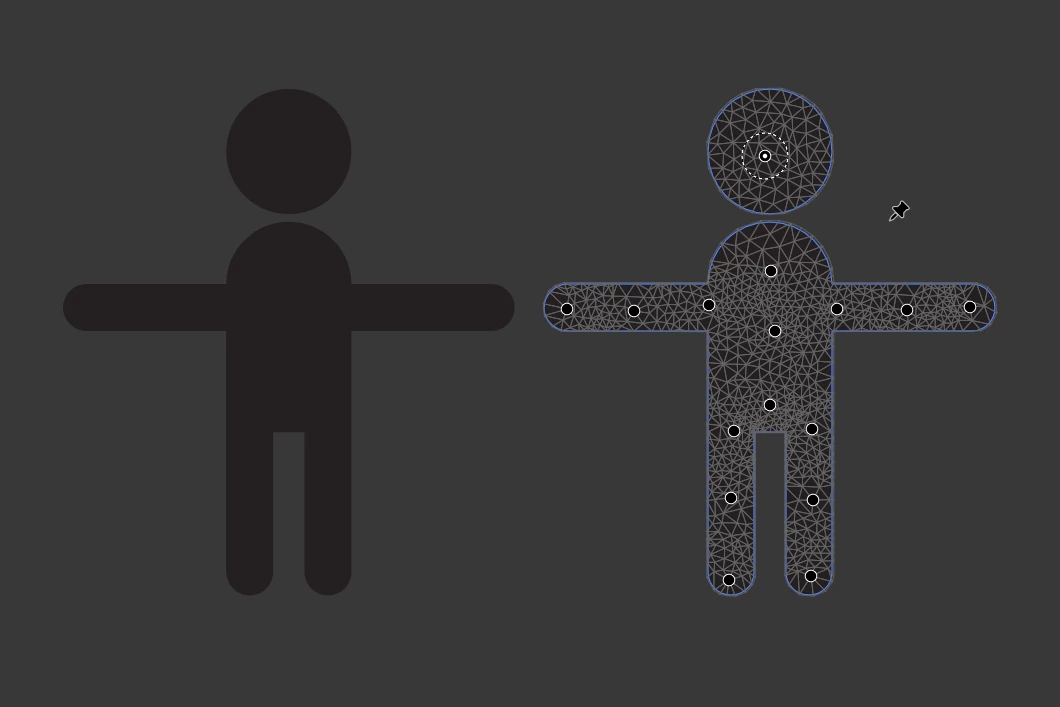
For example, I made this quick figure and manually set a few points down to make it similar to the basic skeleton a 3D Model would use.
And whilst I feel like the math used to calculate the warping could do with some improvements as well,
the main problem here is that once I switch tools or deselect the object all of the custom points I set will vanish and the next time I try using puppet warp, it simply tries to automatically place points again.
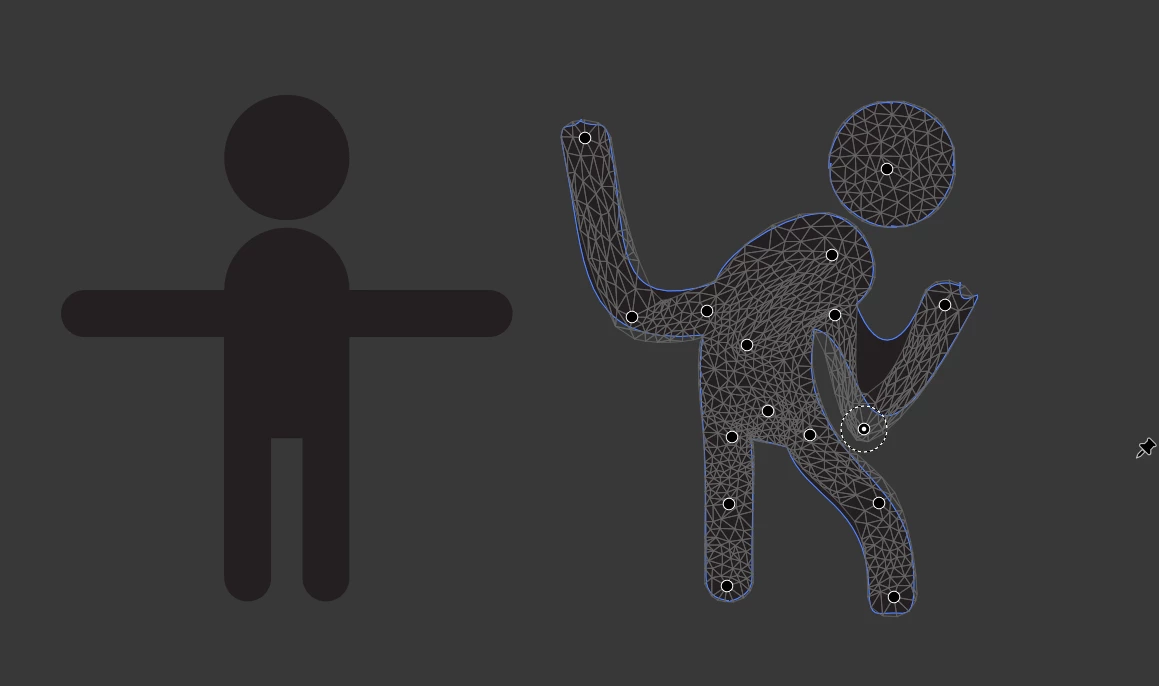
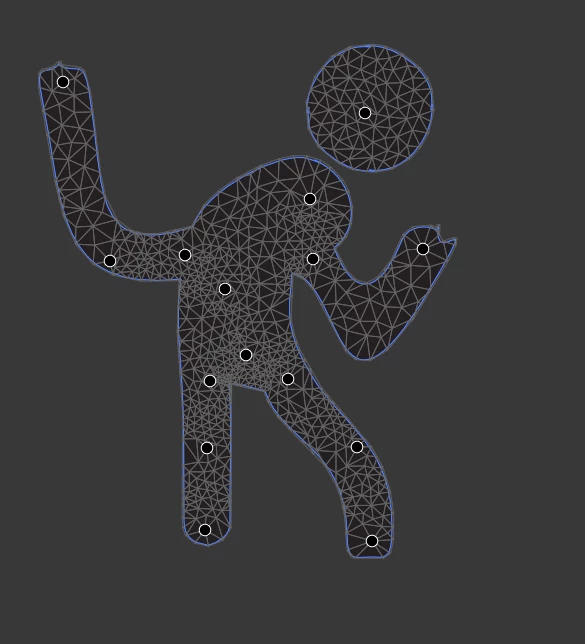
And like mentioned at the start of this post, it's a destructive action, so unless you make a backup of the unmodified object, you can't revert back to its unwarped form.
I think it's these exact points that make this tool extremely underused despite how much potential it has.
Like if you could toggle the posing on/off and your custom points would actually be kept at all times, this has the potential to be a full-blown 2D rigging system (albeit envelope based instead of weight based).
So whilst I don't know much about Illustrators code, here's a suggestion I have:
the moment you start puppet warping a path, group the path and add singular anchors points at each warp point, you would not be able to see these anchor points since they don't have any size by themselves.
But now the next time you select this path, or specifically the whole group its now in and then select the warp tool again, it could then add warp points at the exact locations of the invisible anchor points, effectively making it look like it "remembered" the position of each warp point.
And whilst I get that this is a bit of a roundabout way, Illustrator has done something like this before with the blend tool:
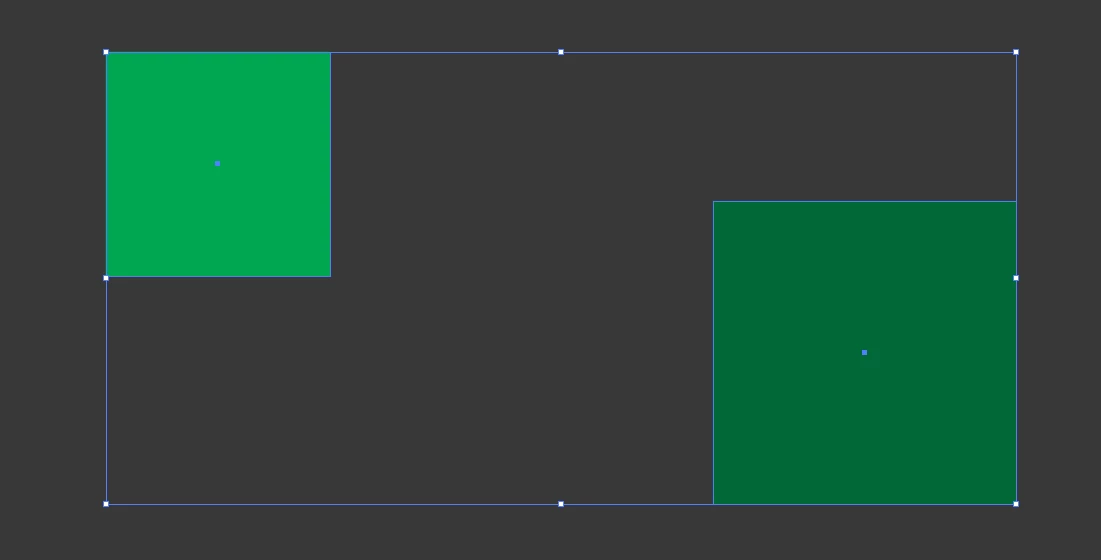
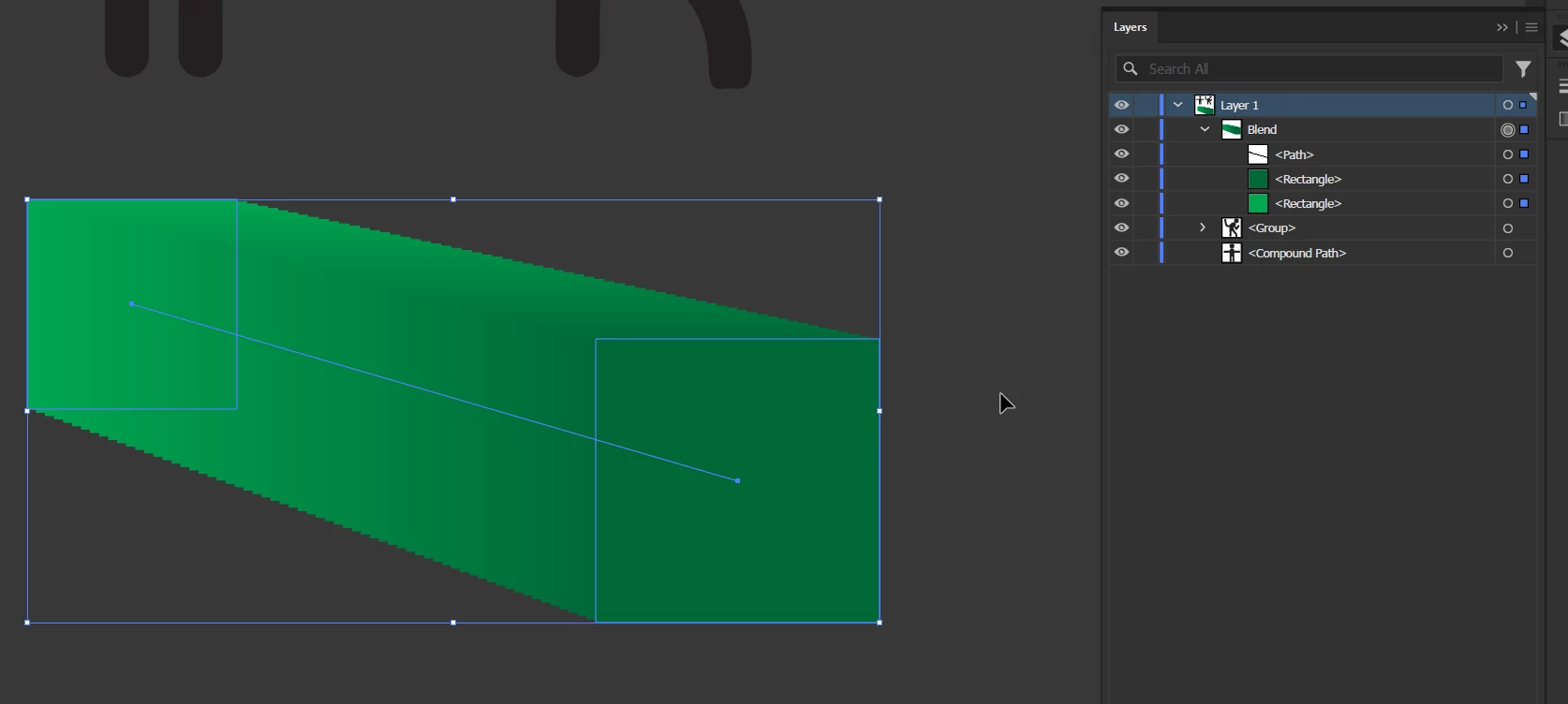
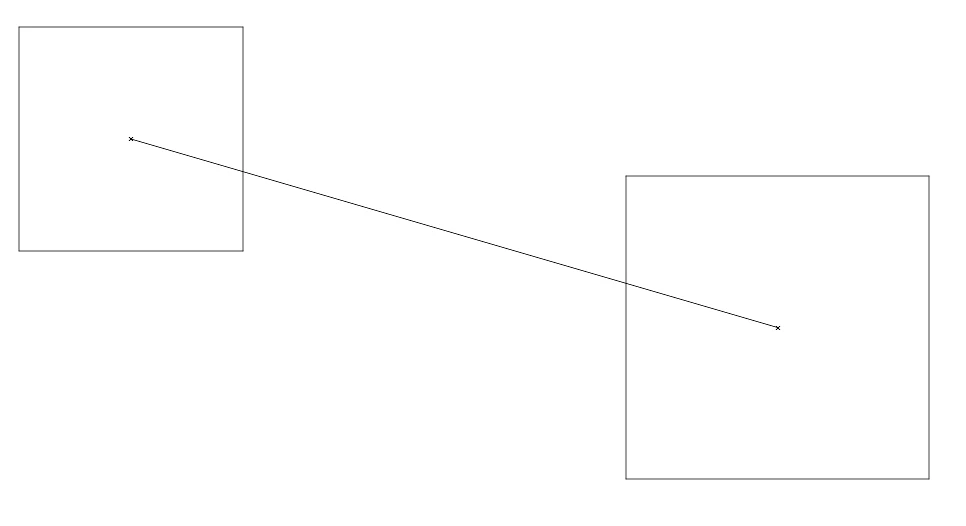
The reason for this is of course to make the blend tool work along complex paths, but my point is that it's using an invisible path as a utility to help itself achieve what it needs to do.
Again not being an Illustrator dev means I have no idea how difficult this is to implement,
But I think this could work.
I've had this in mind for several years now and I still haven't seen any improvements to the puppet warp tool in the last couple of major updates, so I can't take it any longer and need to share this idea in the hopes of an Illustrator dev seeing this and maybe bring this to the meeting table one day.


 AdChoices