
Inspiring
October 12, 2023
Answered

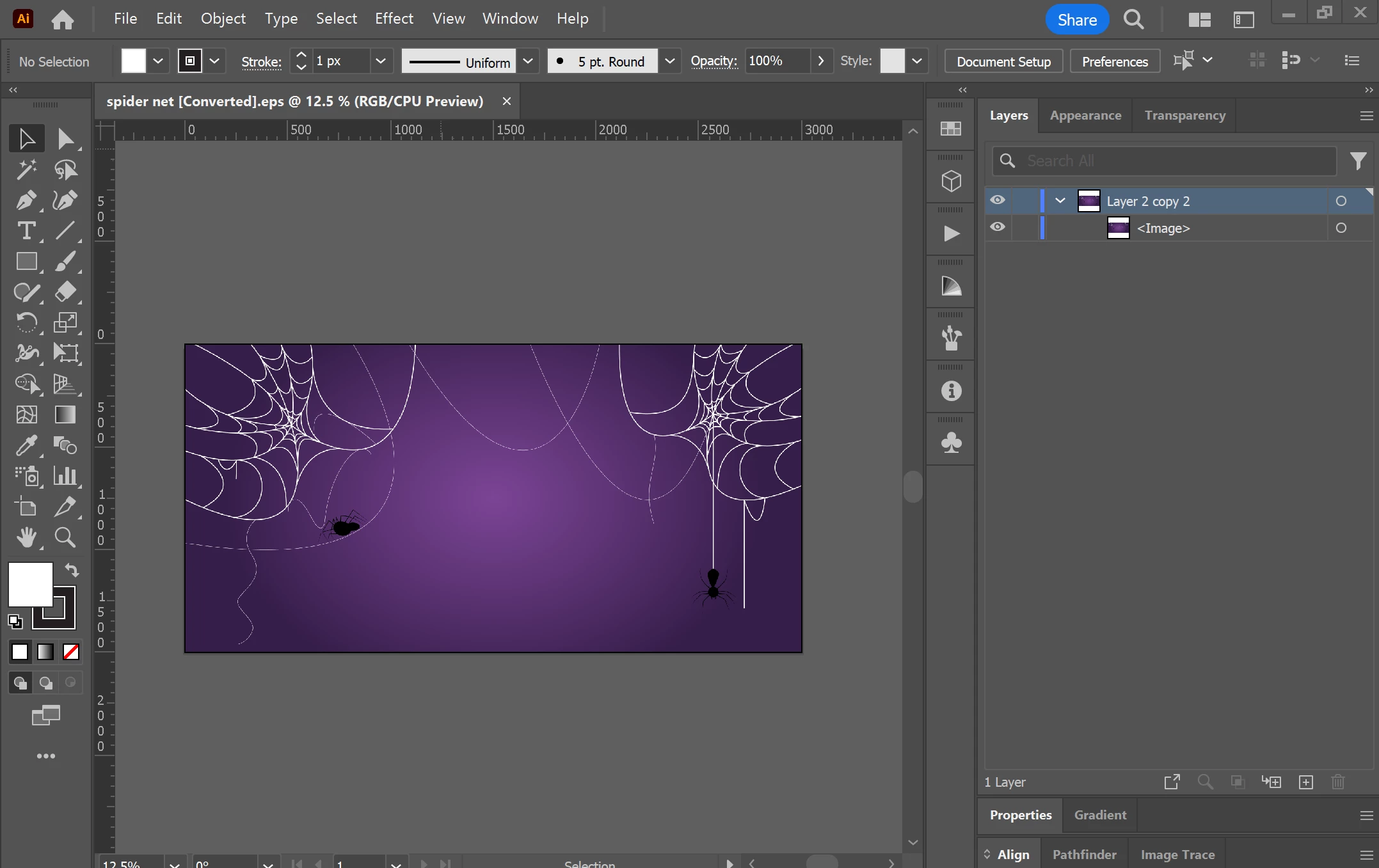
Illustartor saves eps 10 to a single layer with an <image>

  • October 12, 2023
  • 1 reply
  • 442 views

I am trying to save my work to eps 10 to my computer but when I open the eps file, my work is turned to a single layer named <image> and it is uneditable. How do I fix it?

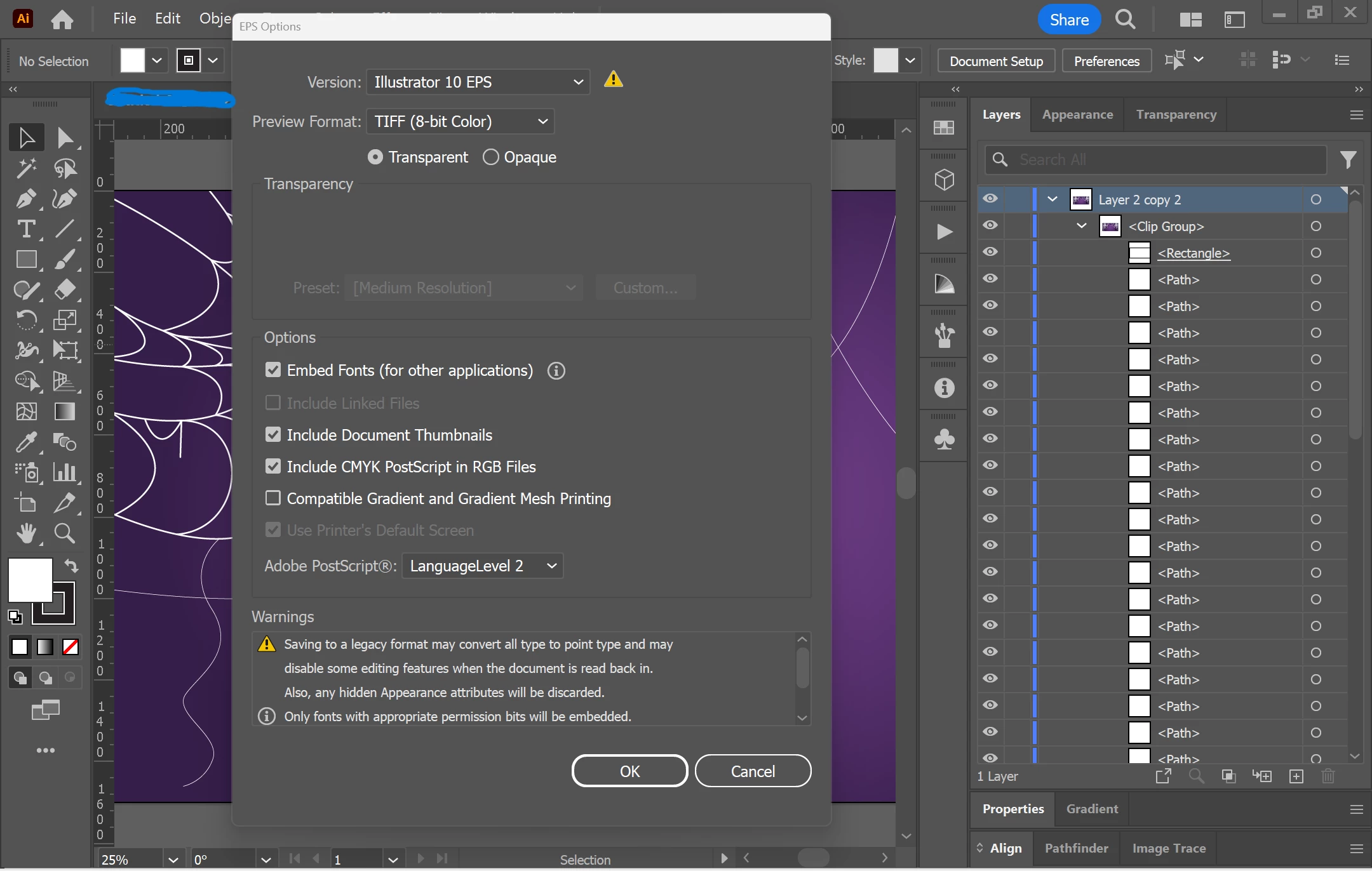
Attached are a screenshot of the issue and my settings when I saved it (p.s. I tried checking and unchecking all the option with no use).

THX!
This topic has been closed for replies.
Correct answer shrouq305986074ymg

For some reason, when I moved the background out of the clipping mask, it solved the issue.

1 reply

Monika Gause
Community Expert
Community Expert
October 12, 2023

So the EPS is the only file you saved? Or do you also have the original AI file? There must be something in that artwork that Illustrator 10 does not support. At all.


So what did you use? I can't see any effect applied in that layer stack. 

Inspiring
October 13, 2023

I do have the original AIC file (cloud based). I don't have any effects applied nor opacity masks or blending modes. I just used clipping mask and a compination of paths.

shrouq305986074ymgAuthorCorrect answer
Inspiring
October 13, 2023

For some reason, when I moved the background out of the clipping mask, it solved the issue.