Participant
December 18, 2020
Answered

illustator not allowing me to use blend > make

  • December 18, 2020
  • 6 replies
  • 810 views

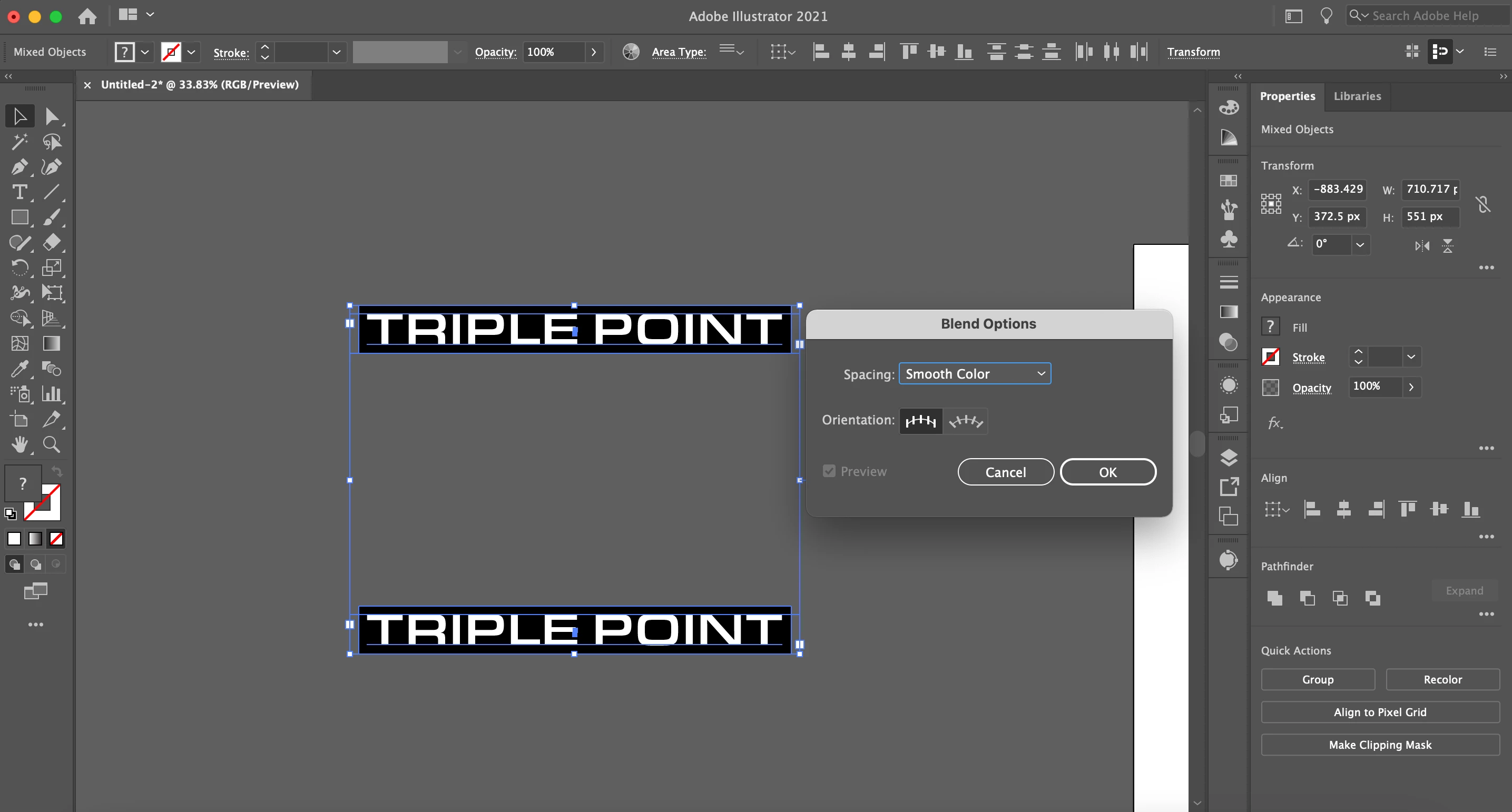
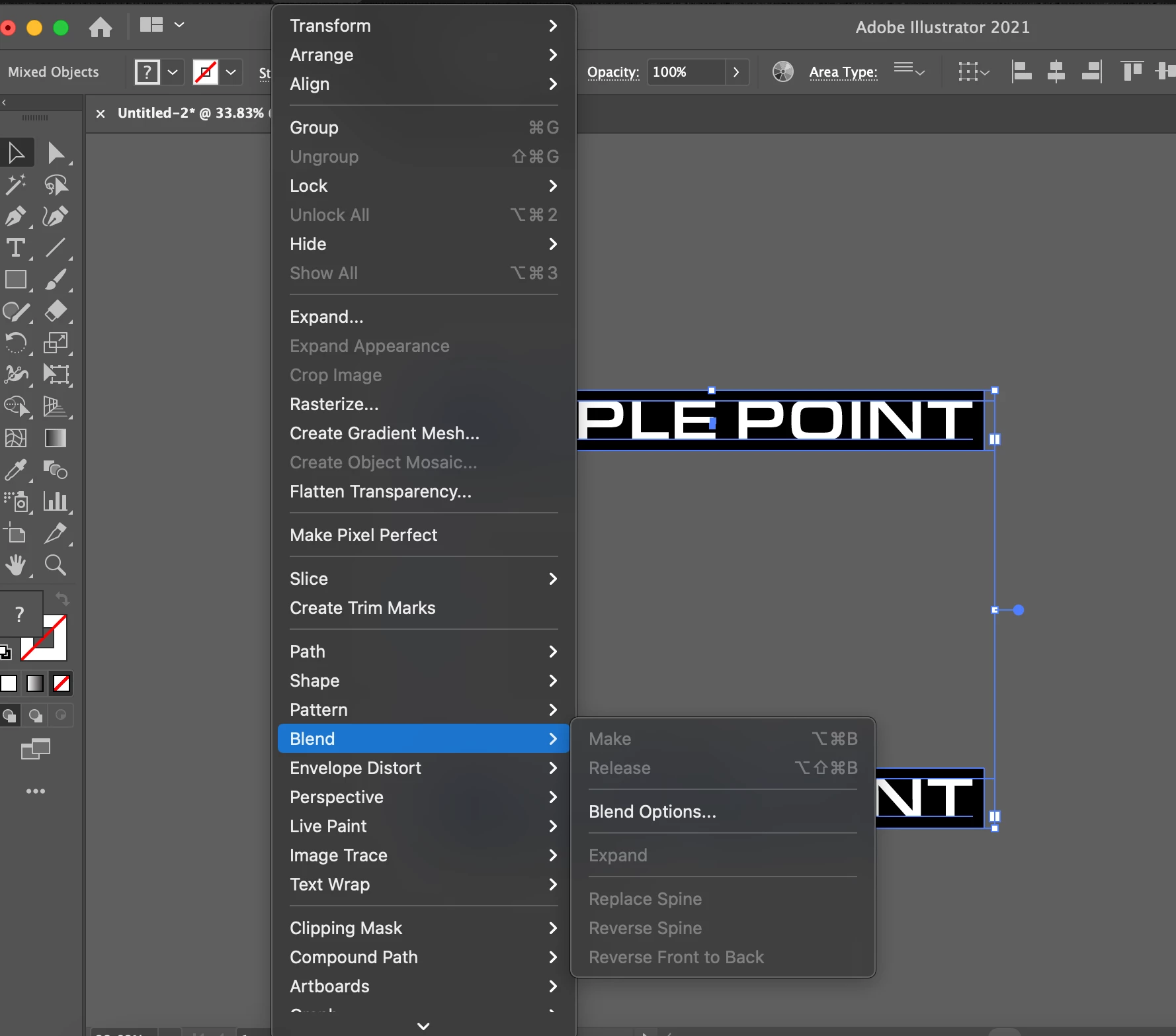
I am follwoing a tutorial on youtube trying to make a blend effect that requires me to use Blend>Make and then Blend> Blend Options. However, I'm stuck at the "make" step, its grayed out and I have tried looking at other posts here to try out some fixes with the blend tool but nothing is working. The only thing I can do is the "blend option" but the preview is greyed out as well. 


I've tried changing my artboard size and im using pixels, could that be an issue?

I've also tried expanding/make on different options but the blend option still wont work.

Another post also recomended from switching to RGB to CMYK when i did that switch it still did not work.

I'm completely stumped, please help!


Desired Results:

https://www.youtube.com/watch?v=UNQ5E_DMf3Y


Issues:  
This topic has been closed for replies.
Correct answer michelew83603738

You need to group the text with the black rectangle, then copy then blend.

6 replies

michelew83603738
Community Expert
michelew83603738Community ExpertCorrect answer
Community Expert
December 18, 2020

You need to group the text with the black rectangle, then copy then blend.

Omar.Fathy
Community Expert
Community Expert
December 18, 2020

Make text and frame below as group and the same for the other text.
Make sure that you are selecting the 2 groups.
Go to Object>Blend> Make 
After that select the result and go to Object>Blend> Blend options  to make sure that you have the desired settings. 

pixxxelschubser
Community Expert
Community Expert
December 18, 2020

No answer?
Then it seems to be working now ...

pixxxelschubser
Community Expert
Community Expert
December 18, 2020

Show a screenshot please.

Only the two text frames in your document, both selected and with opened Layers Panel and opened menu: Object -- > Blend

pixxxelschubser
Community Expert
Community Expert
December 18, 2020

Do not select all.

Select only the two text frames!

ourveredAuthor
Participant
December 18, 2020

Didn't work... I tried doing that and also tried doing that when expanded too, nothing.


thank you though!

Monika Gause
Community Expert
Community Expert
December 18, 2020

Please show the layers panel

(layer open so we can see the objects. Are you sure you followed every step?

ourveredAuthor
Participant
December 18, 2020

Here are my layers.


I've followed every step even down to the exact keys the guy says to press i'm not sure what I'm doing wrong.