Participant
April 3, 2023
Question

Illustration 3D Rendering Outline
  • April 3, 2023
  • 1 reply
  • 659 views


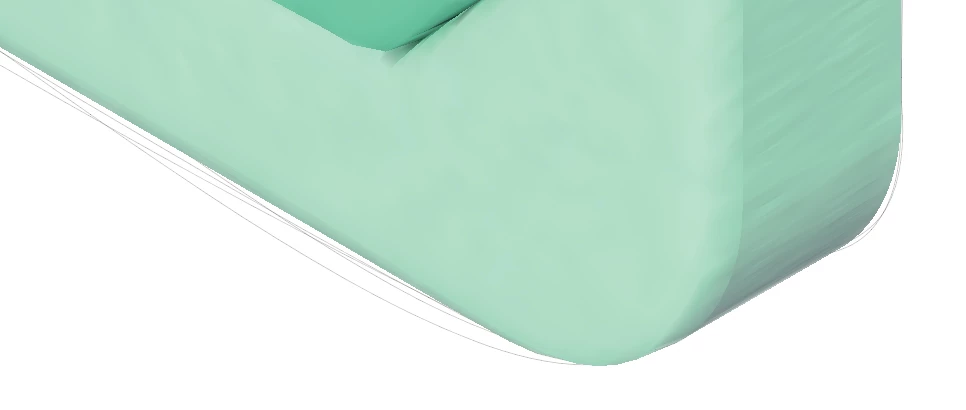
Outlines are created when rendering illustrations in 3D.
You can mark it with vector rendering and turn it around
How can we solve this?

This topic has been closed for replies.

1 reply

Monika Gause
Community Expert
Community Expert
April 3, 2023

So this appears only after you turn on vector rendering?

I assume you have already experimented with the options in the Raytracing popup?

And also searched whether there are updates for your graphic card driver?

Does this look better in CPU preview mode?

Participant
April 4, 2023

Select 3D and Materials Extrude for the shape shape, select 3D typedp Inflate, give an appropriate volume and select Rnder as Vector in Rener setting
When the render was turned, the lines appeared densely outside the object.
In the case of the graphics card, update the latest version of nvidia and add the illustration program to the 3D settings management
It doesn't seem to be a graphics card issue.
If the same phenomenon is maintained in both CPU previews, even if the image is exported from import to jpg, the phenomenon remains in the image file, so I inquired.

Participant
April 4, 2023