
Question
Illustrator 2019 Bounding Box is giving me headaches
I'm fighting with a reluctant Bounding Box?
For some reason, it disappears on me and there is NO way to bring it back other than delete Preferences.
I'm on Windows 10, on a french version.
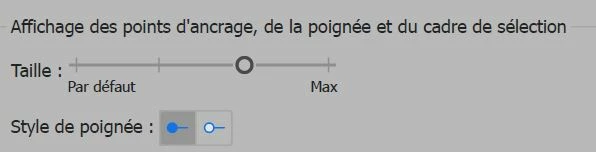
I suspect it may have to do with my settings for anchor points size
(sorry, I don't have an English screen capture to share).
It breaks my heart and ruin the day to have to search for the issue.
All I know is that, at some point Ctrl + H no longer Shows or Hide the Bounding Box 
I tried to search wherever I could have accidentally hit some options wrong...
At least, deleting the Preferences file works.
 AdChoices