Participant
December 10, 2019
Answered

Illustrator 2020 JPG BLEED NOT EXPORTING!!!!!!

  • December 10, 2019
  • 3 replies
  • 3907 views

FIX IT.  


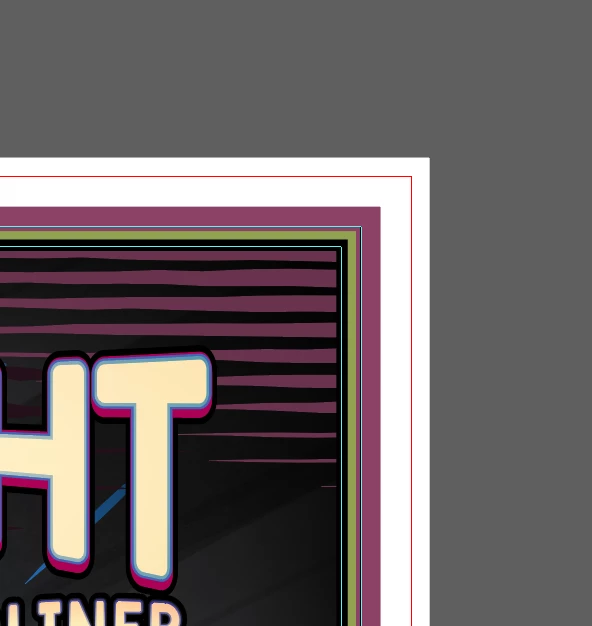
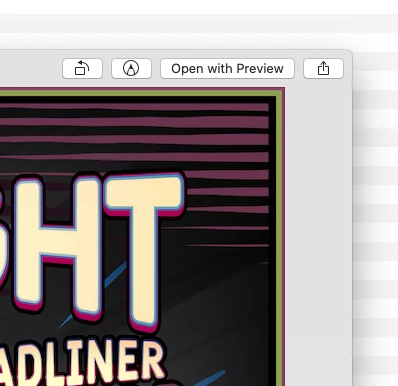
OVER 20 years using illustrator and 2020 is not exporting the BLEED with JPGs!  Why?  When will this be fixed?  Thank you. 

This topic has been closed for replies.
Correct answer Ton Frederiks

It is about quality/filesize. 100 gives the best quality but has a larger filesize than 20, which is small but horrible.

3 replies

Doug A Roberts
Community Expert
Community Expert
December 10, 2019

Using Export As and Use Artboards, I get no bleed in JPEGs from Illustrator 24.

Same settings produce JPEGs with bleed in CS6, so I would guess this is either an oversight or a bug.

Participant
March 13, 2024

I'm having the same issue.  I've always used Export As..., selected the Use Artboards, put in my range, and it's worked.  Since the last update (today's date is 3.13.24) it's stopped exporting with bleed.  Has to be an unintentional bug or something.

Doug A Roberts
Community Expert
Community Expert
March 13, 2024

Did you see the post above about using the setting in the Export for Screens dialog to change this?

Danny Whitehead.
Legend
December 10, 2019

If you use Export For Screens rather than Export As, you can choose to Include Bleed.


Strangely, whichever setting you use in Export For Screens will apply to the next time you use Export As.

Doug A Roberts
Community Expert
Community Expert
December 10, 2019

So it does, Danny. How odd.

Ton Frederiks
Community Expert
Community Expert
December 10, 2019

You can do a feature request here:

https://illustrator.uservoice.com