Question
Illustrator 2022 - All Caps button makes text disappear
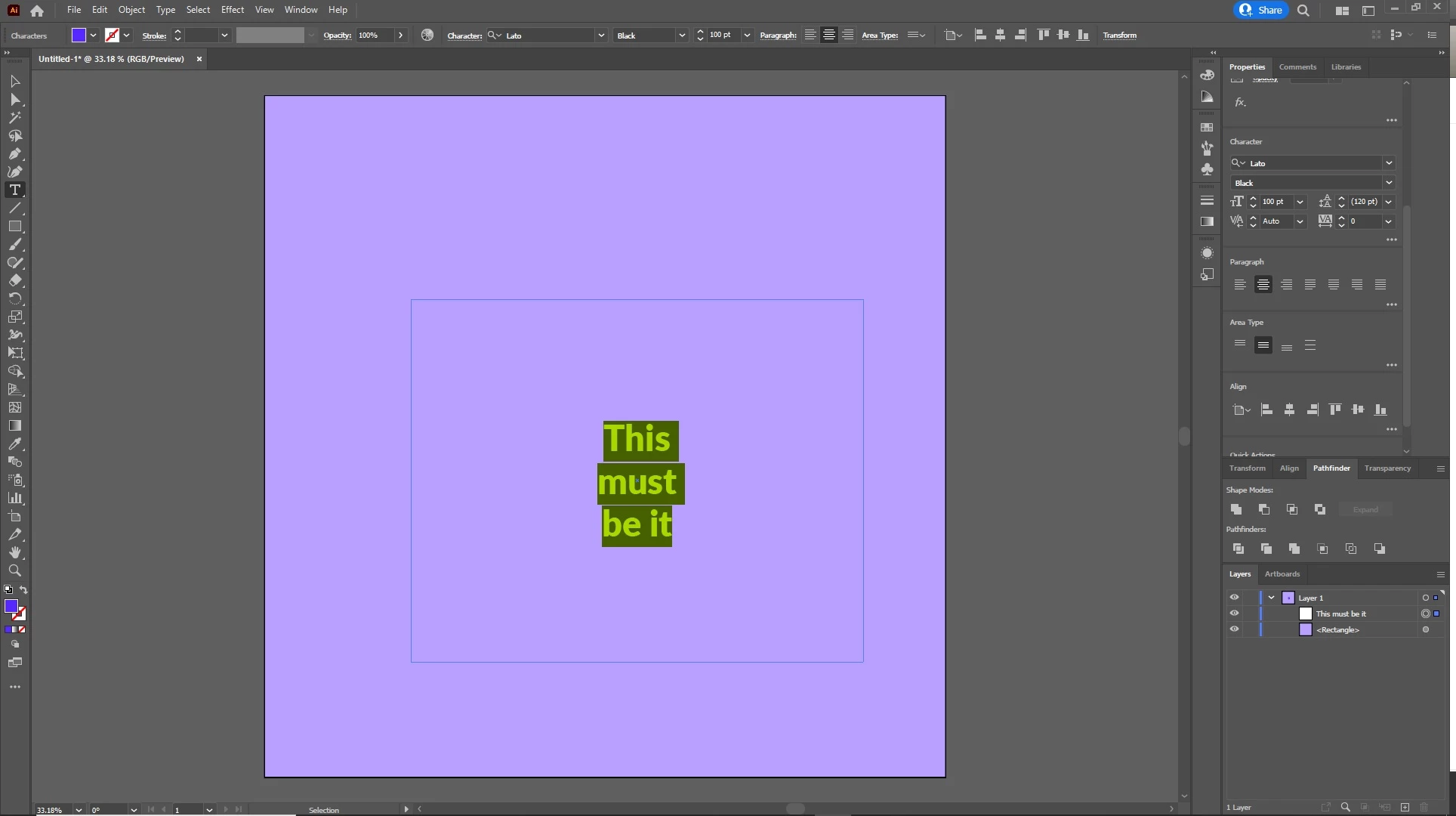
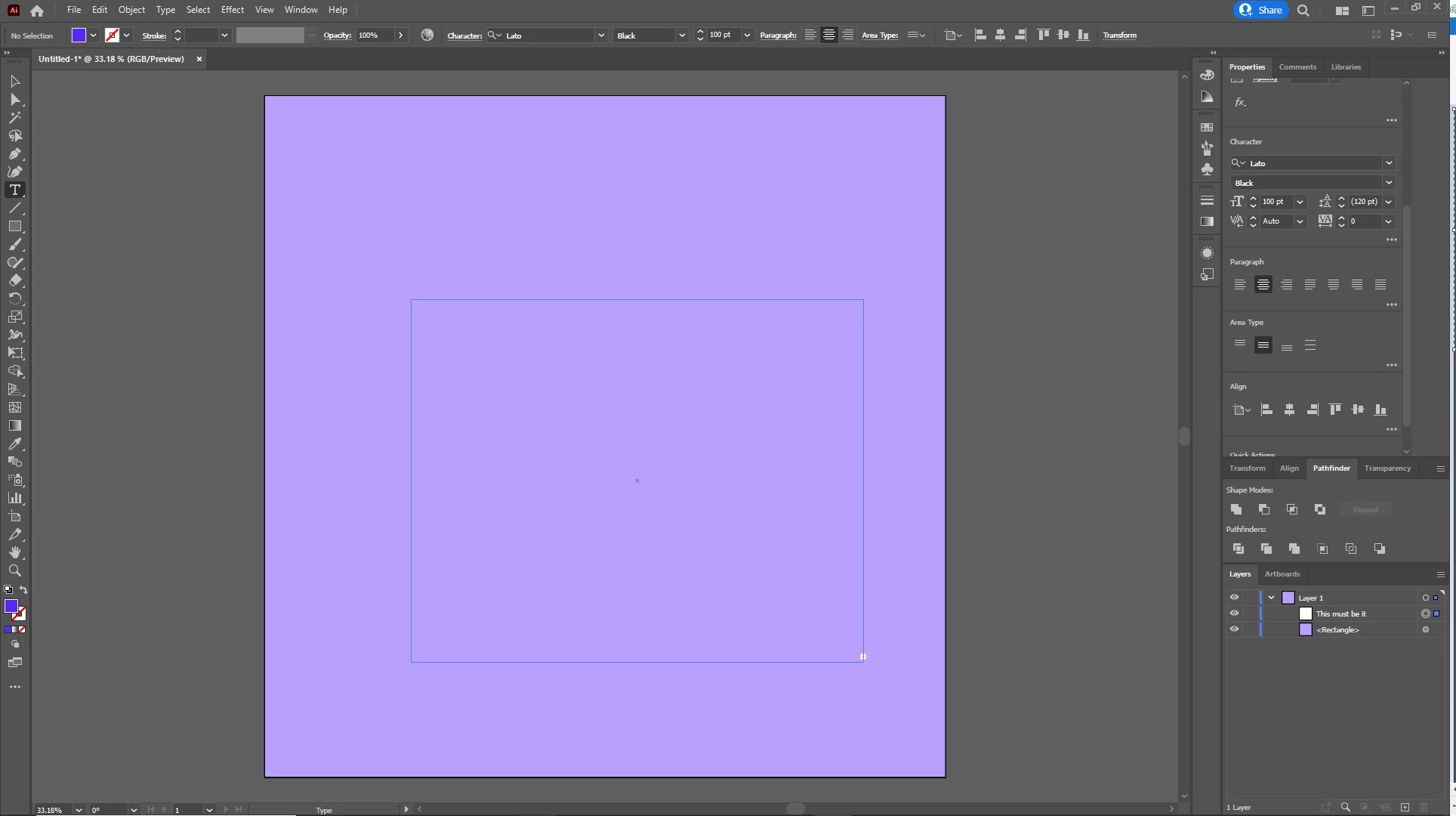
I am trying to use the all caps feature in the character panel and when i select the button my text disappears. My text box bounds are great enough that its not clipping the text due to the size diffence and I even shrunk my font size down to make sure of that. I am using the Adobe Font Lato with the Black character type. I have used the all caps feature before but now that I have updated to the new version of Illustrator this problem arose. The Part 1 attachment is the text befoer selecting all caps and the Part 2 attachment is after.
 AdChoices