

jong11720670
Participating Frequently
October 27, 2021
Answered

Illustrator 2022 Keeps Shutting Down on macOS

  • October 27, 2021
  • 11 replies
  • 15741 views

This is the 4th-6th time Illustrator has shut down onnthe past 30min-1hr.. On 2 difftent project files that had had no saving and versions issues all week.     Just moving elements around.  Is there a latest update issue?
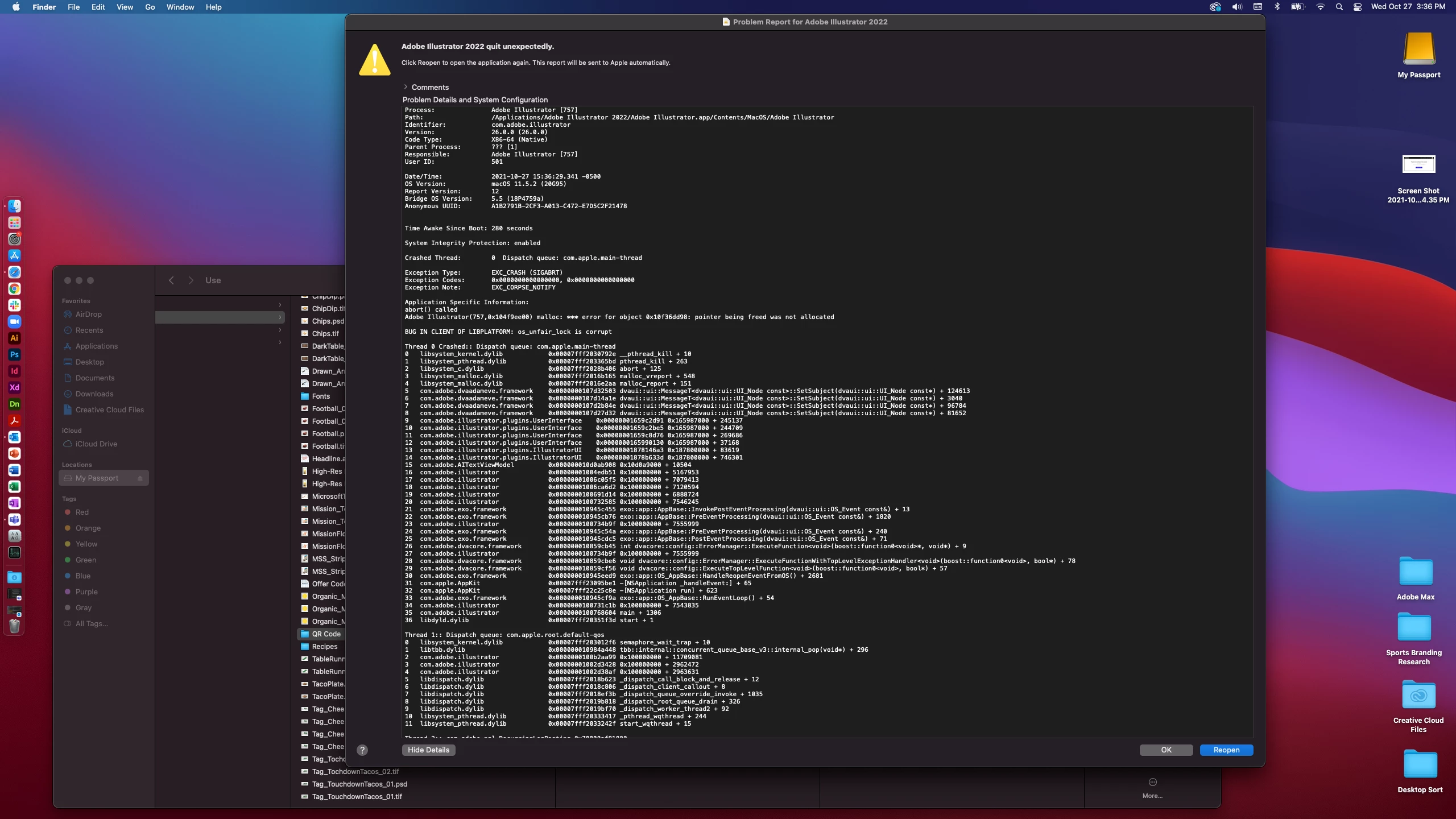
This topic has been closed for replies.
Correct answer Anshul_Saini

Hi All,


Sorry to hear about your experiences. I request you all to update the Adobe Illustrator to the latest version (26.0.1) released recently and let us know if that helps resolve your issues. You may follow this help article (https://helpx.adobe.com/creative-cloud/help/creative-cloud-updates.html) to do that.


Multiple users have confirmed that Illustrator is not crashing after updating to this version.

Please reach out if you are still facing crashes after updating to this version.


Regards,

Anshul Saini

11 replies

jong11720670
Participating Frequently
October 27, 2021

Now after needing to re-downlad previous Ai I now have lost my files, errors, or won't open anymore??!

- I have restarted programs

-I have restarted computer

-I have MacBook Pro (16-inch, 2019)

-I have the latest Big Sur 11.5.2