
Question
Illustrator 2025/2024 properties panel got stretched out cant fix
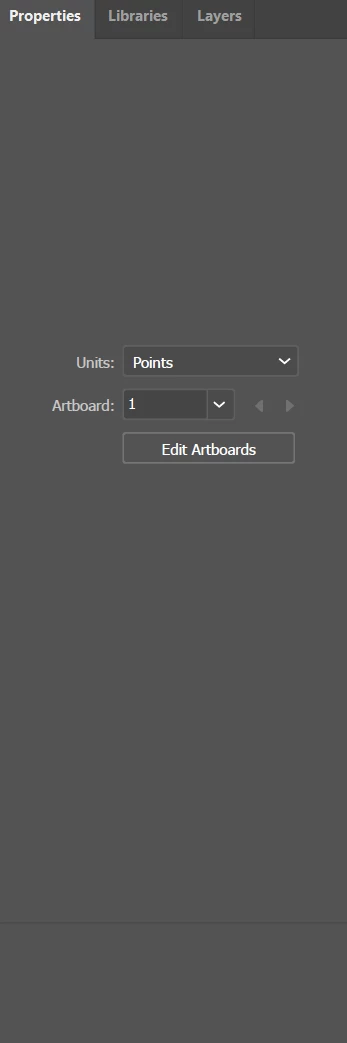
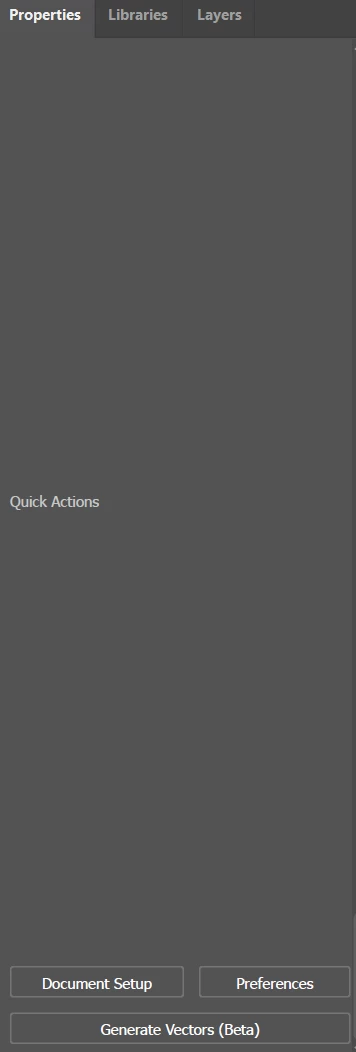
Good day to everyone. Recently encountered a problem with my properties panel in Illustrator. It was all good for several months after i first installed it, but when I opened Illustrator one day it turned out to be like this. I've tried reopening the tab, resetting, deleting the preferences settings in Adobe folder, even completly deleting all my adobe apps from my PC, clearing all possible files remaining and downloading once again, yet still nothing has changed. The same problem was in the last version of illustrator 2024, updated to 2025 and still the same. Has anyone had the same problem and are there any solutions to returning the default look.
Much appreciated




 AdChoices