@Anubhav M I cleaned all apps, and deleted all the folders as you asked but still the same problem. I have a hunch but not sure if that is causing the issue or not. I'll be talking to Asus and updating to the latest BIOS. This is part of leaving no stone unturned, let's see what happens. I'll post an update.
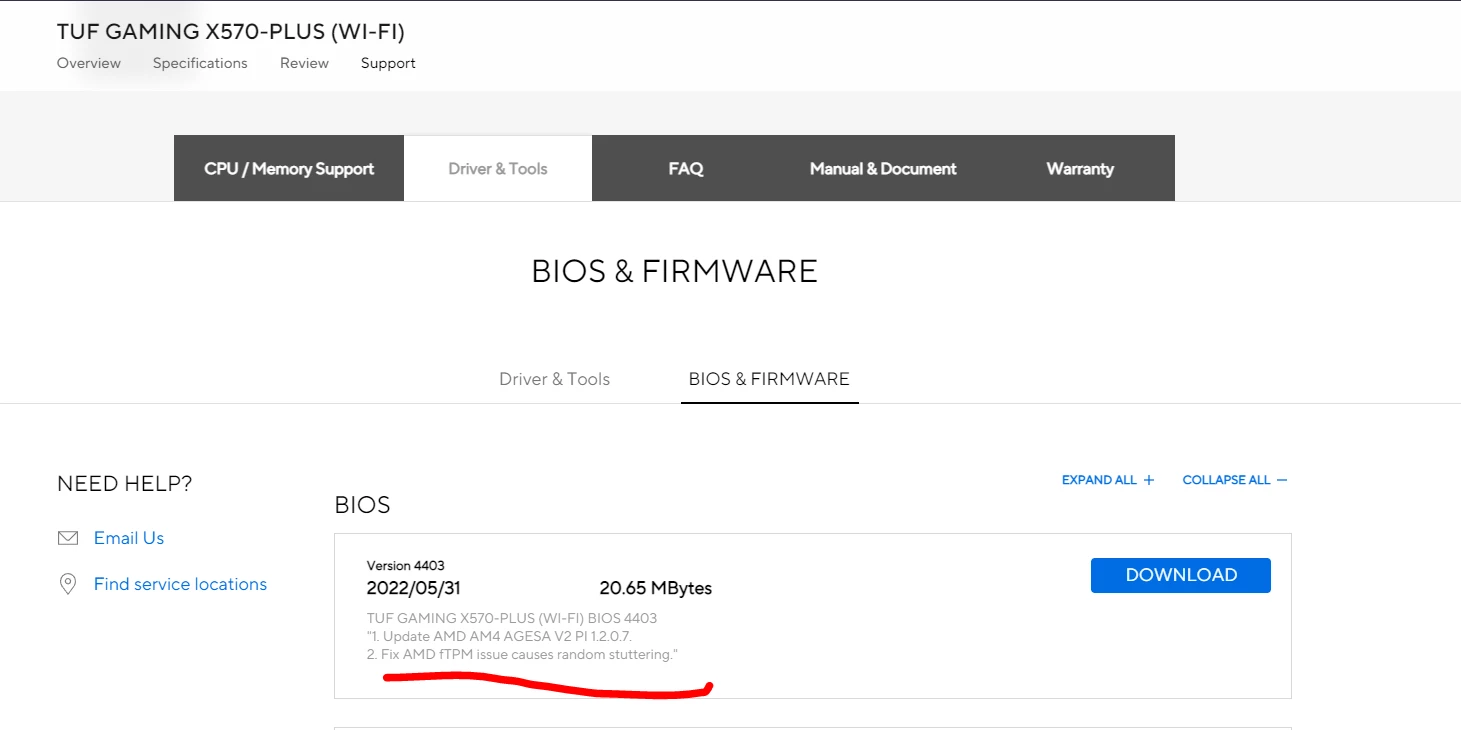
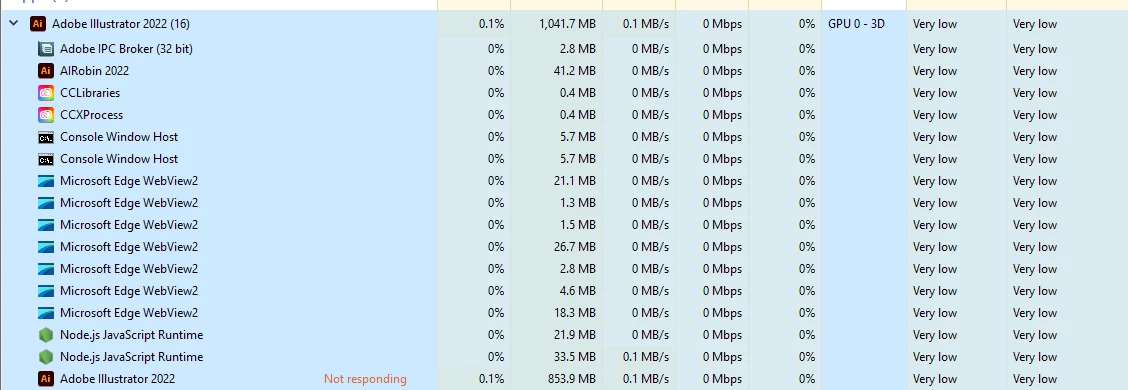
So, I updated my BIOS. I don't wanna rush to a conclusion, but after the update, things have improved by a large margin but the lag still remains not as bad as it used to be. When I experienced the lag again, this time, 1/10 clicks, I decided to go to the task manager and see if anything unusual going on and I found one task named Adobe Illustrator in "Not Responding". Could that be the issue? Before if I clicked to change color, 5/10 times it would lag, now it lags 1/10 times. This is tested immediately after updating to the latest BIOS as I am writing this reply so still not 100% sure if ftpm was causing the lag or not. @Anubhav M



 AdChoices