


Question
Illustrator 29.3.1 and Macbook M4 Max 64GB memory - 3D not working
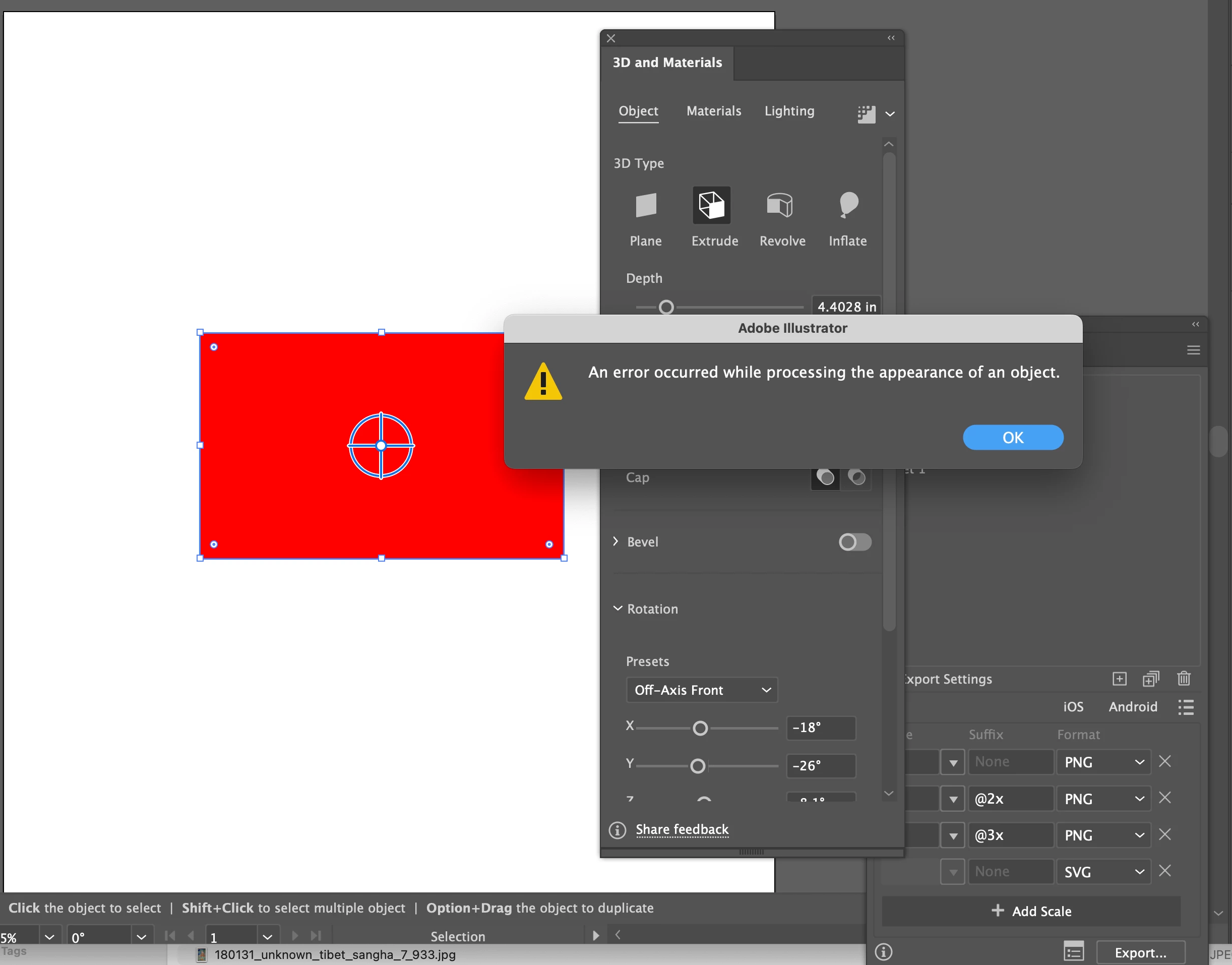
On my new Mac with M4 Max chip running OS Sequoia 15.1 my Illustrator 3D files don't work. I have tons of memory. Even after updating to latest Illustrator version (29.3.1), restarting machine, etc, Doesn't work, get errors.
Even if I make a new file, create a single square and try to extrude or any other 3D feature get error.
I drop object into asset manager and try 3D & Materials, everything errors out. See screen shots. Please don't tell me to restart or update software. Thoughts?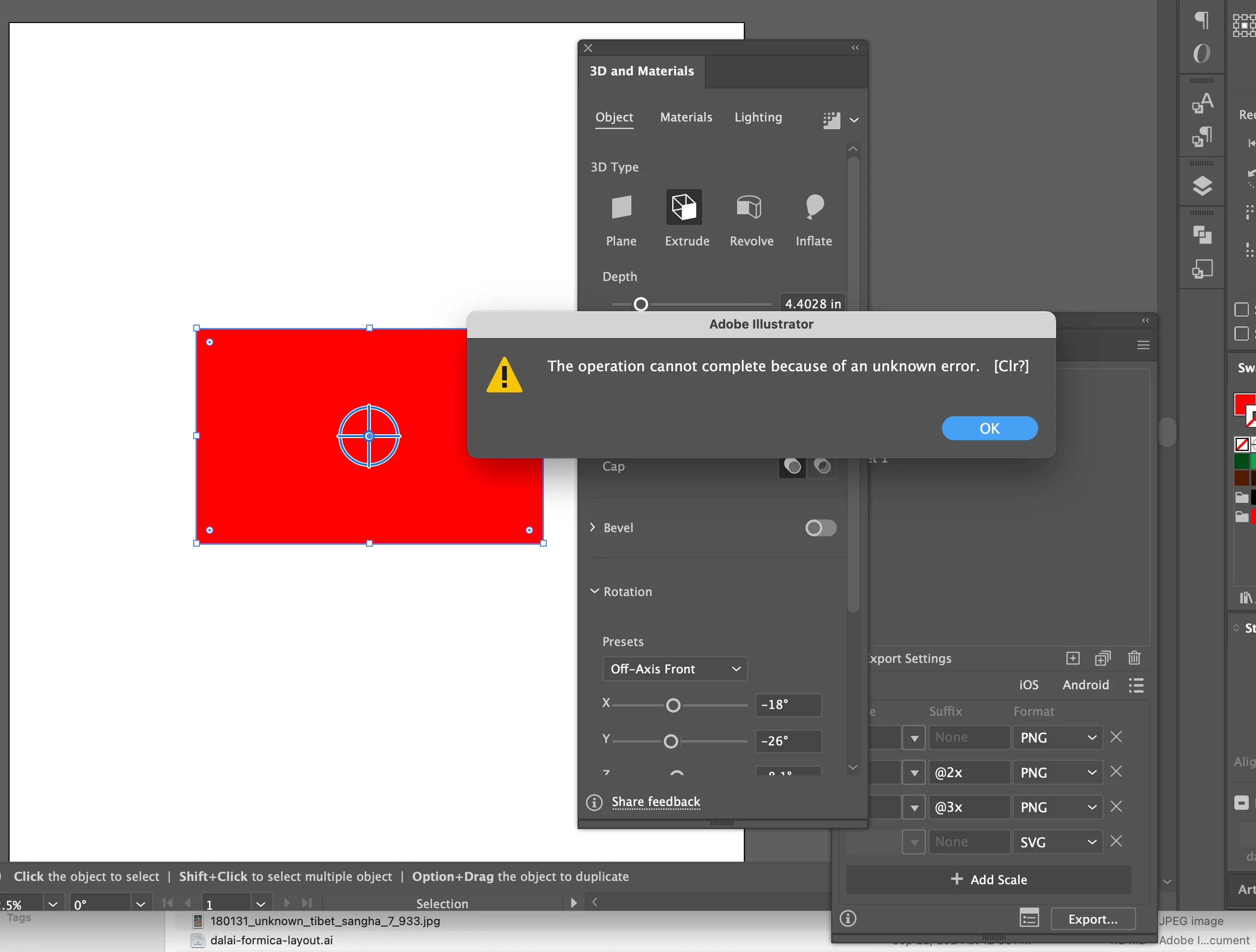
 AdChoices