


Answered
Illustrator 29.7.1 Ignores Link Preferences and Converts All Links to Embedded Images Automatically
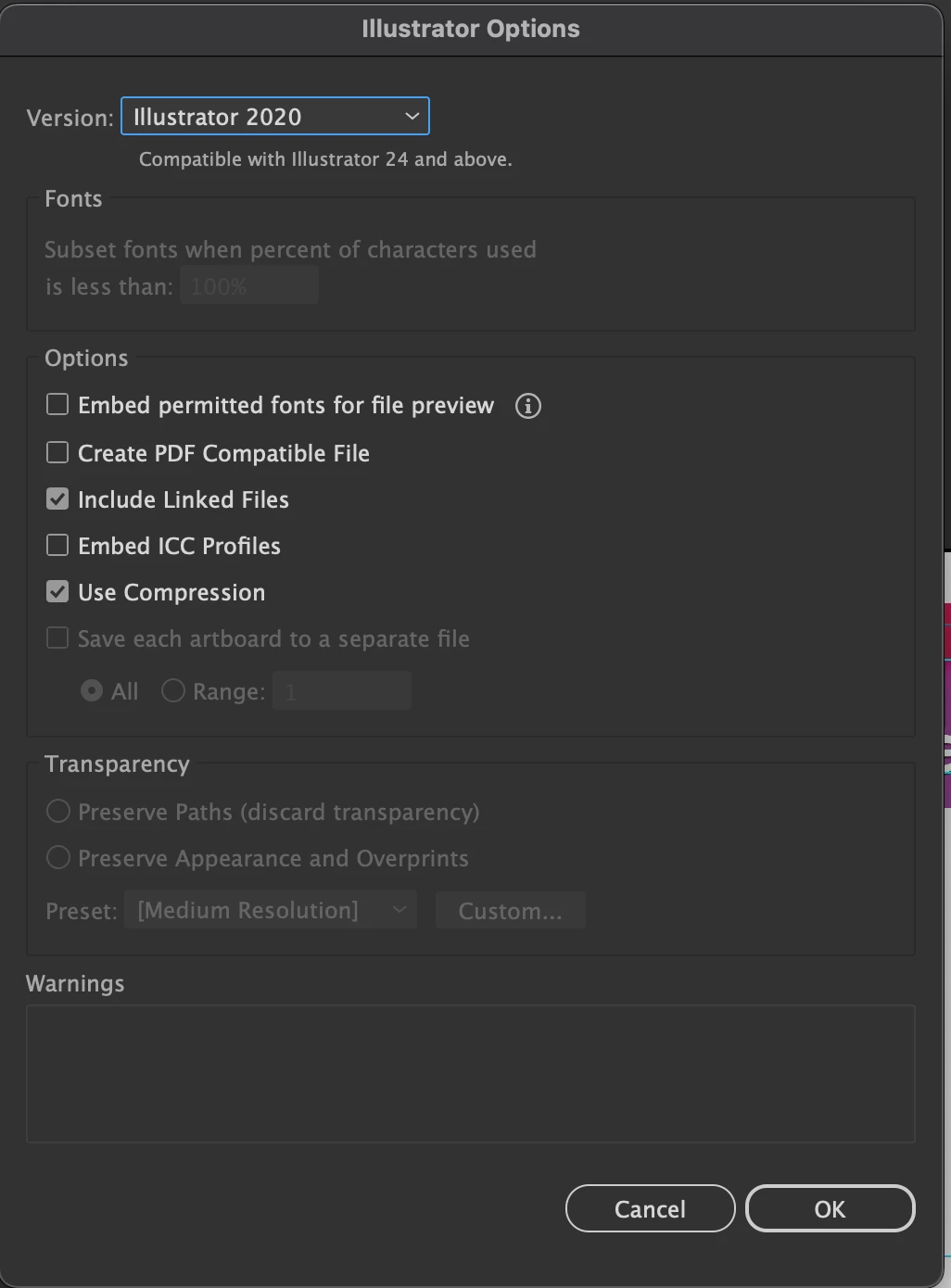
Please HELPP!! Images are being automatically embedded regardless of having "Include Linked Files" checked during save operations. This occurs consistently across all documents.
- Place image using File > Place with "Link" option checked
- Save document with "Include Linked Files" enabled
- Close and reopen document
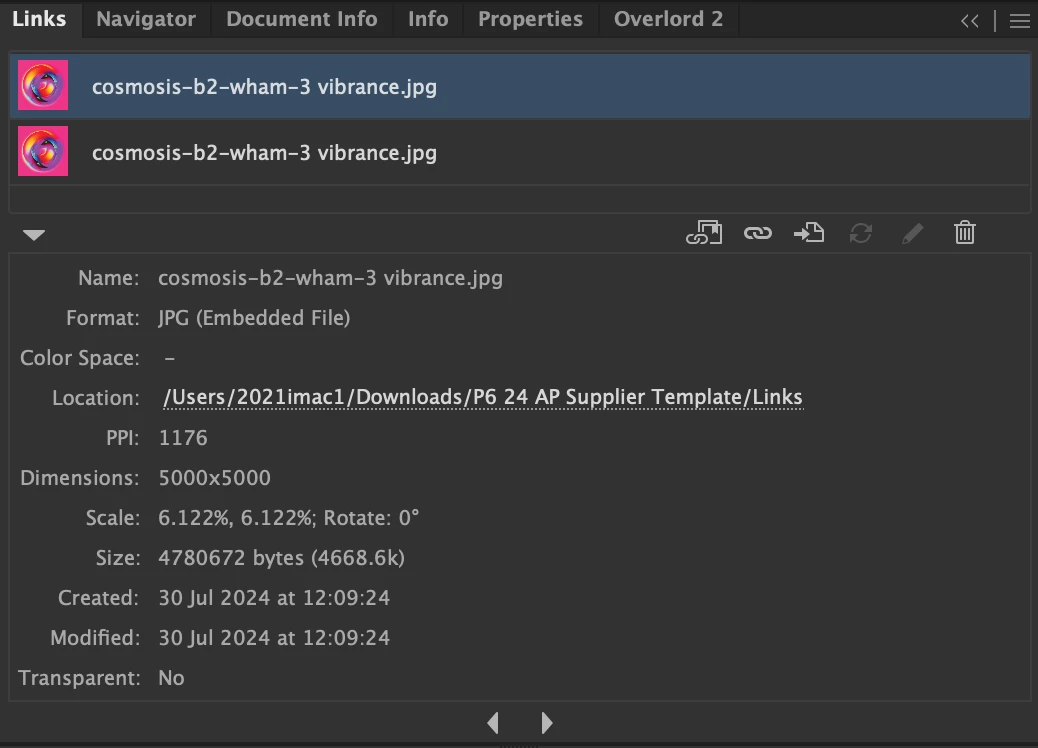
- Check Links panel - images show as embedded despite original link settings
I've tried troubleshooting:
1. Relinked images multiple times through Links panel
2. Restarted Adobe Illustrator application
3. Rebooted entire system
4. Saved documents with different filenames
5. Verified original image files remain in original locations with unchanged filenames
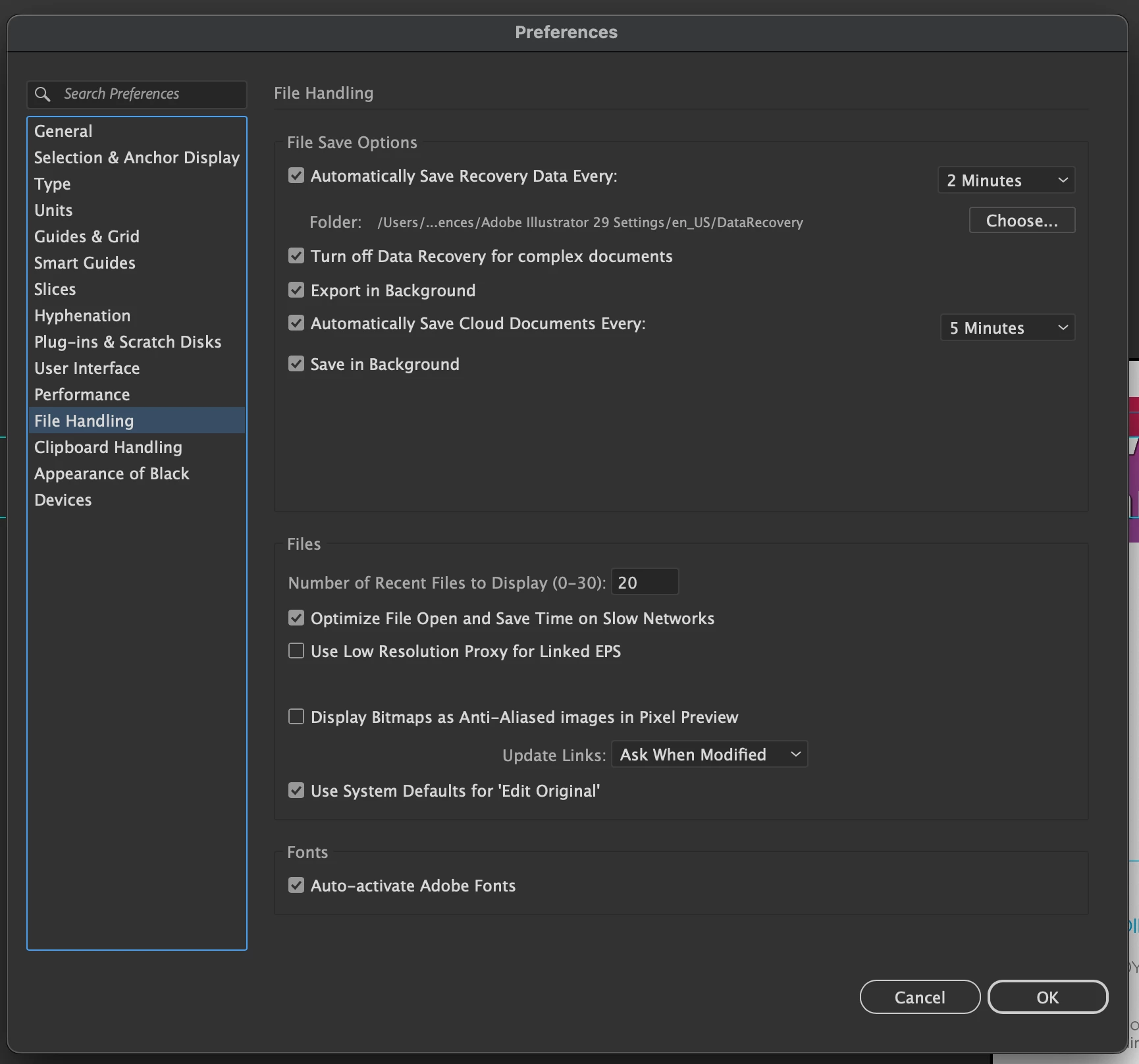
I've attached a screenshot of file handling settings.
Operating System: macOS Sequoia 15.2
Hardware: iMac 27-inch 2020
Processor: 3.8 GHz 8-Core Intel Core i7
Graphics: AMD Radeon Pro 5700 XT 16 GB
 AdChoices