Illustrator app not functioning properly?
Hi everyone,
I've been having trouble designing lately for my clients and I haven't figured out what's causing it or how to resolve this.
So as you see in the first image, I'm working on this logo design for one of my clients.
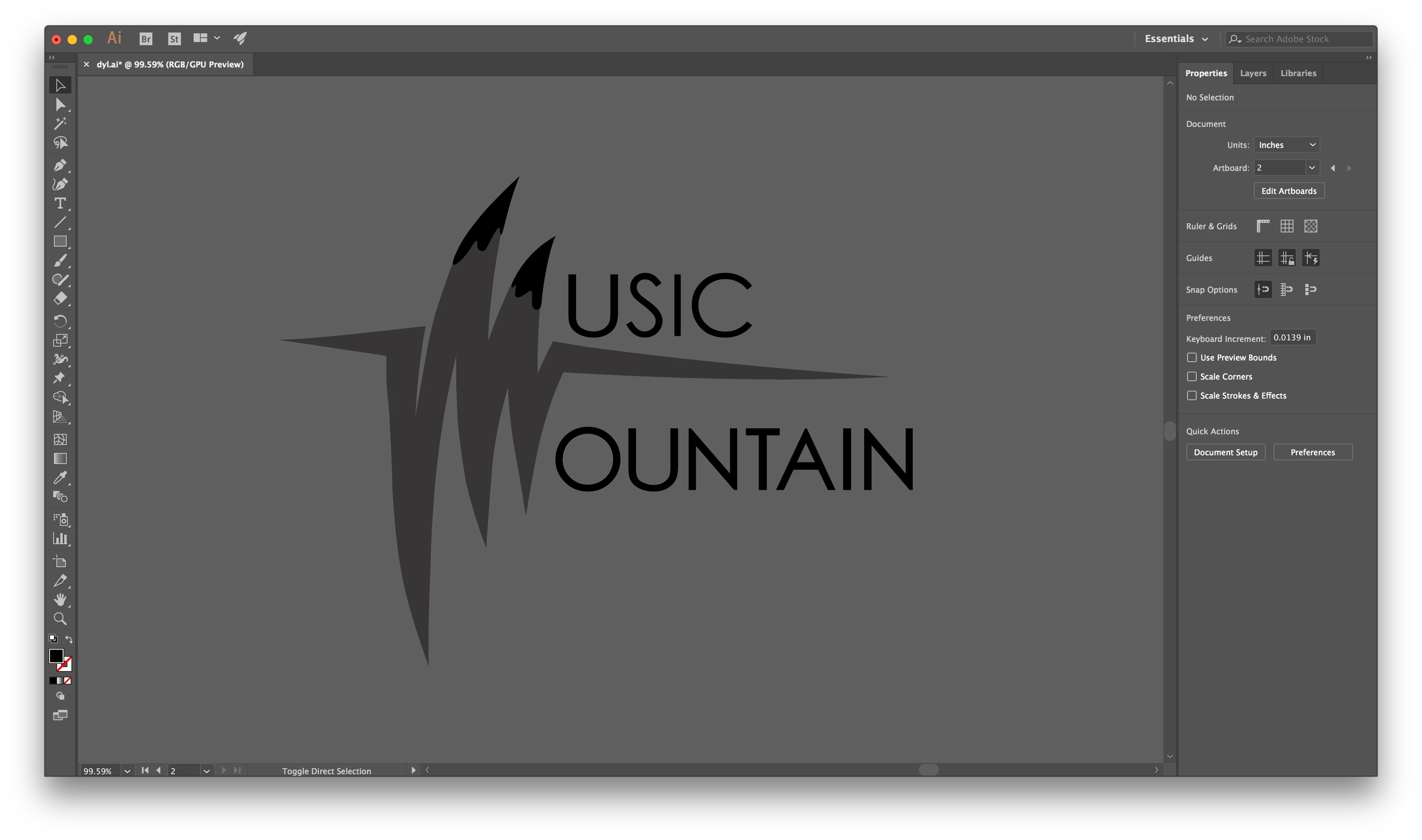
However, once I try zooming in, or selecting & moving the artwork, it does this:
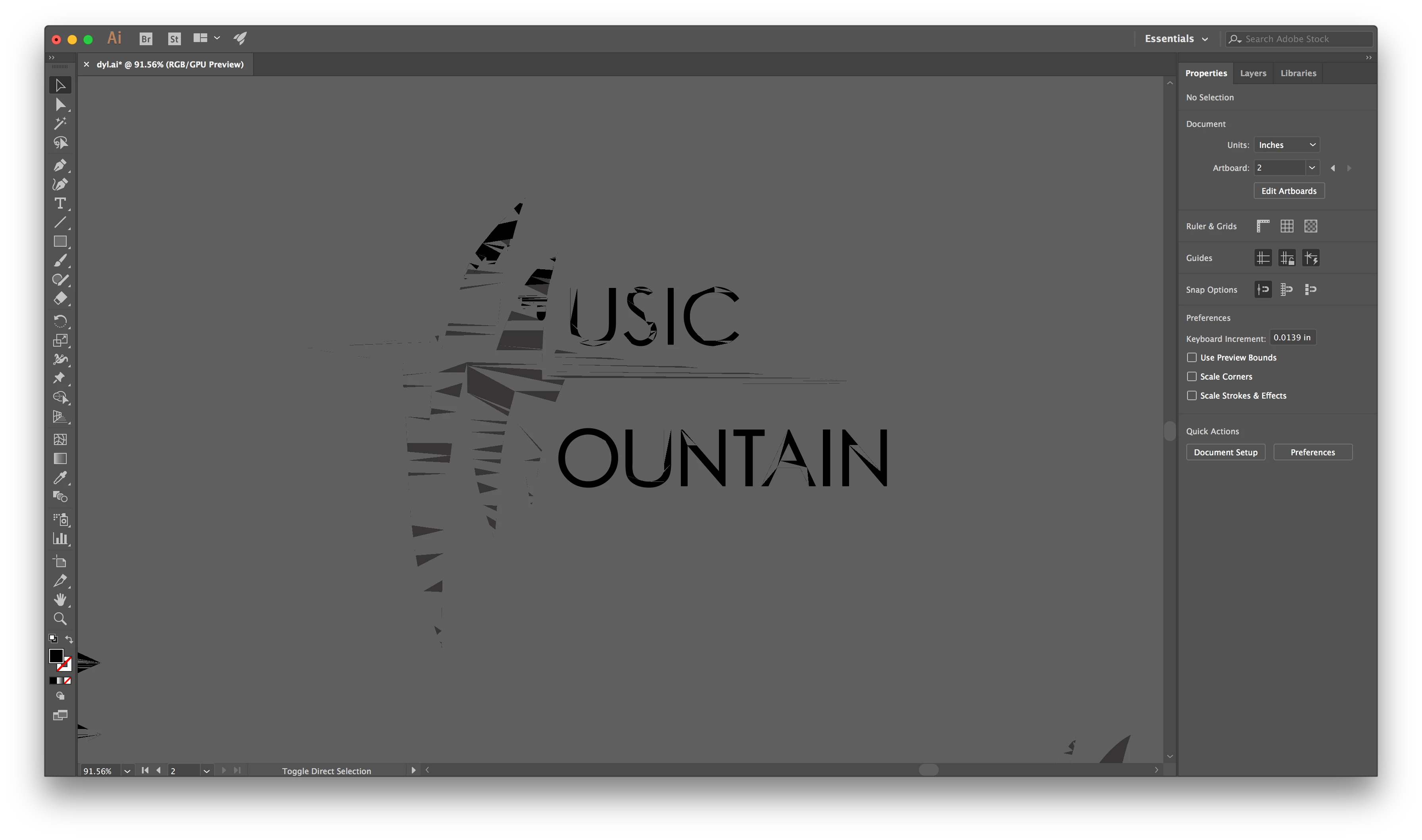
I had the previous version of Illustrator (CC 2017) and I thought it would resolve by updating to the newest version (CC 2018), but I'm still having the same issues.
I also tried creating a new file and redoing the artwork in case the original file was damaged, but the new file also does this as well. In addition, this happens to any and all images that I import onto my file as well (So overall, anything that I work on Illustrator turns to this hot mess).
Any help regarding this will be much appreciated! Thanks in advance as well 
 AdChoices