Participant
August 21, 2025
Answered

Illustrator Beta 29.9.14 not working

  • August 21, 2025
  • 3 replies
  • 2096 views

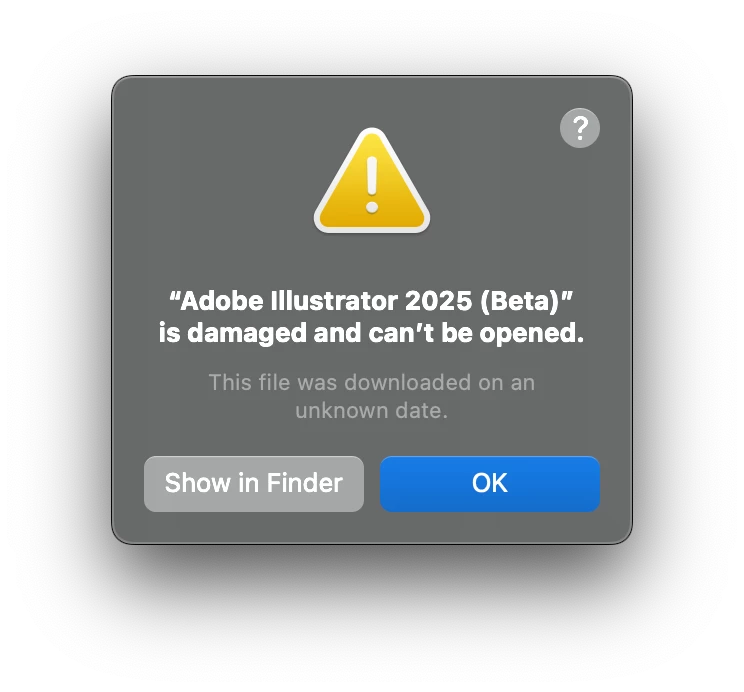
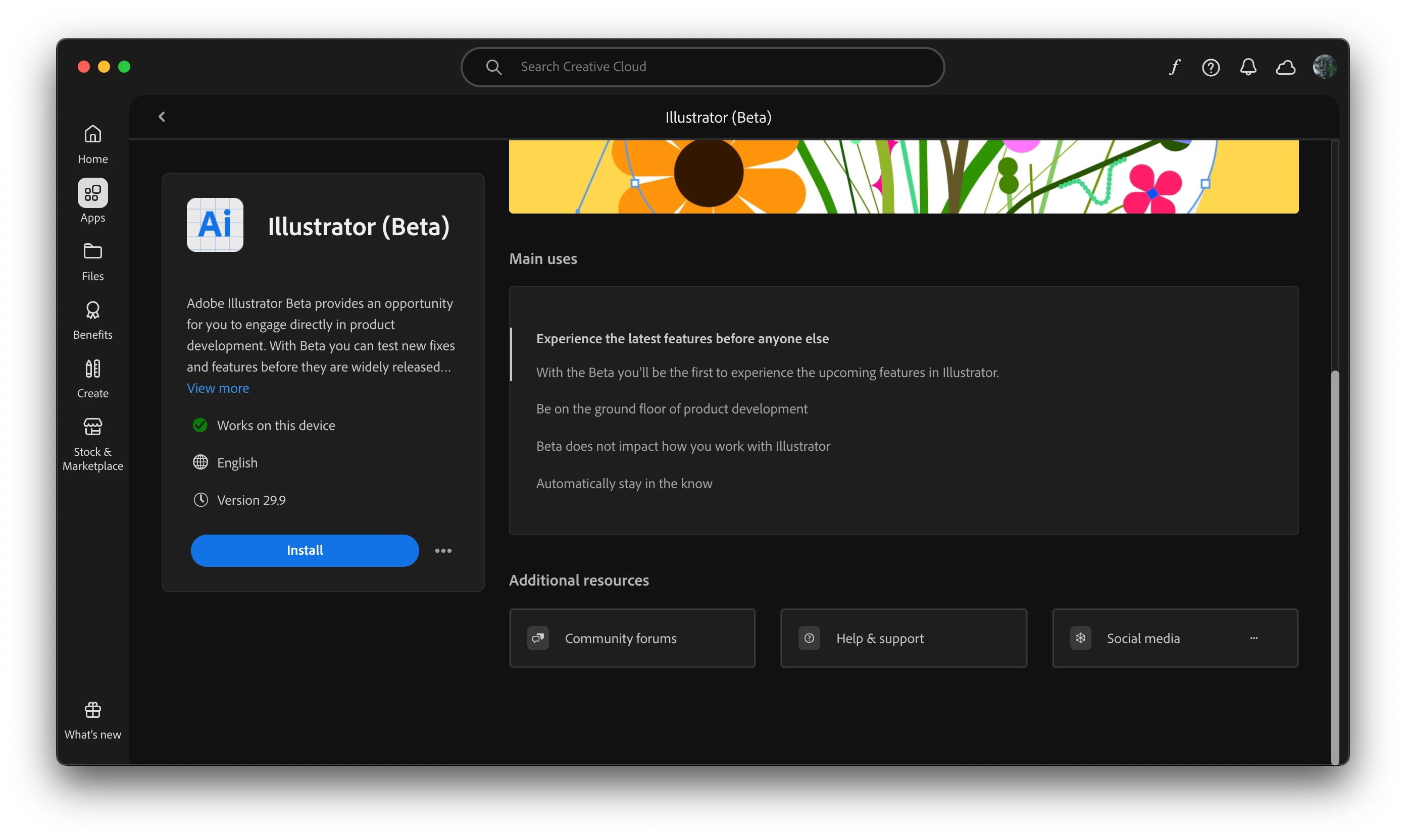
I have uninstalled and reloaded a few times to try turnaround. However, despite ACC app saying it will work on my computer, it says that it is damaged and will not open.

What should I do here?
 

Correct answer La Bola Ocho

Try not only uninstall, remove the whole folder. It worked for me!

3 replies

Known Participant
October 22, 2025

Same exact issue here today. Uninstalled. Resinstalled via webiste and nothing. Still throwing same issue. Other Beta apps working as expected, just illustrator.

AGH

La Bola OchoCorrect answer
Inspiring
October 22, 2025

Try not only uninstall, remove the whole folder. It worked for me!

Harshika Verma
Community Manager
Community Manager
October 24, 2025

Awesome. Thank you for sharing the solution that worked for you. This might help our community customers resolve their issues. 


Thanks,

Harshika

Participant
August 29, 2025

Same issue here. I've tried the Adobe Cleaner as well as reinstalling in safe mode on my Mac but still no luck. Looking around, it seems a few people have had the same issue. Have you had any luck since?


Anubhav M
Community Manager
Community Manager
August 29, 2025

Hello @bengdixon,

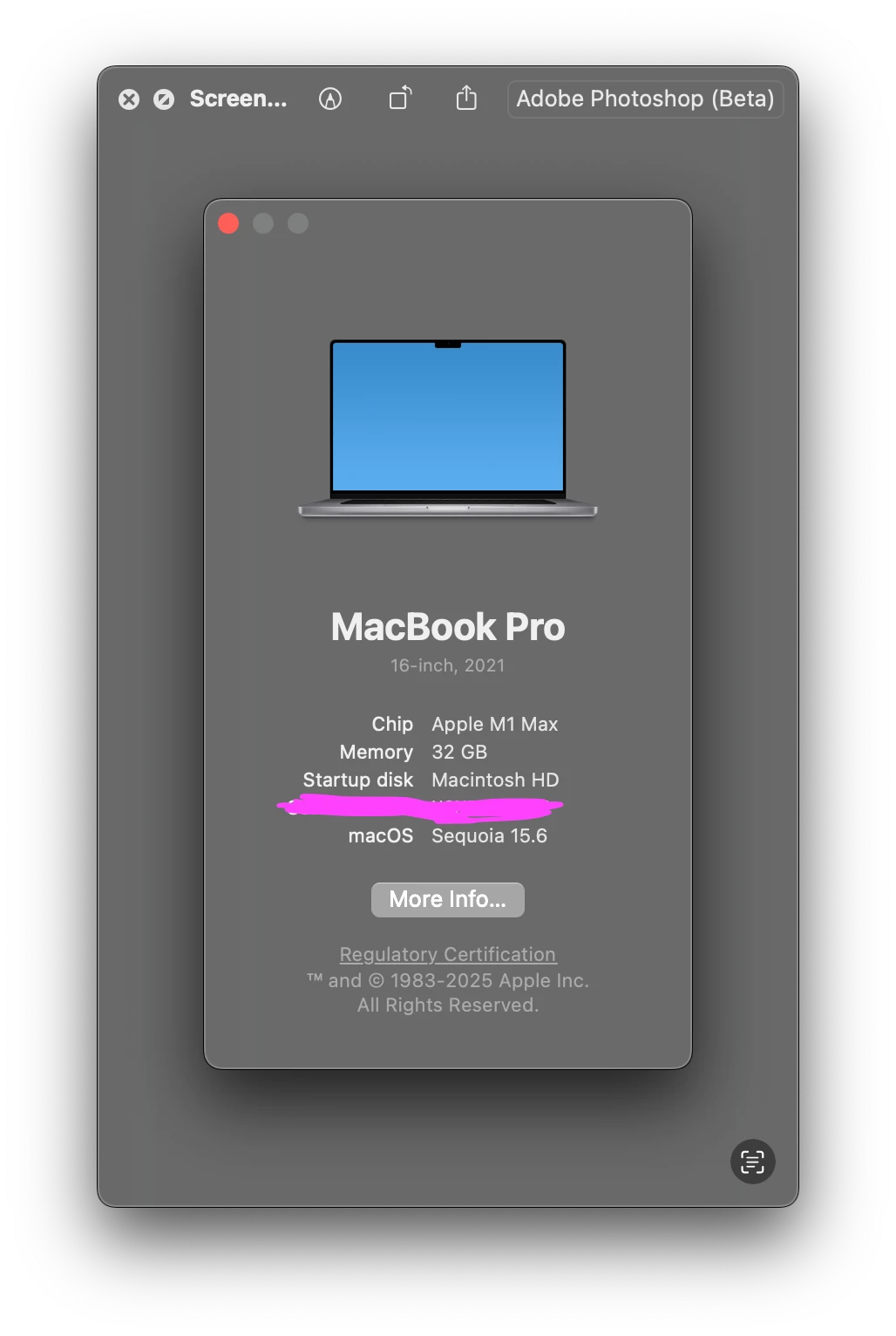
Sorry to hear you're having similar trouble. Could you confirm if you're using Illustrator (beta) or the release version of Illustrator, the exact version of Illustrator you're using, and a screenshot of the error message?

Also, try running Illustrator under a different administrator account (macOS) and share your observations.

Looking forward to hearing from you.

Anubhav

creative explorer
Community Expert
Community Expert
August 21, 2025

@TTOWN71 I would close all Adobe apps. And download Adobe Cleaner from Adobe's website. The Adobe Creative Cloud Cleaner tool is intended to fix many common problems (such as removing old Adobe software, cleaning corrupt installation files, and fixing your host files to establish a connection with Adobe servers). 
https://helpx.adobe.com/ca/creative-cloud/kb/cc-cleaner-tool-installation-problems.html

Uninstall the Illustrator Beta. Then launch the downloaded, Adobe Cleaner, and follow the instructions. Cleaner Tool is not a replacement for a regular uninstall, but rather a "deep clean" to remove lingering files. When it's done, I would restart the computer to finalize the cleanup.

After restarting, you can reinstall your Adobe applications through the Creative Cloud desktop app. Download a 'fresh' Illustrator Beta, don't re-use the same one because that could be corrupted! So download a fresh installer, and follow those instructions when installing it. Good Luck! 

m