


Illustrator Beta Saved File Not Opening Correctly with Missing Layers and Assets
Before I pull my hair out and have to spend hours starting again I wanted to find out if there was a problem, or I am missing something (which ios possible as I don't regularly use Illustrator).
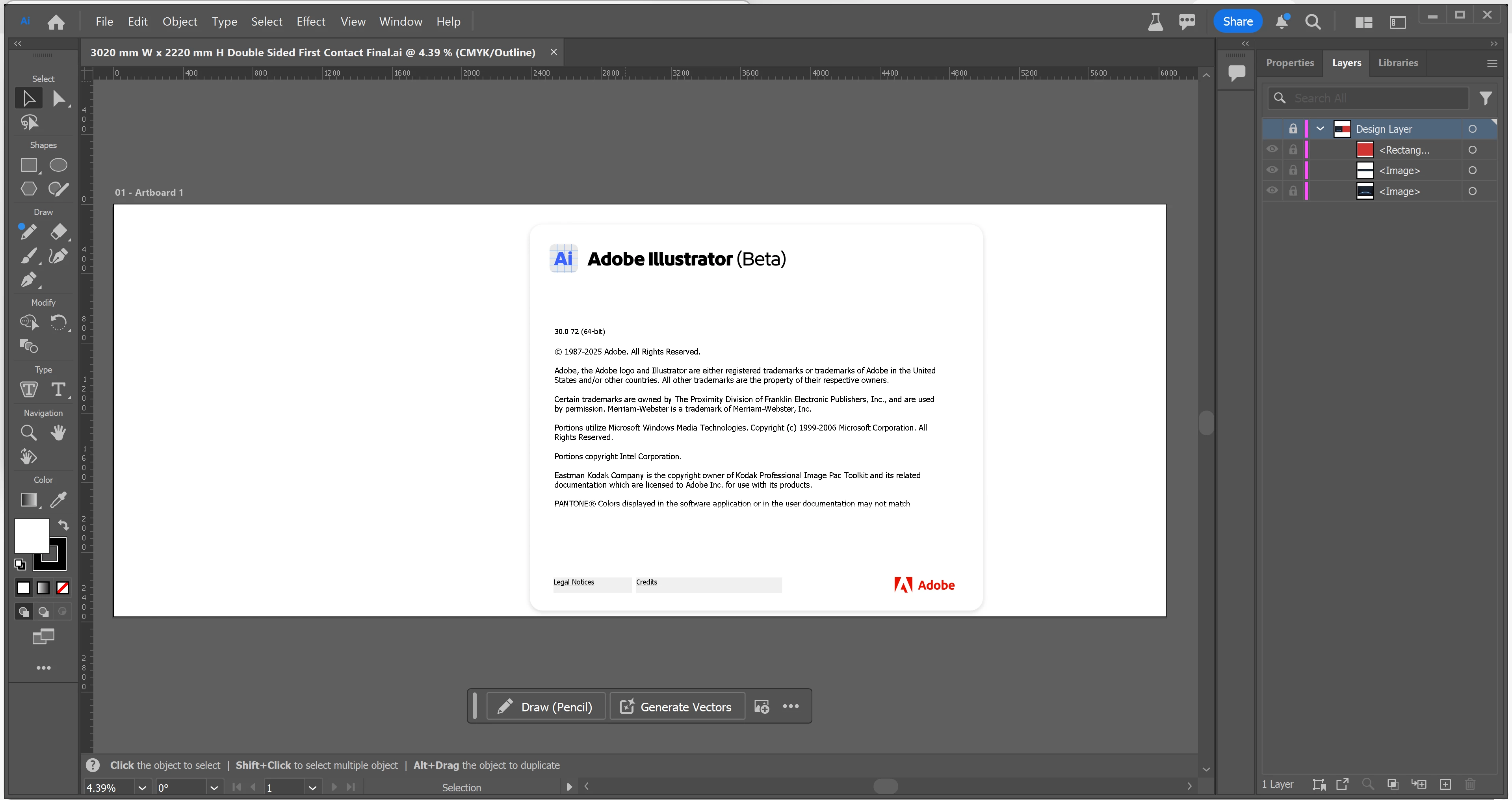
This is the second time I have saved I have saved a file in Illustrator Beta over the past few days, but when I go to open the file the next day there are missing layers and all the assets are gone. I had spent hours getting the file to where it was yesterday, which was almost print ready, and I don't want to have to start it again as my friend is waiting on the file.
Also note that whilst I can click on the tool icons on the left, the screen icon remains as a Pencil and does not do anything, so I cannot edit the artboard even if I wanted to.
Does anyone have any idea of what I have done, or how I can recover the layers/assets?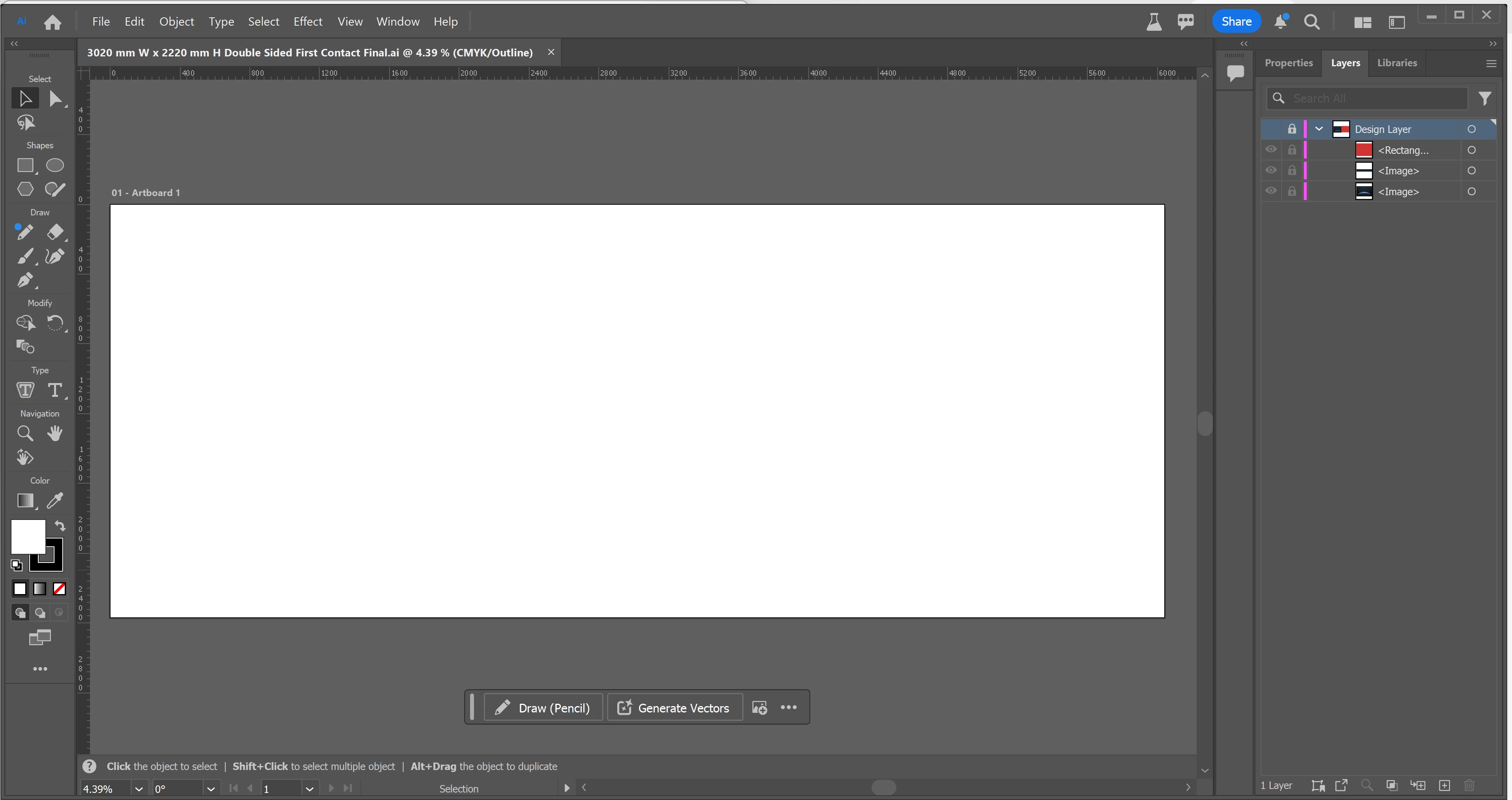
 AdChoices