
Answered
illustrator bounding box is sized wrongly
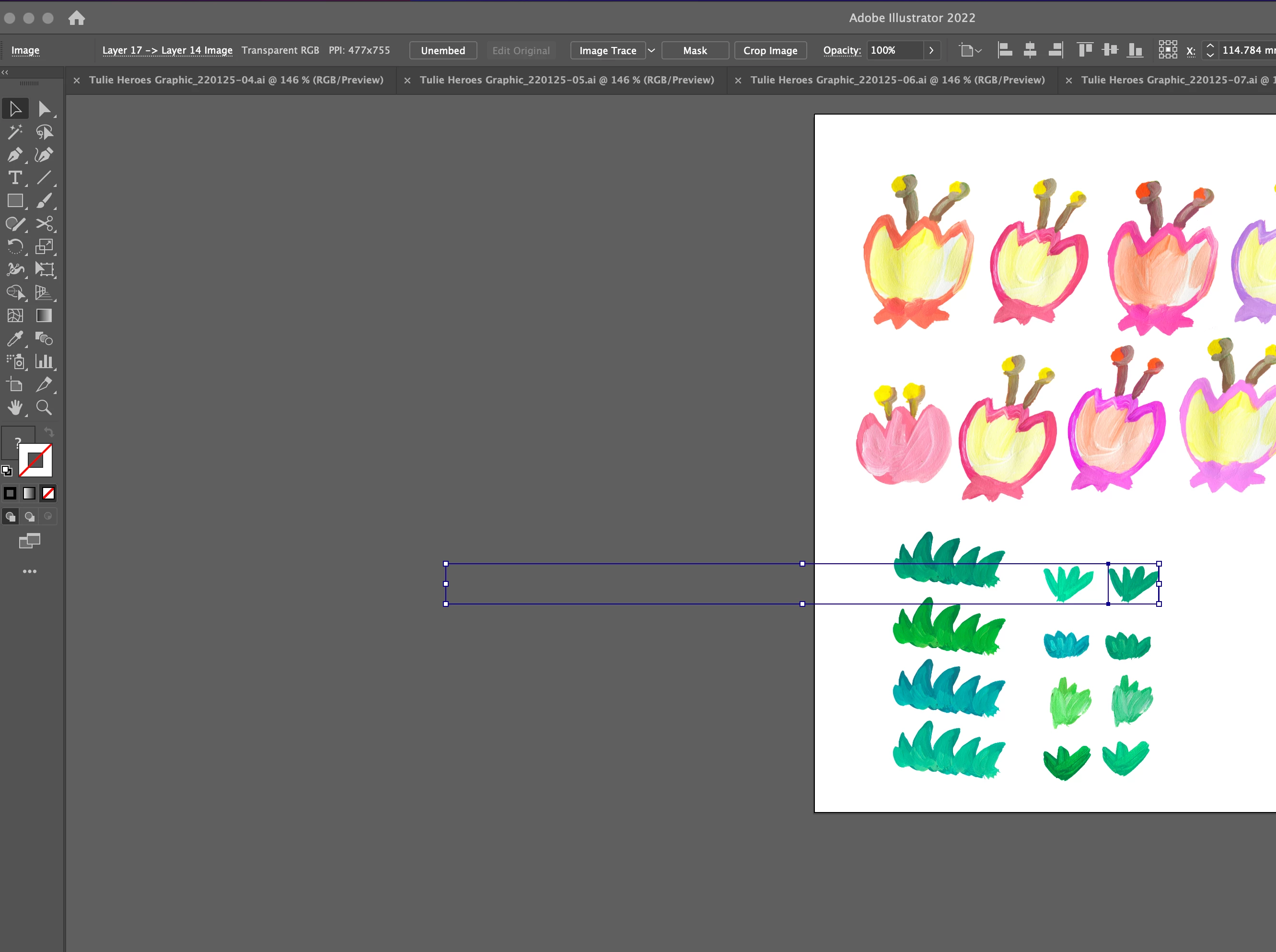
Hi, I'm experiencing this prob on and off.
The bounding box of some objects doesn't match with the actual size of it.
(Not every objects but some.)
I wrote the action I've already tried below.
1. I saved and reopen the file.
2. I changed the view mode.
3. I tried ungroup it. it was just one single object.
4. I tured off the illustrator and restarted.
5. I cut and paste the objects in a new layer or even new document.
it happens quite often which is super annoying.
please help!!
 AdChoices