Inspiring
April 18, 2023
Question

Illustrator brush fabric covered electric cord

  • April 18, 2023
  • 3 replies
  • 2258 views

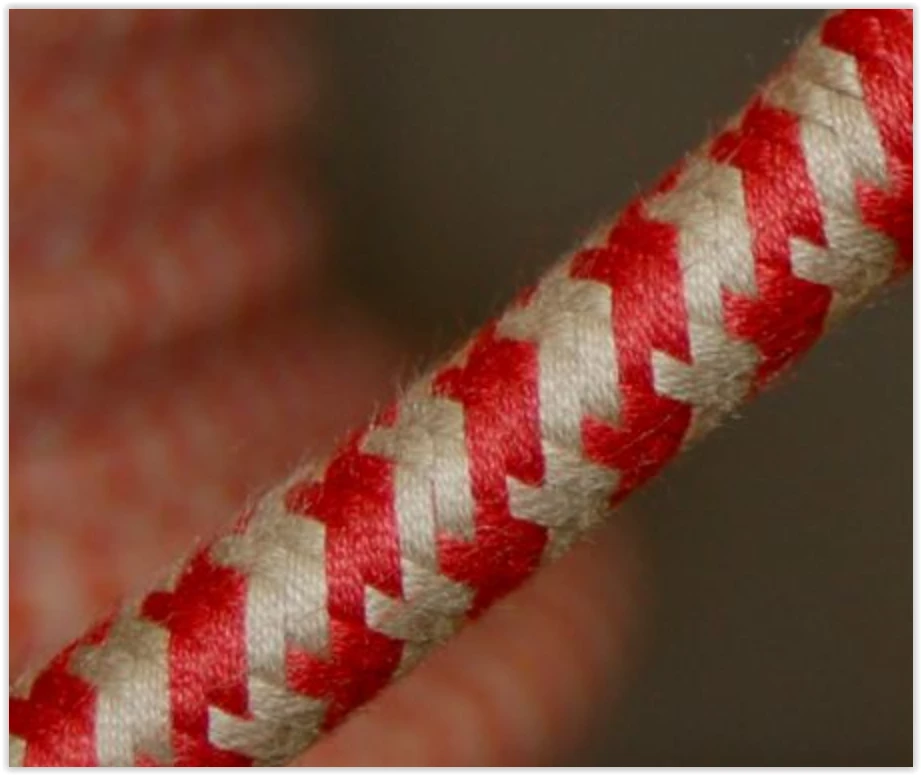
Can anyone tell me how to create an Illustrator brush that looks like a fabric covered woven electric cord, like this:
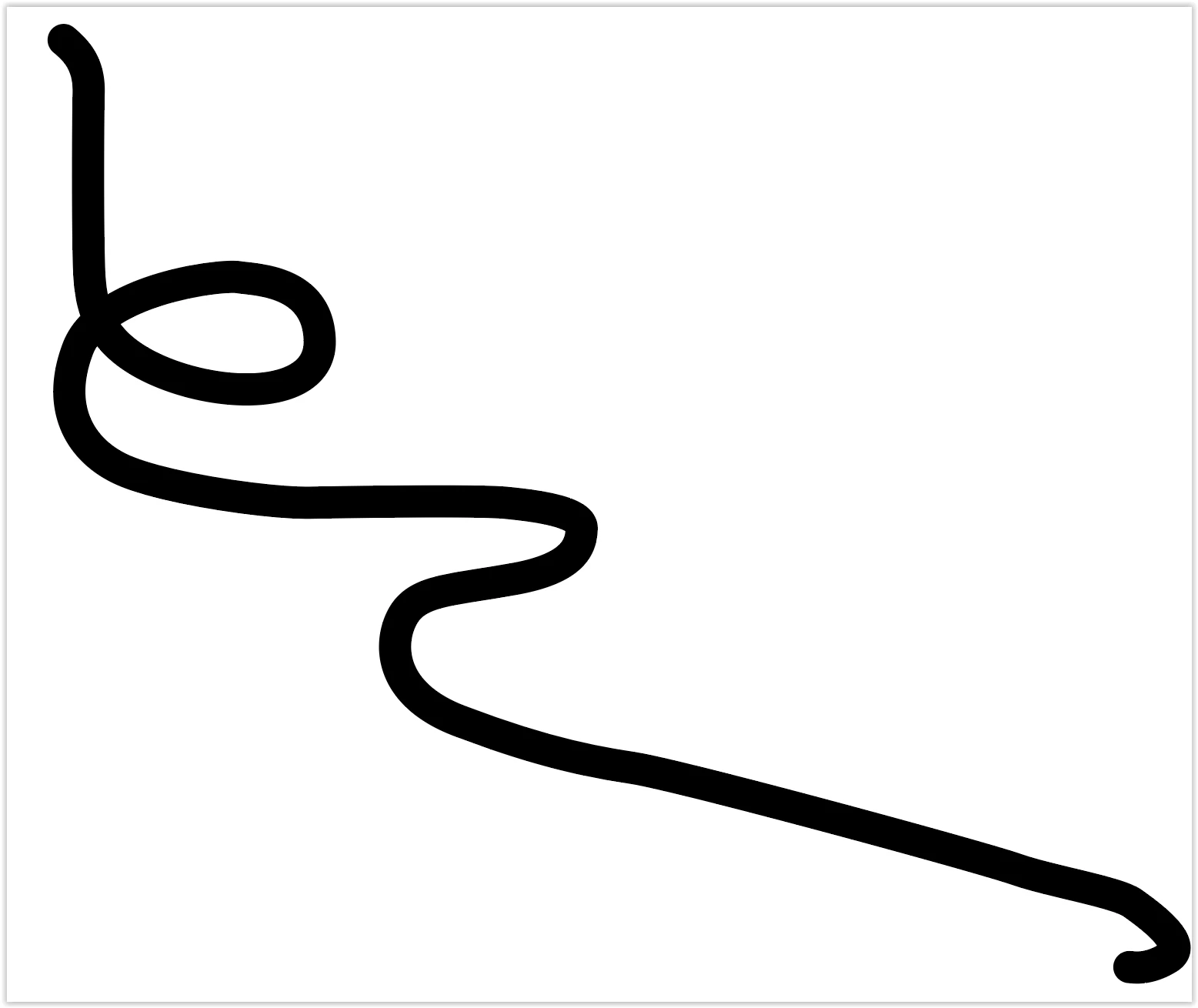
I need to use the brush in a shape similar to this:

This topic has been closed for replies.

3 replies

Jacob Bugge
Community Expert
Community Expert
April 18, 2023

Long time no see, Jay.


In addition to what Monika and Anna said, a rounder waveform will also give a rounder appearance, fully round with a sinusoid; you can see one here (Sine),


It also depends on how much you wish to have a twine/weave surface appearance as in the photo.


Anna Lander
Inspiring
April 18, 2023

in addition to Monica's great instruction, you can add some volume to your wire. In the Appearance panel add a new fill and set it as a Gray-White-Gray gradient with a "cross-line" direction. Set a Blend mode as Multiply.

Your wire will look some more natural 🙂

Inspiring
April 18, 2023

I like your suggestion, Anna. It would help if you could describe in more detail how to add the gradient. When I add a new fill to the stroke in the appearance panel, it doesn't work right.

John Mensinger
Community Expert
Community Expert
April 18, 2023

It's possible Anna meant to say "add a new Stroke".

Monika Gause
Community Expert
Community Expert
April 18, 2023

This is the base construction:

Paint with Live Paint

Add some deatils, but don't use gradients.

Expand Live paint, expand strokes, brushes. There only should be shapes in the artwork

Draw the repeat as a rectangle. Exactly.

Use Pathfinder crop

Drag into brushes panel, make pattern brush

Inspiring
April 18, 2023

Thank you, Monika. Works as described. However, it looks flat and I am confused about how to add volume to the wire as Anna suggested.

Monika Gause
Community Expert
Community Expert
April 18, 2023

Use the Appearance panel. Add a second stroke. Apply a radial gradient to the stroke across the stroke and set it to multiply.

Everything else is an illustration job. Add additional shapes to make texture and depth in the pattern.