

Participant
May 15, 2025
Question

Illustrator cannot save as on Windows 11, need help
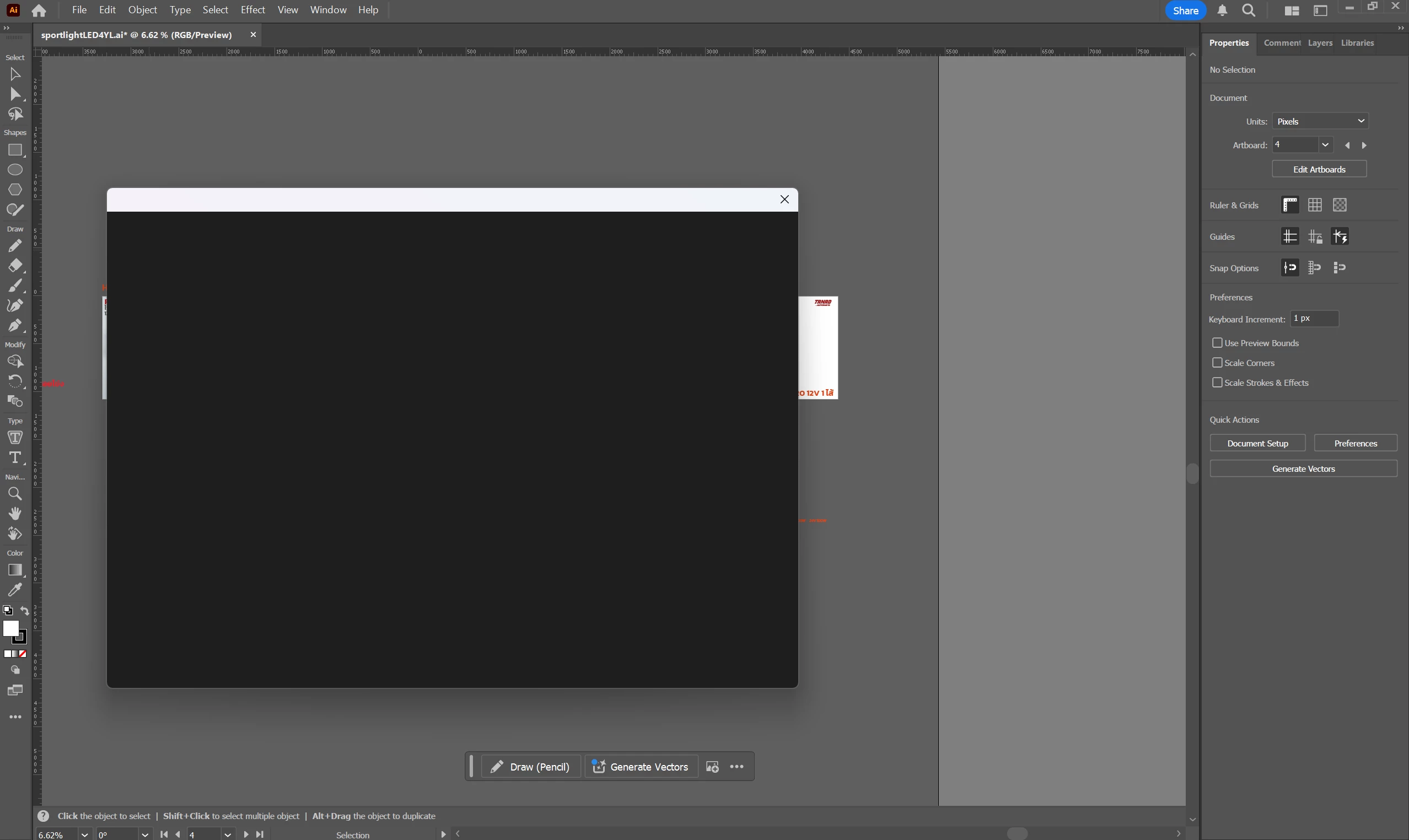
  • May 15, 2025
  • 1 reply
  • 338 views

 on Windows 11
illustrator Ver 29.5.1

1 reply

Abhishek Rao
Community Manager
Community Manager
May 15, 2025

Hi @9016723_Tipakorn5897,


Thanks again for sharing the screenshot!

To start, please try resetting the Illustrator preferences and then test if the issue still occurs. Here's how to do that:

(https://adobe.ly/4miaKbi)

Note: make sure to backup the preferences before resetting it. 


If the issue still persists after resetting preferences, please try the steps below:

1. Close all Adobe applications.

2. Navigate to the following location and rename the 'UXP' folder to 'UXP.old':

Windows: C:\Program Files\Common Files\Adobe\UXP

3. Relaunch Illustrator and check if the Save As window works correctly.


Let us know if this resolves the issue or if you notice anything different.

Abhishek

Participant
May 15, 2025

Thank you for your reply,
I tried fix the issue following your instructions but It still not solved the issue.

Abhishek Rao
Community Manager
Community Manager
May 15, 2025

Hi @Parkin_Tipakorn5897


Could you please confirm if this issue is happening only with this specific file or with all your Illustrator files? Also, try creating a new document and then saving it to see if the problem persists there.


Looking forward to your update!

Abhishek
