
Answered
Illustrator CC 2015 scaling down distortion issue (points no longer align)
I've actually has this problem with previous versions of Illustrator but figured out workarounds but this is annoying:
I am scaling a logo. When I scale it below say 10% the points no longer align. For instance, the letter R has the negative space. The left edge of the negative space no longer aligns with the vertical bar below; it has shifted up and to the right. I've also had that problem when I created outlines with text and then scaled it down.
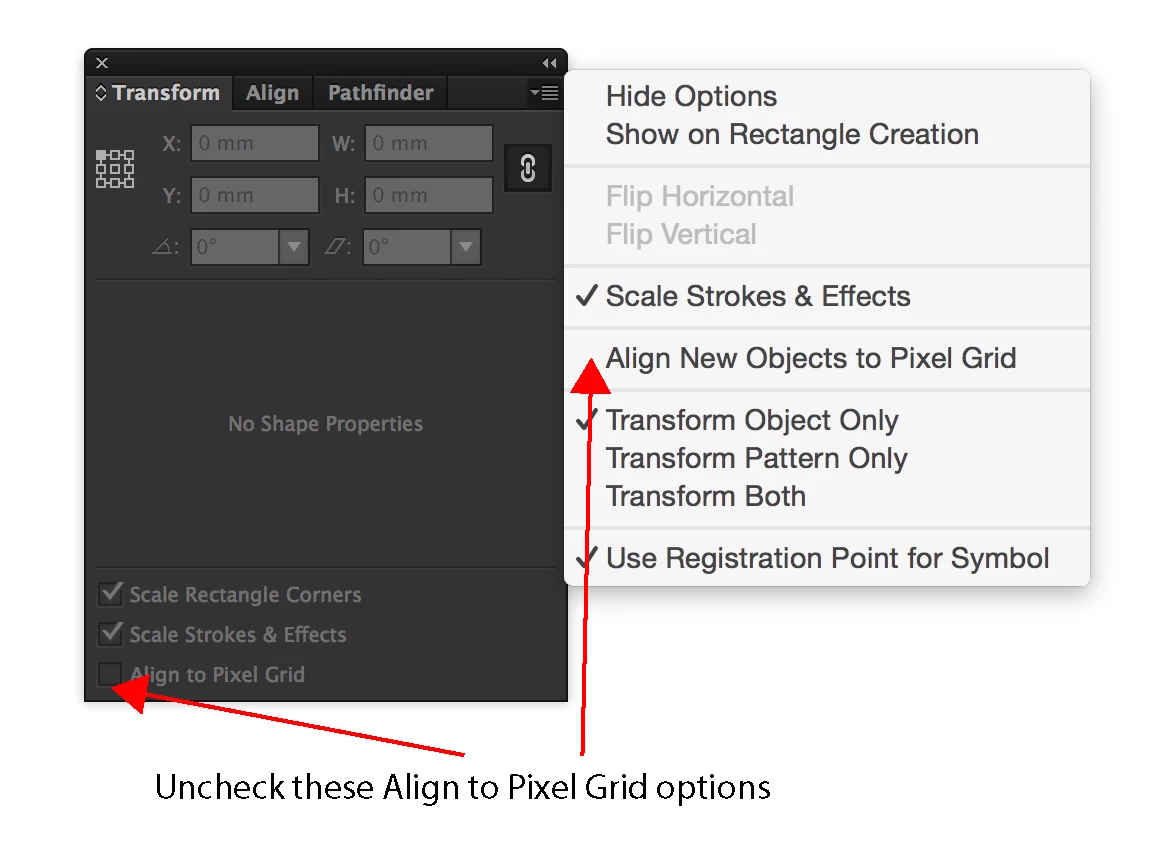
In the forums I read it may have to do with the "Pixel Grid." I eventually found a reference to the "Pixel Grid" in the "Document Setup" menu but that was already turned off.
Does anyone know how to fix this?
Thanks
 AdChoices