Illustrator CC 2017 Configuration Error: 1
I can't run Adobe Illustrator as I keep getting configuration error on my Mac.
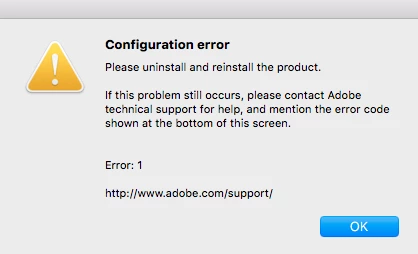
I have tried reinstalling the application several times which hasn't helped. I tried running the Adobe CC cleaner and then resintalled the Adobe Creative Launcher in admin profile then installed the application again, that also didn't help. I tried creating a new admin profile, which did work temporarily for a few days then the problem cropped up again. I even tried downgrading from Mac OS Serria to El Capitan with a complete reinstall of the OS (I didn't use time machine or use any of my old preferences), then reinstalled the application worked fine for about a week then config errors were back.
I tried the following KB fixes which both have not fixed my problem.
"Failed to install" error received when installing Adobe Creative Cloud desktop app
Configuration error in Adobe Creative Cloud
At this point I have a non functioning product and no idea what to do to get this going.
Macbook Pro 2015 - El Capitan 10.11.6, no Antivirus software.
Any suggestions?
 AdChoices