Participating Frequently
January 2, 2019
Answered

Illustrator CC 23.0.1 renders distorted individual dashes in a dashed line

  • January 2, 2019
  • 2 replies
  • 547 views

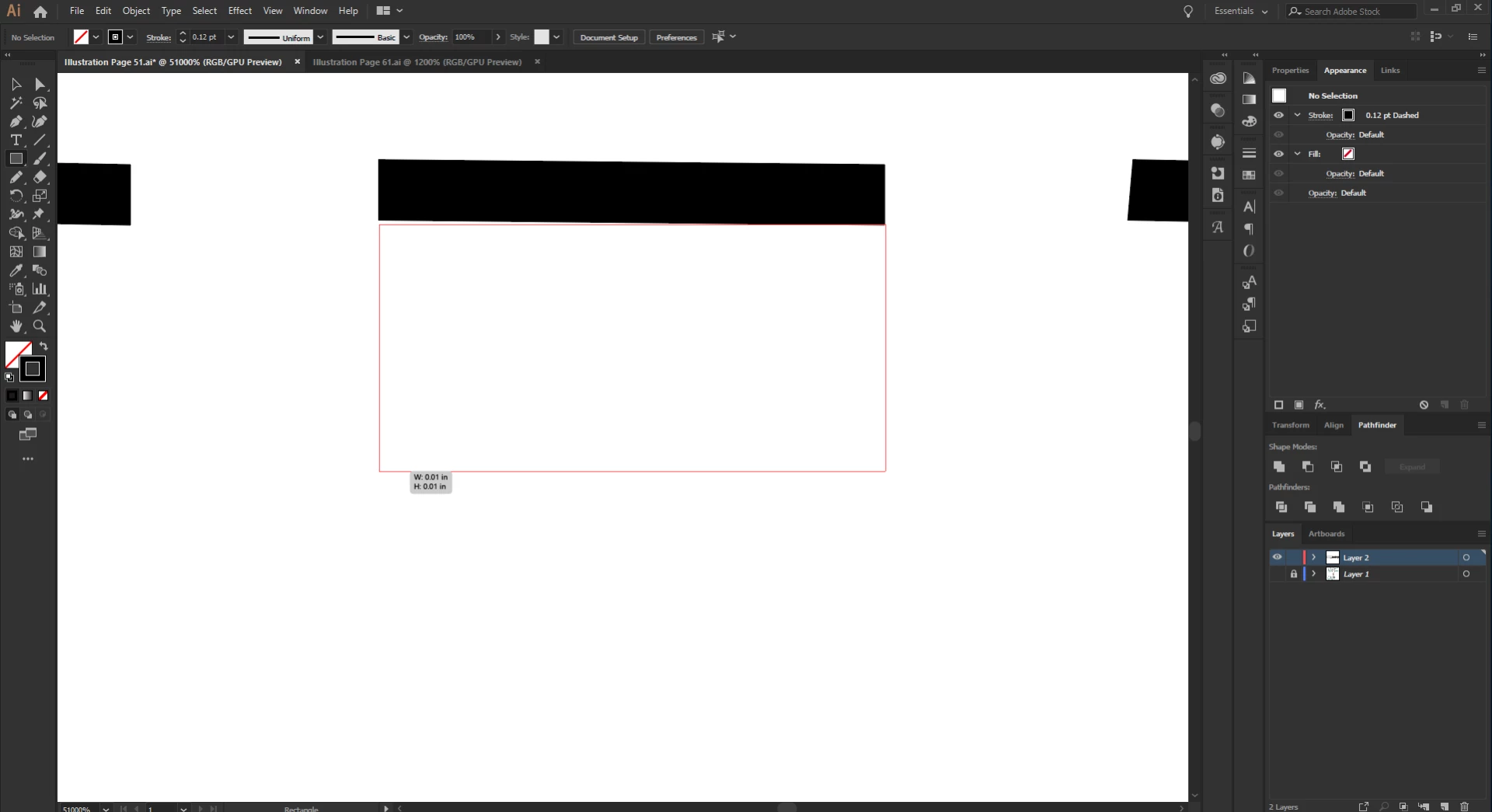
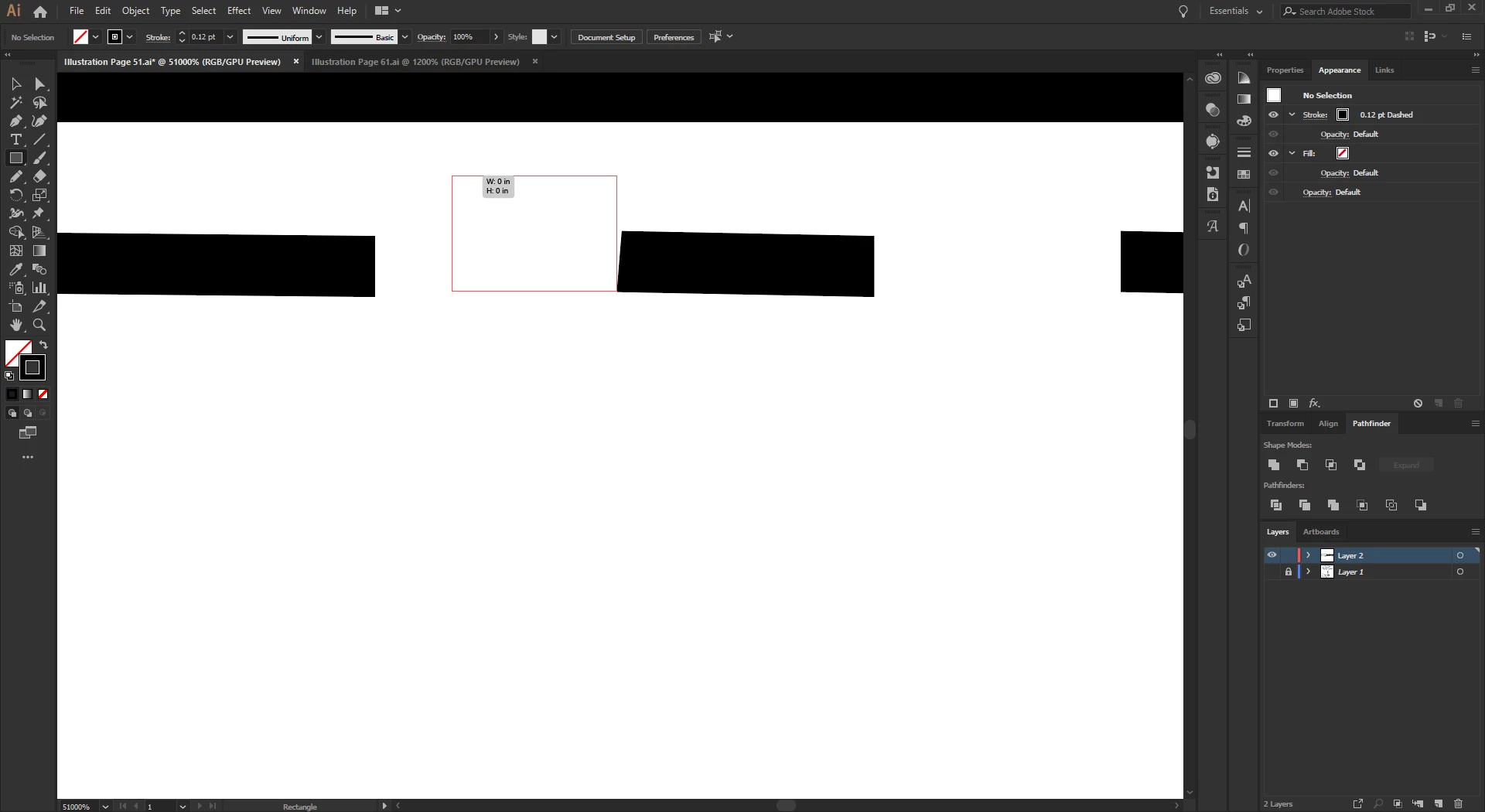
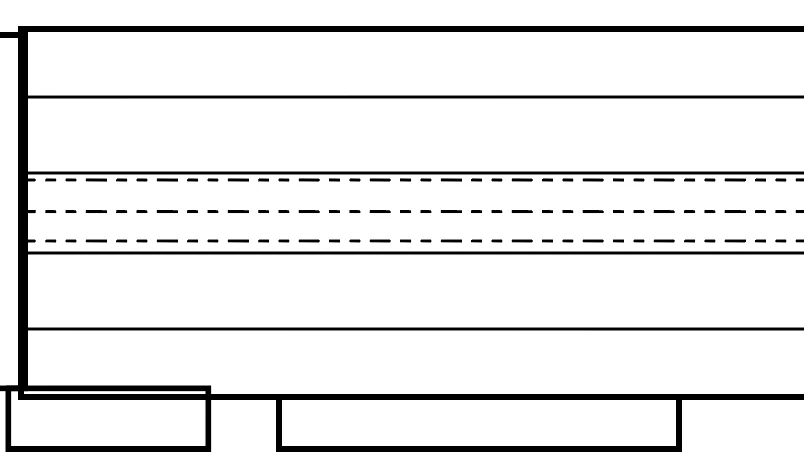
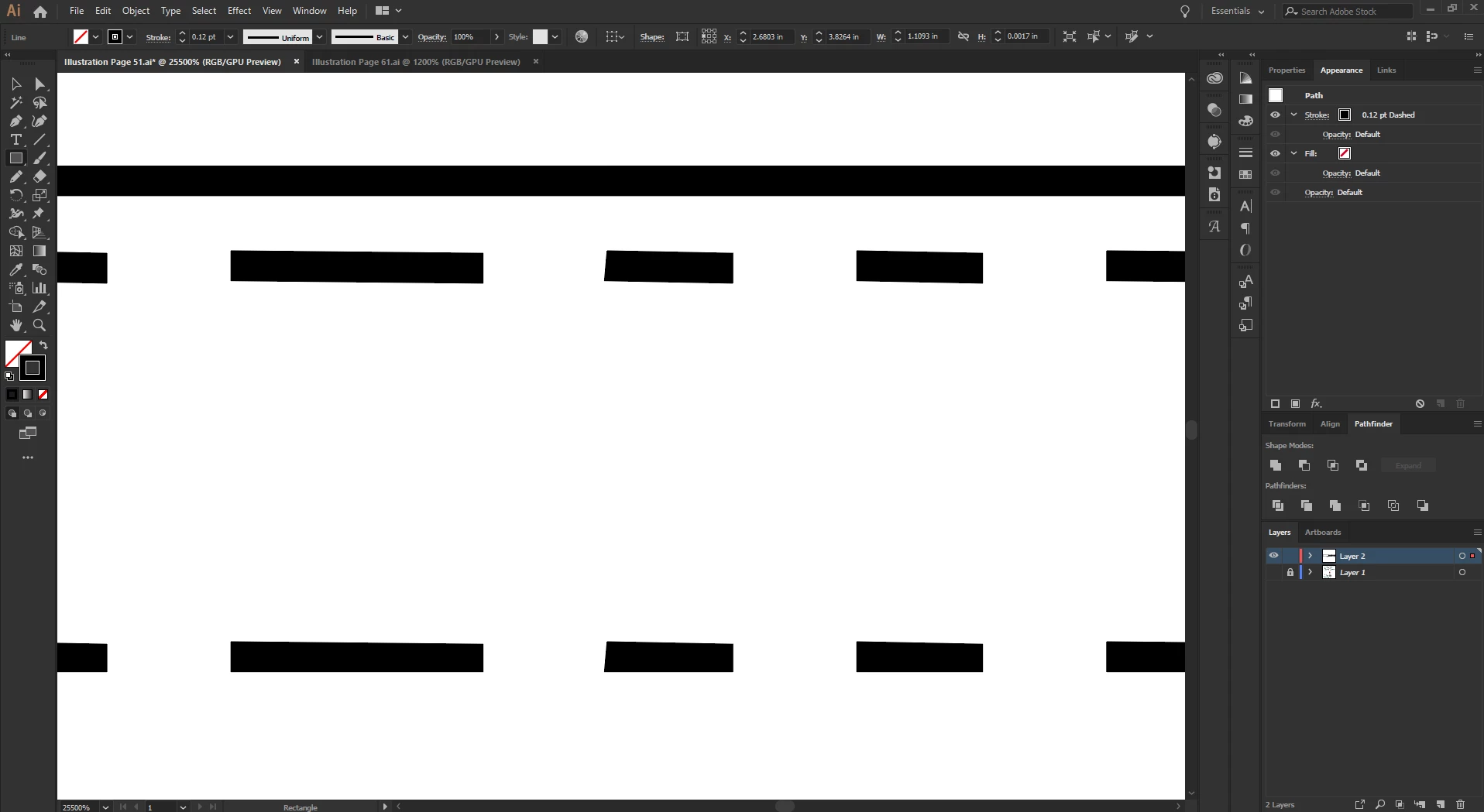
Annoying little issue. Individual dashes in dashed line are crooked on both dimensions. It makes them look fuzzy when zoomed out. At first I thought it was my eyes, or that I failed to draw the line perfectly straight, but I drew it holding shift and lo and behold, still have crooked dashes.

In the final two photos, I've drawn a box next to the dash to show how far off some of these dashes are from being straight.
This topic has been closed for replies.
Correct answer Monika Gause

Tycho5ive  schrieb

That did it, thanks! Must be a GPU render oddity.

It's not an oddity. It's how GPU rendering works.

You might want to read some details about GPU rendering of strokes:

http://developer.download.nvidia.com/devzone/devcenter/gamegraphics/files/opengl/gpupathrender.pdf

2 replies

Bill Silbert
Community Expert
Community Expert
January 2, 2019

You can also turn off GPU Performance altogether. Click on the rocket ship in Illustrator's top menu bar for quick access.

Monika Gause
Community Expert
Community Expert
January 2, 2019

Try View > Preview on CPU

Tycho5iveAuthor
Participating Frequently
January 2, 2019

That did it, thanks! Must be a GPU render oddity.

Monika Gause
Community Expert
Monika GauseCommunity ExpertCorrect answer
Community Expert
January 2, 2019

Tycho5ive  schrieb

That did it, thanks! Must be a GPU render oddity.

It's not an oddity. It's how GPU rendering works.

You might want to read some details about GPU rendering of strokes:

http://developer.download.nvidia.com/devzone/devcenter/gamegraphics/files/opengl/gpupathrender.pdf