zigmas
Known Participant
November 29, 2018
Question

Illustrator CC v23.0.1 Not recognising Wacom Bamboo CTH-460 after Mojave update.

  • November 29, 2018
  • 2 replies
  • 2308 views

Hi!
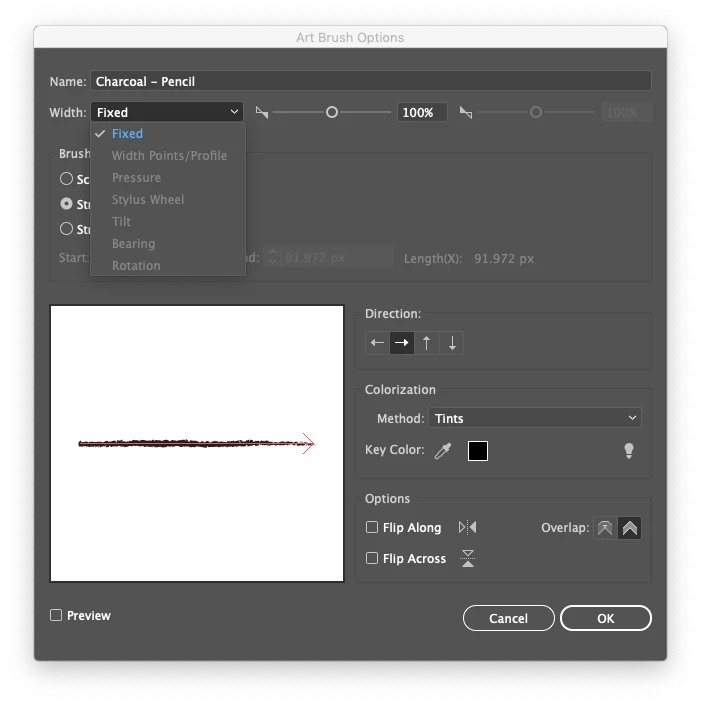
Until a couple of days ago I worked daily with my Wacom Bamboo CTH-460 with no problem on illustrator and Photoshop. It detected the tablet pressure and position without mistakes. Yesterday, I made the Mojave update and downloaded the last Adobe app updates too. Suddenly my tablet didn't fully work inside Illustrator, I can control the pen, but all the options for pressure control or anything related to the tabled are greyed out:
On photoshop I've no problem with the tablet,

It's just Illustrator that stopped working.

Any Idea how to solve this?

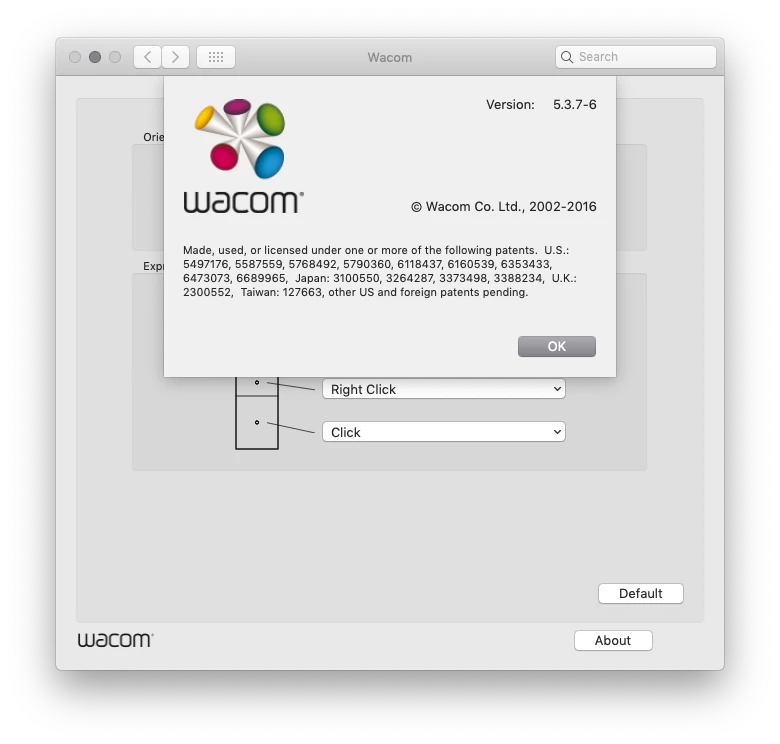
I already tried reinstalling the Wacom drivers to the last version, Resetting illustrator setting files and installing two different older Wacom drivers (all while completely wiping out the last ones).

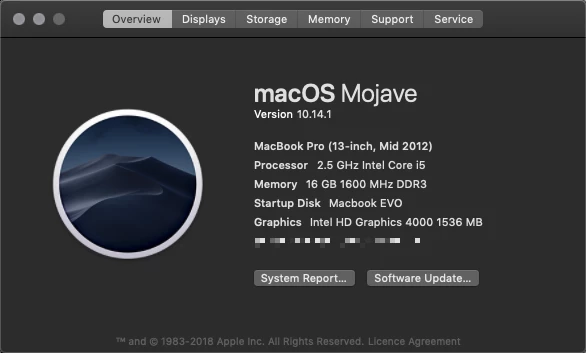
Current Specs; Wacom Bamboo CTH-460, Illustrator CC v23.0.1, Mojave 10.14.1 on a MBP mid2012.
Thanks!

This topic has been closed for replies.

2 replies

carlosgarro
Community Expert
Community Expert
May 29, 2019

Hi:

I'm afraid that your Wacom Tablet is incompatible with macOS Mojave.

Here you can find the compatible models:
Wacom models compatible with macOS Mojave.pdf - Google Drive

Monika Gause
Community Expert
Community Expert
November 30, 2018

You need to set some specicific options in Mac OS accessibility presets. Please search for those on the Wacom website.

zigmas
zigmasAuthor
Known Participant
November 30, 2018

Hi monika!

If you mean this options:

They have already been granted access and seem to be working in any other app     ‍♂️...

Do you mean this options? if not, can you point me in the right direction? As I've been looking in the Wacom site about anything else of this Mac OS accessibility presets, but can't find anything more.

Thanks!

Monika Gause
Community Expert
Community Expert
November 30, 2018

Those are the ones I have seen.