

Illustrator changing colors of RGB file
Hi everyone! I want to preface this by saying I don't know very much about CMYK / RGB settings in Illustrator. The issue I'm having likely stems from my lack of knowledge vs. Illustrator itself. For those kind enough to give advice, please write as though you're speaking to a beginner. I appreciate your patience as well as your willingness to read and respond to this thread 🙂
Operating System: macOS Monterey Version 12.6
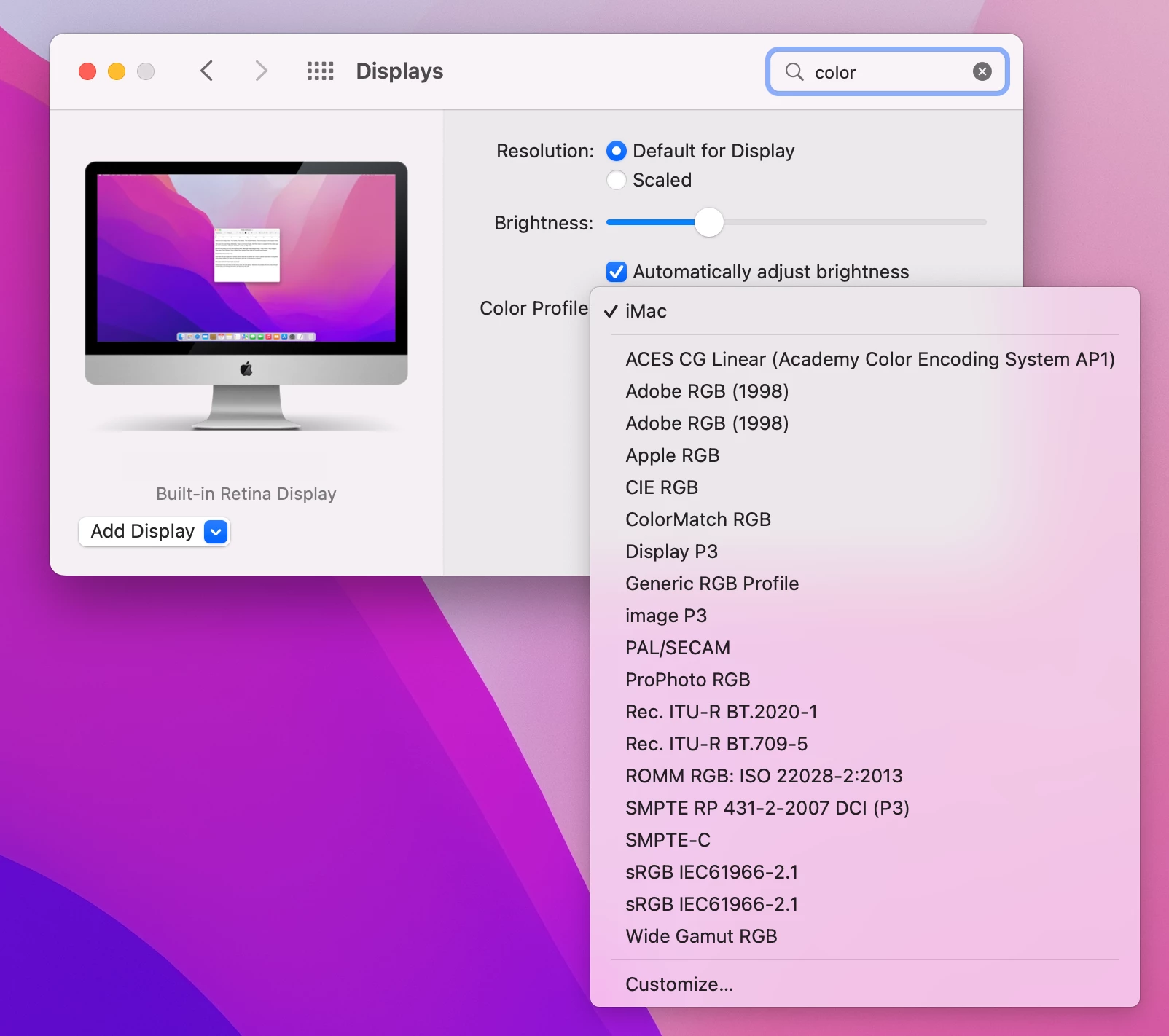
Color Profile:
Illustrator Version: 27.1.1
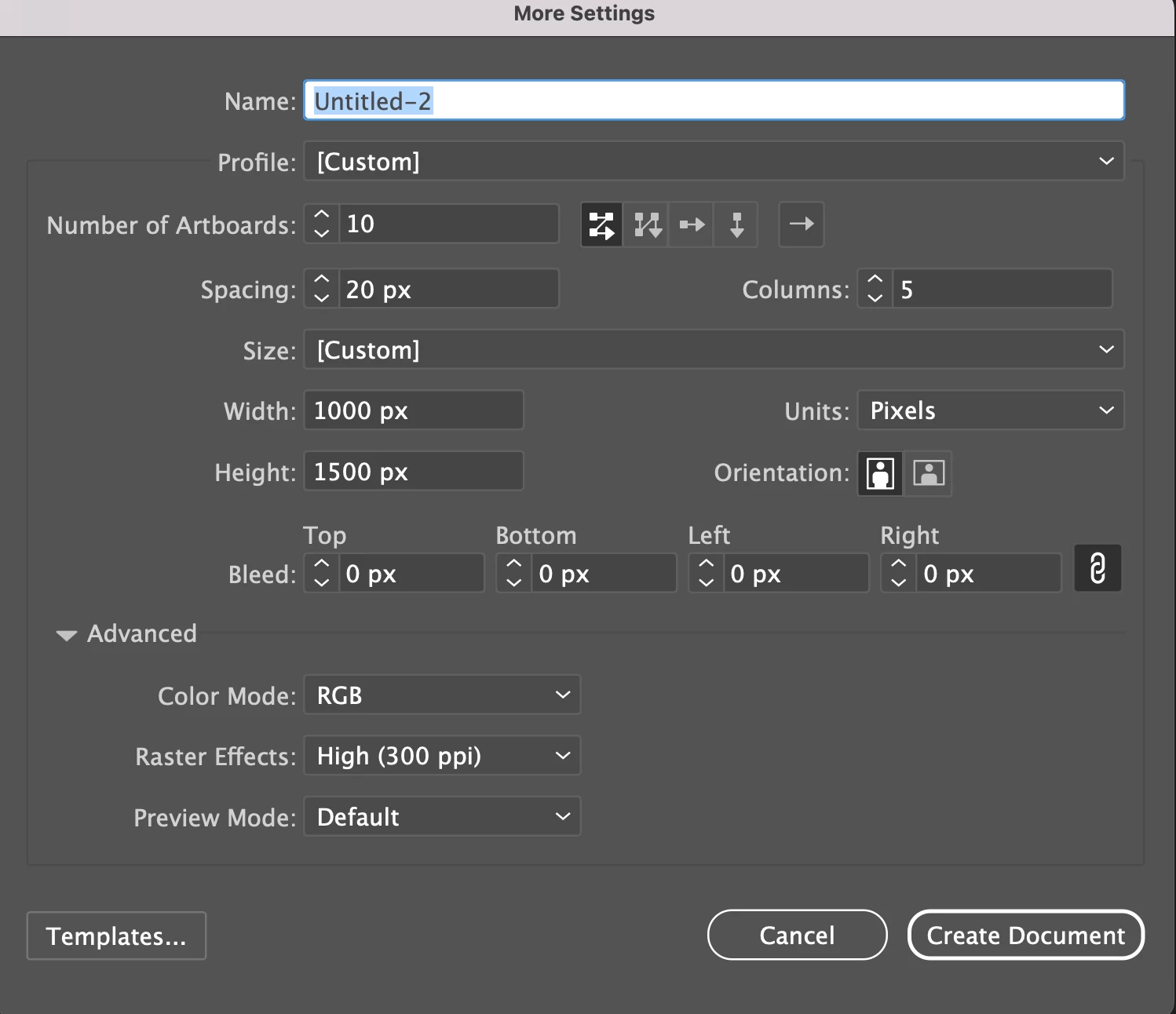
Color Mode: RGB
Document Settings:
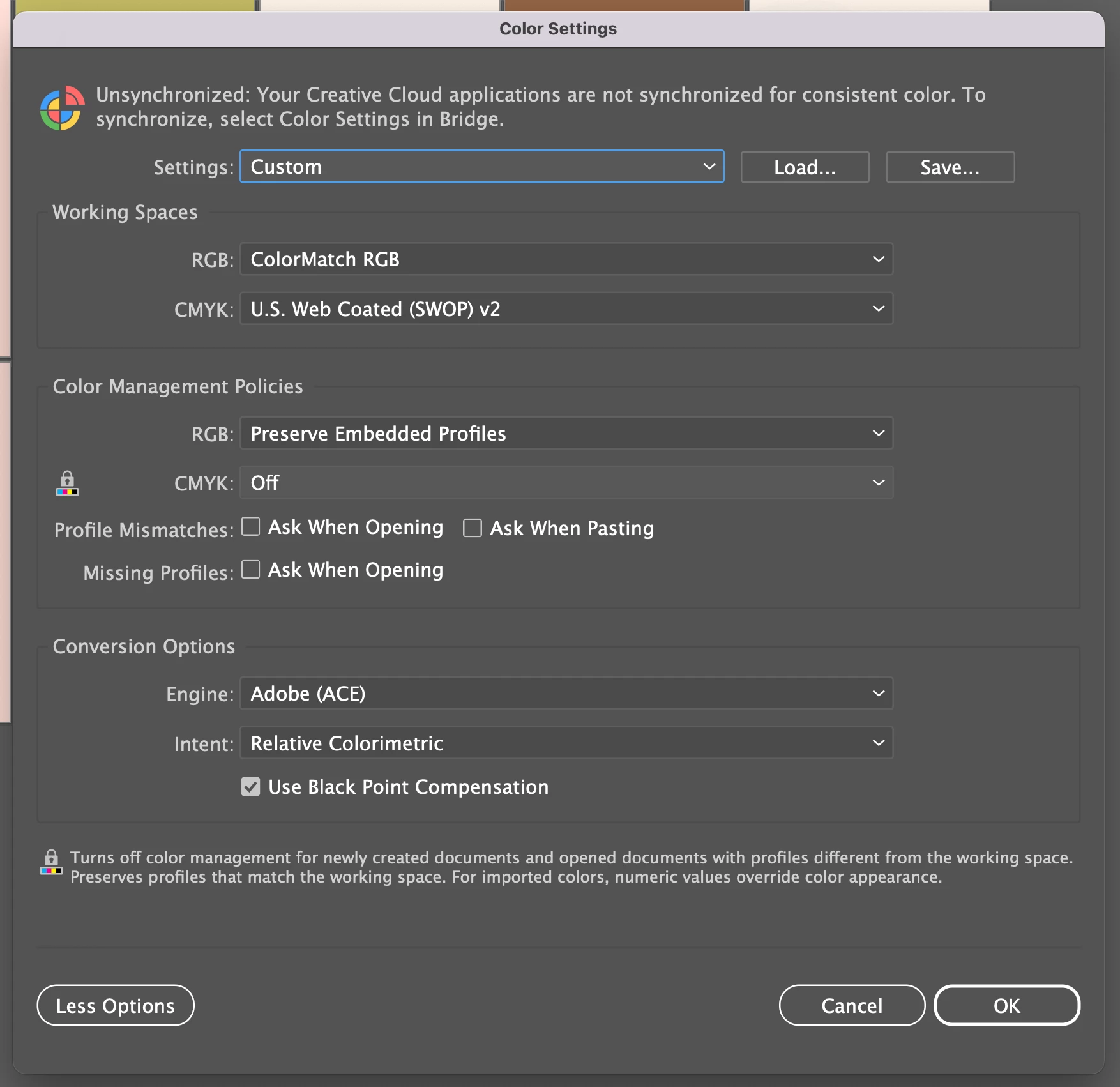
Color Settings:
The issue:
I'm trying to make Pinterest posts, so I went with RGB as it's best for screens. Throughout my time working on this file, I've noticed the colors change and I don't know why.
I've experienced my original palette lighten:

and become darker / more saturated:

Possible Explanations:
– File setup is wrong
– Pasting or embedding photos
– Copying/pasting elements from another Illustrator file with different color settings
– My Mac's color profile doesn't match the one listed in the Illustrator file's color settings
I've read that it's a bad idea to change the color settings of an AI file, so I haven't done that. Does anyone have insight into why this color change might be happening? What can I do to prevent this from happening in the future? Thank you in advance for your help.
 AdChoices