
Answered
Illustrator changing svg files aspect
Hey everyone,
I'm a super noob on illustrator, I have to work on it to modify some .svg flags, but I know very little of the app
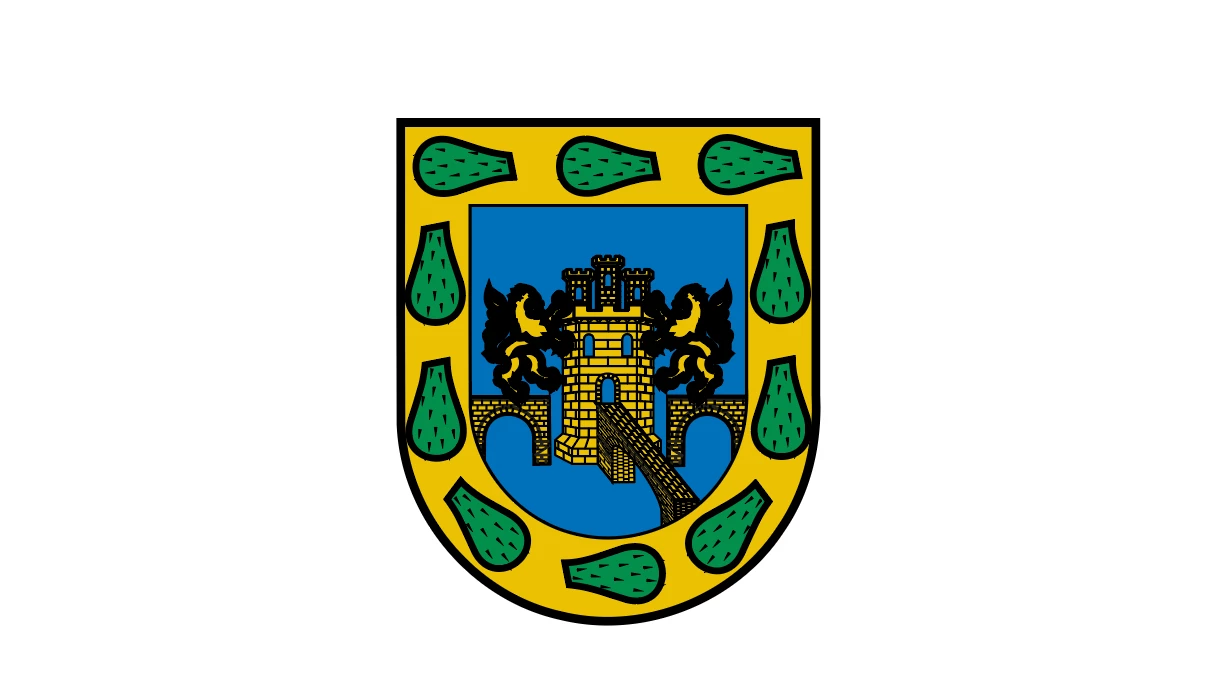
I have downloaded some svg files and when I open them on illustrator, it looks like all the black lines of the file are just thicker :
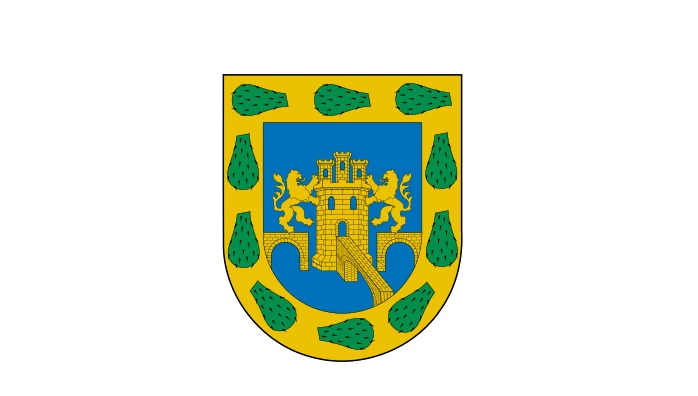
This is the mexico city flag, how it should look :
Here is how it looks like when I open it on illustrator :
I'm quite sure it a stupid easy thing to fix, I've tried a bunch of things but I don't understand what I do.
 AdChoices