OtisBirdy
Participating Frequently
January 25, 2023
Answered

Illustrator: color export goes wrong.

  • January 25, 2023
  • 3 replies
  • 2071 views

Hi friends!

I am aware that this topic has already come up several times for similar problems (which I read while looking for a solution). However, I could not find the solution to my problem anywhere.


In summary:
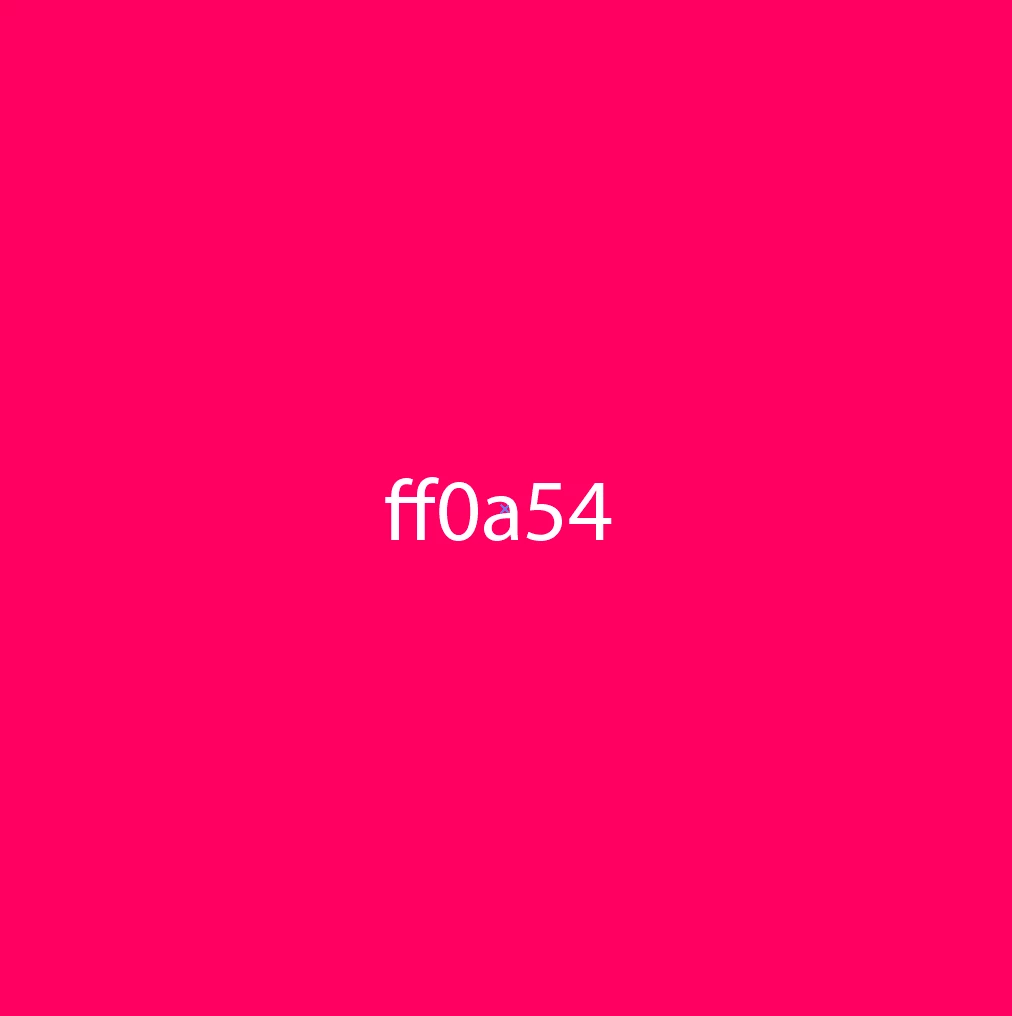
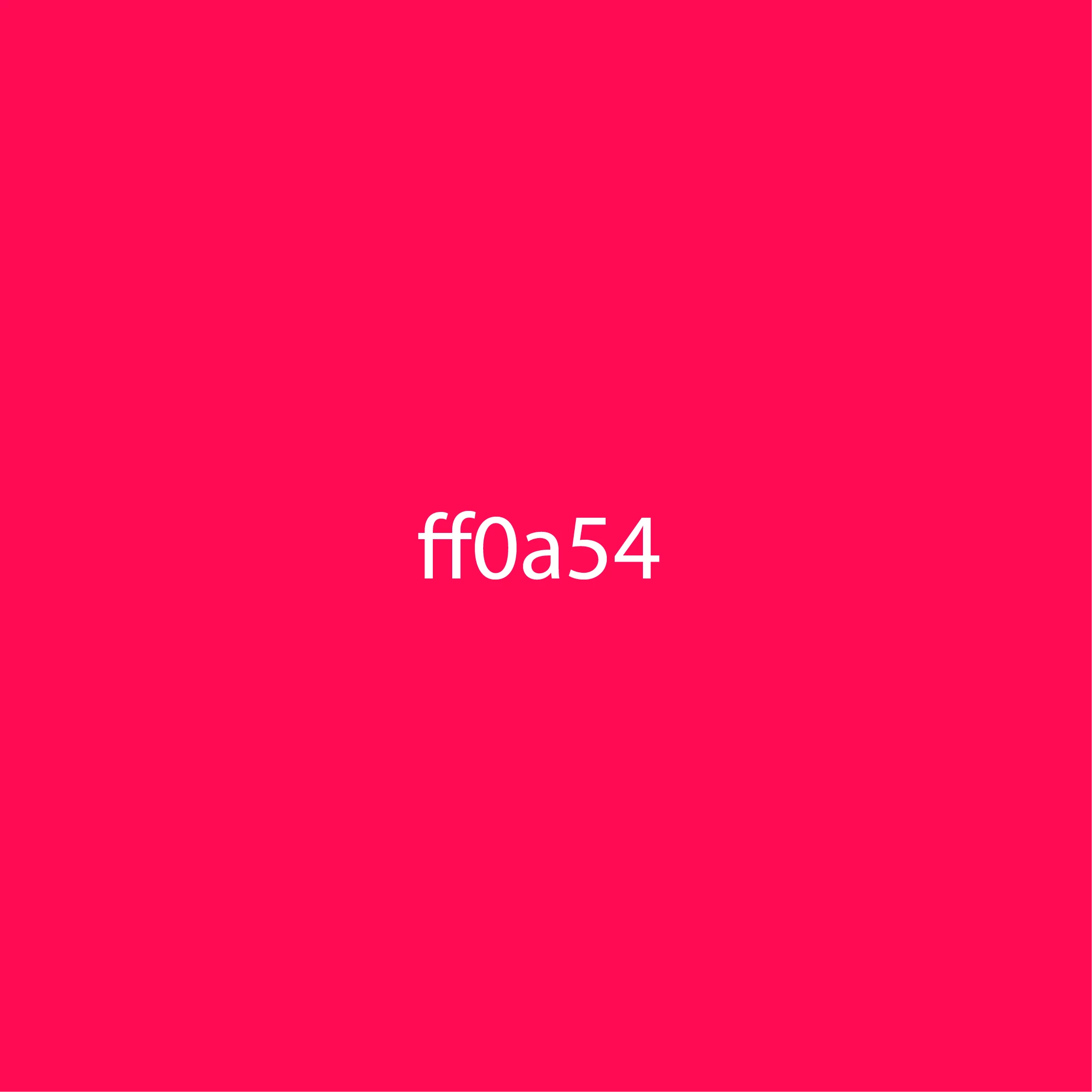
I am working with RGB color #ff0a54 for a corporate identity. Only, when I import this same color into Photoshop, the color is not the same. Also, when I export this color from Illustrator to PNG or JPG format, the color appears as on Photoshop (red). On the other hand, for PDF exports, it works just fine.


Details:
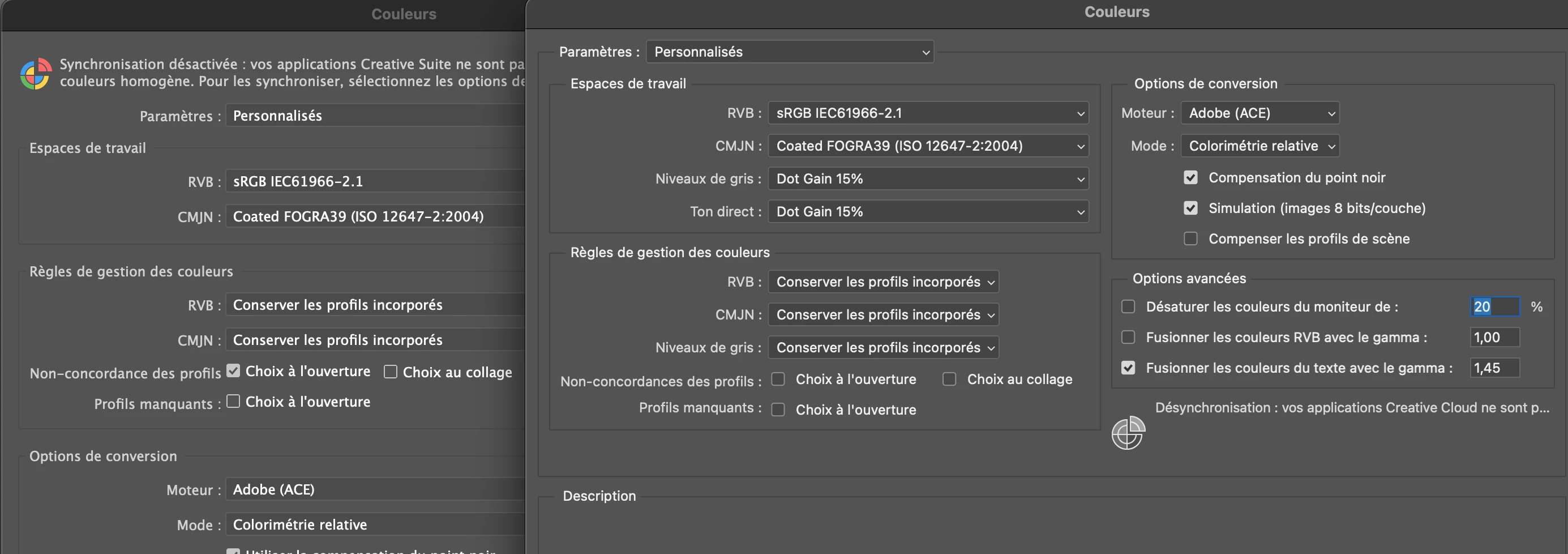
I did check the color profiles in Illustrator and Photoshop though! I can't figure out where the problem is but it's somewhere! And I really need to export this magenta color.


Pictures / Visuals:
color exported VS color screenshot' (hm... as soon as I import on this site, the pink tint (screenshot) goes away...)


left: illustrator color setting ; right: photoshop ones (sorry the interface is in French, I hope it's still in order for you regarding the color info?)


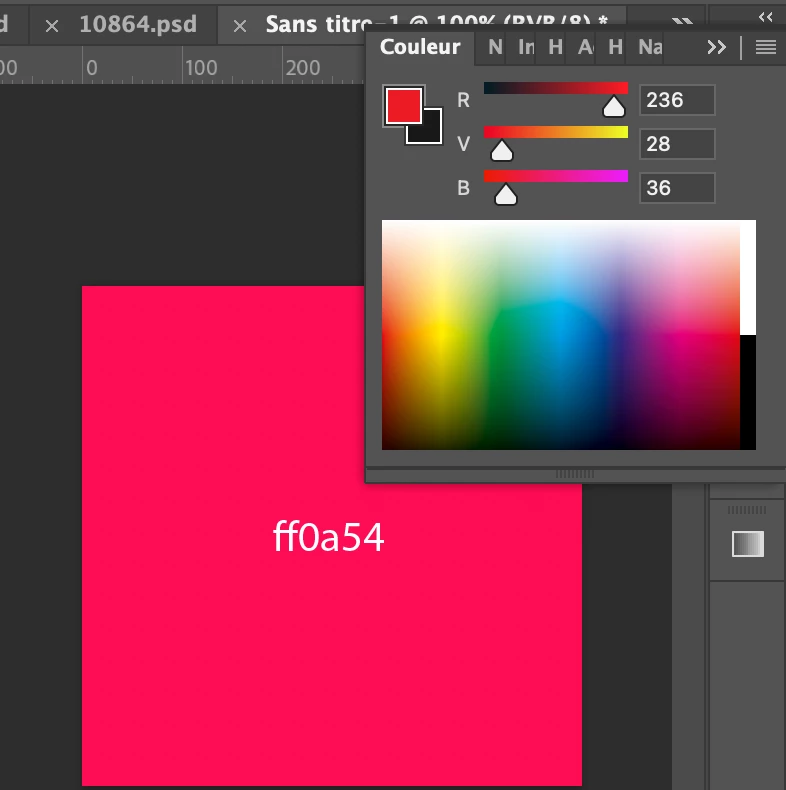
Interesting event on photoshop: when I import a dynamic object (copied from illustrator) to photoshop, photoshop literally changes the RGB code! it goes from 255,10,84 to 236,28,36 - which is equivalent to #ec1c24!

Do you know why Photoshop (and thus all other exports) force to avoid this red-magenta color?
 

I don't want to believe that it's a color that can only be read by Illustrator and PDF.


I hope I have provided you with the necessary information about my computer and programs.
+ Does the same thing happen to you for this specific color?

Thank you very much in advance for your precious help!


This topic has been closed for replies.

3 replies

Met1
Legend
January 26, 2023

I recommend you search the forum again, there was a very similar thread only a day or two ago, answered by Monika with a video tutorial on color management and profiles...

OtisBirdy
OtisBirdyAuthor
Participating Frequently
January 26, 2023

Thank you @Met1 , I'll take a look.

Met1
Met1Correct answer
Legend
January 26, 2023
Ton Frederiks
Community Expert
Community Expert
January 25, 2023

PNG export from Illustrator is not reliable. Illustrator does not read or export color profiles with a PNG file. 

Jpeg export uses lossy compression, that means that some colors will be changed to make the file smaller.

OtisBirdy
OtisBirdyAuthor
Participating Frequently
January 25, 2023

Thanks for your answer @Ton Frederiks !

So in a nutshell: this specific color#ff0a54 could be a problem for any jpeg and png export?

OtisBirdy
OtisBirdyAuthor
Participating Frequently
January 26, 2023

To add to my question: is it that as soon as this icon appears (web cube), it is inevitable to adapt the color?


Thank you very much in advance.
Otis

Mylenium
Legend
January 25, 2023

The problem is that you are not using any actual color management. just arbitrarily switching profiles doesn't mean anything if you're not working in a calibrated environment with proper proof preview.


Understand Photoshop color management


Mylenium

OtisBirdy
OtisBirdyAuthor
Participating Frequently
January 25, 2023

Thank you @Mylenium for your quick response.

This is an important point you make here indeed - and I had read this article which has appeared several times in the other conversations about the same topic. But now I'm starting to have doubts: are there any details I'm missing in this article?


Overall, the article says to manage colors in a good environment, talks about screen display and printing tests (I don't plan to print this color so we can remove this point for my problem), etc. But on one same screen it shows me different colors. I wanted to make sure that my Adobe color manager was coordinated to make the color #ff0a54 similar on the other programs, but it doesn't change anything for me.

When you talk about calibrating your environment, are you referring to using a specific tool like CIE L*a*b?

As said, I really tried to go over a lot of details to avoid wasting the time of people wanting to help me, but I know I'm still missing details!

Also, do you think I'll be able to fix this color problem without having to change it to fix this export problem?

Thank you Very much in advance!

Otis