Question
illustrator color problem in JPEG export, how to fix this?
recently i export my vector illustration files, but it seems like illustrator have a problem exporting JPEG format files. basically it's all about color changing issue which trouble me a lots. so before i came to here i search of youtube & google to get answer sorry to say didn't find anything similler to my problem. hope someone let me know & help to solve this soon.
Software version: 2020 64 bit
OS: Windows 10
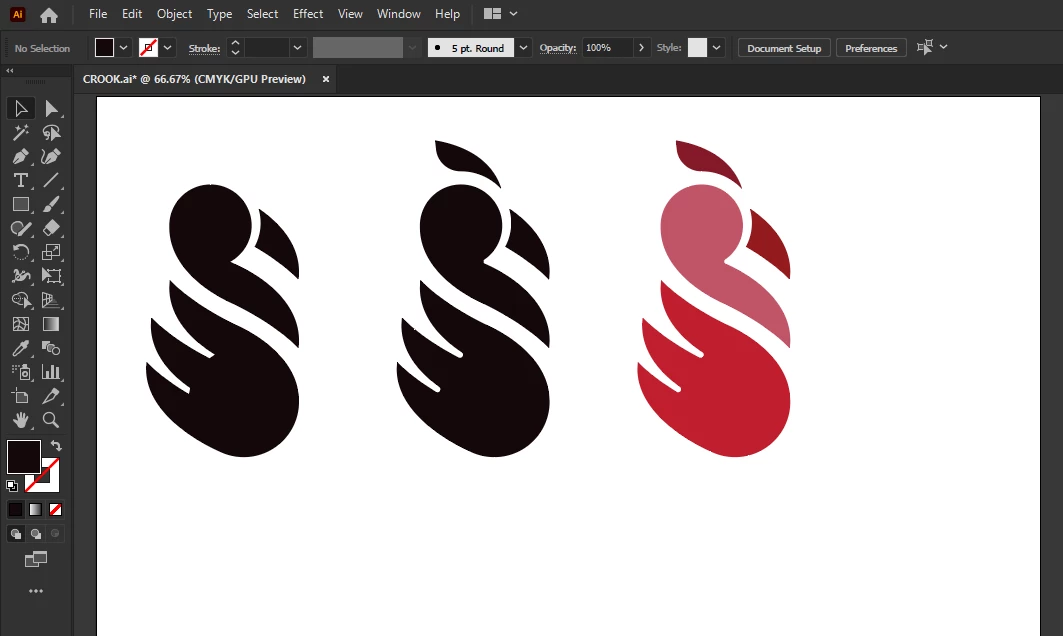
this image you can see the actual colors i choose to icon design.
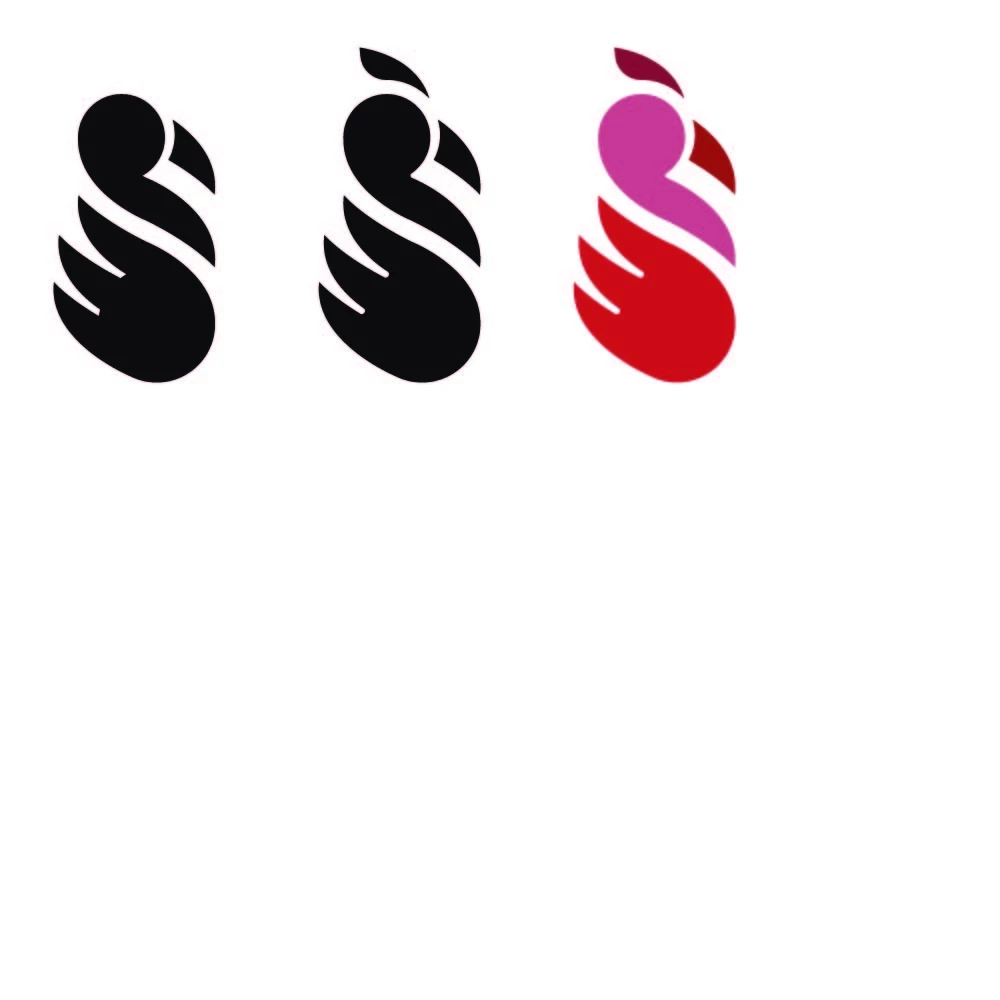
in this image you can see the export image (.jpeg) using illustrator Export As
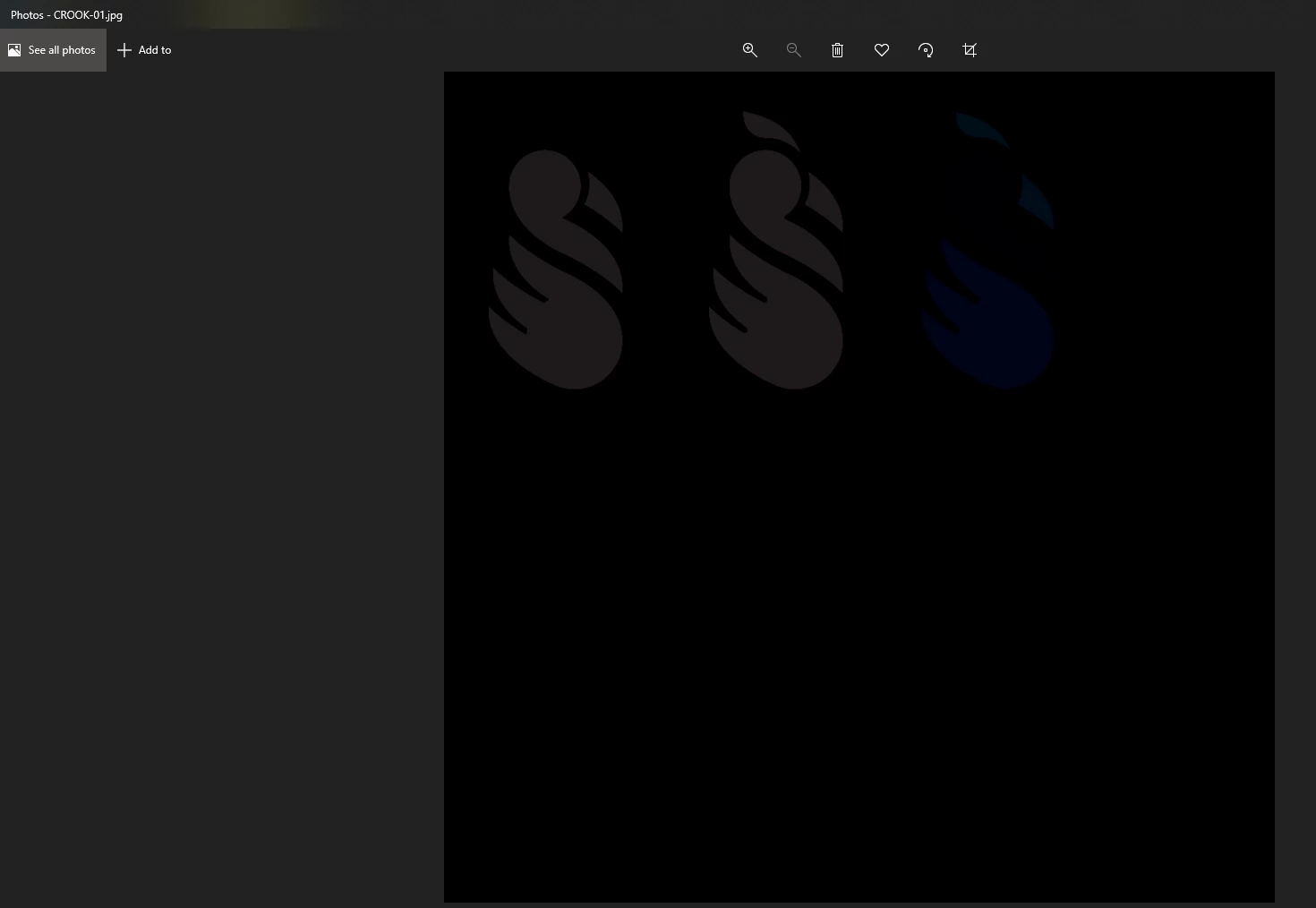
 AdChoices